
A small, but noteworthy update to GNOME desktop users. Showtime is the GNOME's new default video player! It replaces the current video player Totem (Videos) and offers simple, hassle-free video playback.
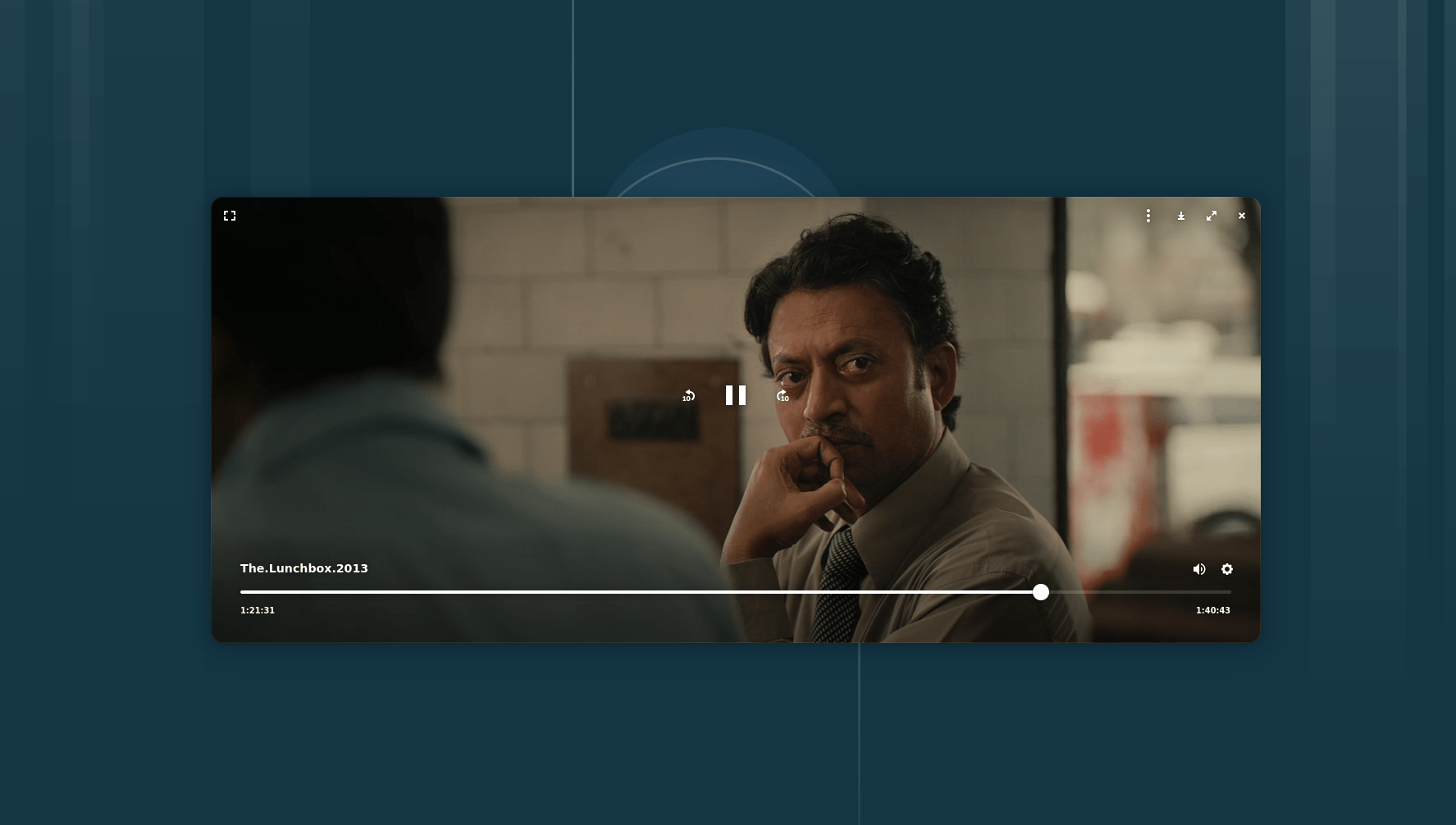
Showtime video player is designed to help you watch your favourite movies and videos without distraction. When you're watching, the controls fade away so they don't get in your way, letting you focus on what you're watching.
Showtime has all the important things you need for a good viewing experience. You can watch videos full screen, change how fast they play, pick different languages or subtitles if available, and even take screenshots of your favourite moments. It makes watching videos hassle-free.
Install Showtime in Linux
You don't have to wait to try Showtime! You can install it right now from Flathub, which is a place to get apps for Linux.
Make sure you have installed flatpak and enabled the flathub repository. Then run the following command to install Showtime in your Linux system:
flatpak install flathub org.gnome.Showtime
If you prefer to wait, it will automatically be included as part of GNOME 49 when that comes out.
What's New in Latest Showtime
Showtime app is always getting better. The latest version, 48.1, includes some nice changes.
For example, subtitles now look clearer on your screen because they render at the display’s native resolution.
They also moved the little circle that spins when the video is loading to the top right so it's less distracting. Plus, they fixed an issue where the options popover wouldn't go away after you picked a playback speed.
Showtime is opensource and available for free under the GNU General Public License v3.0 or later.
So, get ready for Showtime, the friendly new video player set to become the default in GNOME, stepping in for Totem. It promises a simple, clear way to enjoy your videos.
