
I've always loved digging into old software, and recently, I stumbled upon something interesting. CDE, the Common Desktop Environment, is coming to OpenBSD.
It's like stepping into a time machine back to the 90s, when UNIX computers were everywhere.
Table of Contents
What is CDE?
For those wondering, CDE is an old-school desktop for UNIX systems. It was super popular from 1993 to 1999. Big companies like Sun, HP, and IBM used it on their powerful UNIX machines.
It's kind of like the grandparents of today's desktop environments, such as KDE or Gnome.
CDE made sure all these different UNIX systems looked and felt the same, making life easier for people using them. It was later released under an Open Source licence by The Open Group.
It comes with all the basics you'd expect: a window manager to handle your open programs, a file manager to sort your files, and even a text editor, calculator, and email tool.
CDE is available for OpenBSD
Antoine Jacoutot, a openBSD developer, has been working on porting CDE to OpenBSD.
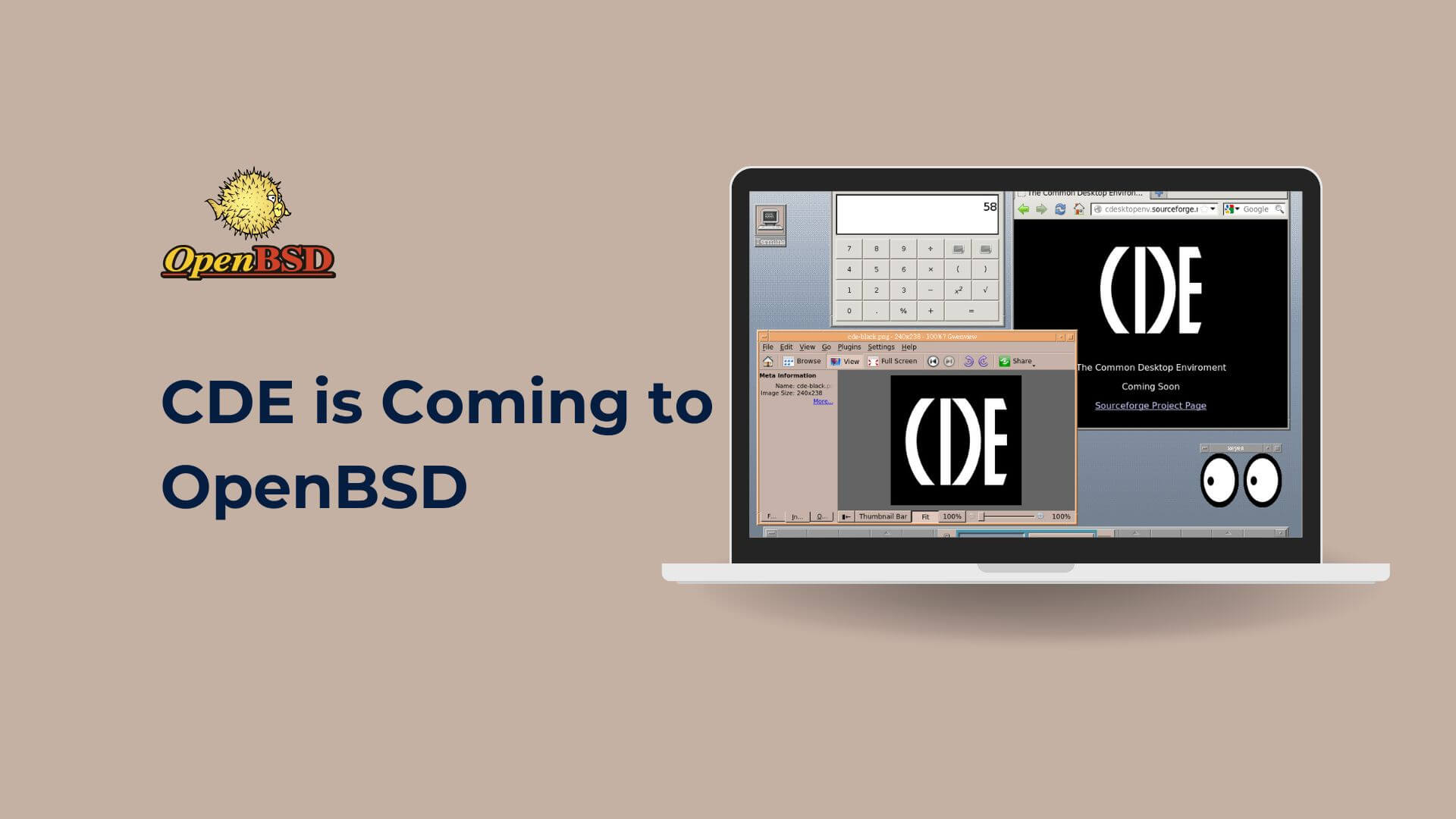
It's a fairly recent effort, with a first version introduced in July 2025.
Here are a few very important things to know:
- This version of CDE is still quite new and not fully tested on OpenBSD.
- CDE itself is old software. It has known security problems, and there are probably more hidden ones.
- Because of this, you should never connect CDE to the internet. In fact, it's a good rule for any desktop you use.
- Antoine, the person porting it, even says it's not meant to be your main desktop.
- You might also want to turn off some parts like
dtspcdandrpc.ttdbserverif you're not sure what they do.
So, why bother with it then? For me, it's all about nostalgia and exploring computer history. It's a fun project to play with and see how things used to be. It's a real blast from the past to experience this classic UNIX desktop!
Try CDE on OpenBSD
If you want to try it, remember there are no ready-to-install packages. You'll need to build it yourself from the source code. If you're a bit techy and love a challenge, it's going to be a rewarding experience!
Also, if you're keen to help out, the CDE team is always looking for help! You can test the software, fix bugs, or even help update the wiki pages.
You can get in touch with them through their Developer Mailing List or on IRC in #cde on Libera.
So, while CDE on OpenBSD isn't for everyday use, it's a fantastic way to reconnect with computing history and see how far we've come.
