
The LXQt team announced the release of LXQt 2.3.0! This new version continues to build on the desktop's modular design and powerful components. Furthermore, developers spent significant time improving support for the Wayland display server.
For those wondering, LXQt is a Lightweight Qt Desktop Environment. It promises speed and stability because it will not hang or slow down your system.
This desktop environment focuses on giving you a classic feel with a modern look.
What's New in LXQt 2.3.0?
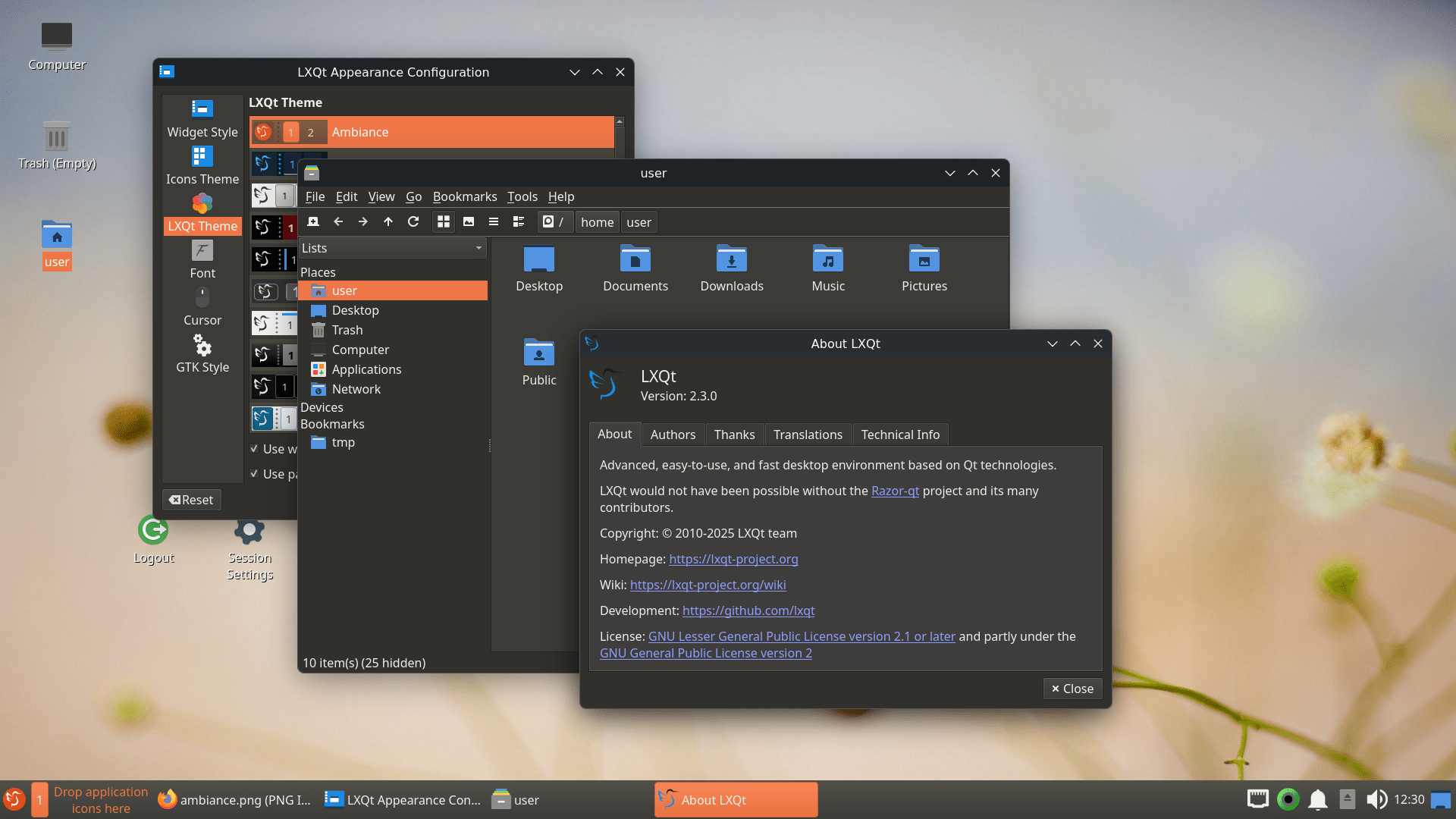
LXQt 2.3.0 gives users more power and flexibility. This release especially helps users who embrace modern Wayland compositors like Niri and Wayfire.
Let's see what's new in LXQt 2.3.0 release.
1. Better Support for Wayland
Wayland support gets better with every LXQt release. For example, the team added the important script lxqt-qdbus to lxqt-wayland-session. This new script acts as a wrapper, helping you use various qdbus commands easily with all Wayland compositors.
Moreover, the Power Management feature now includes a dedicated section for turning off the monitor on Wayland. This update currently supports popular compositors like KWin, Niri, and Hyprland.
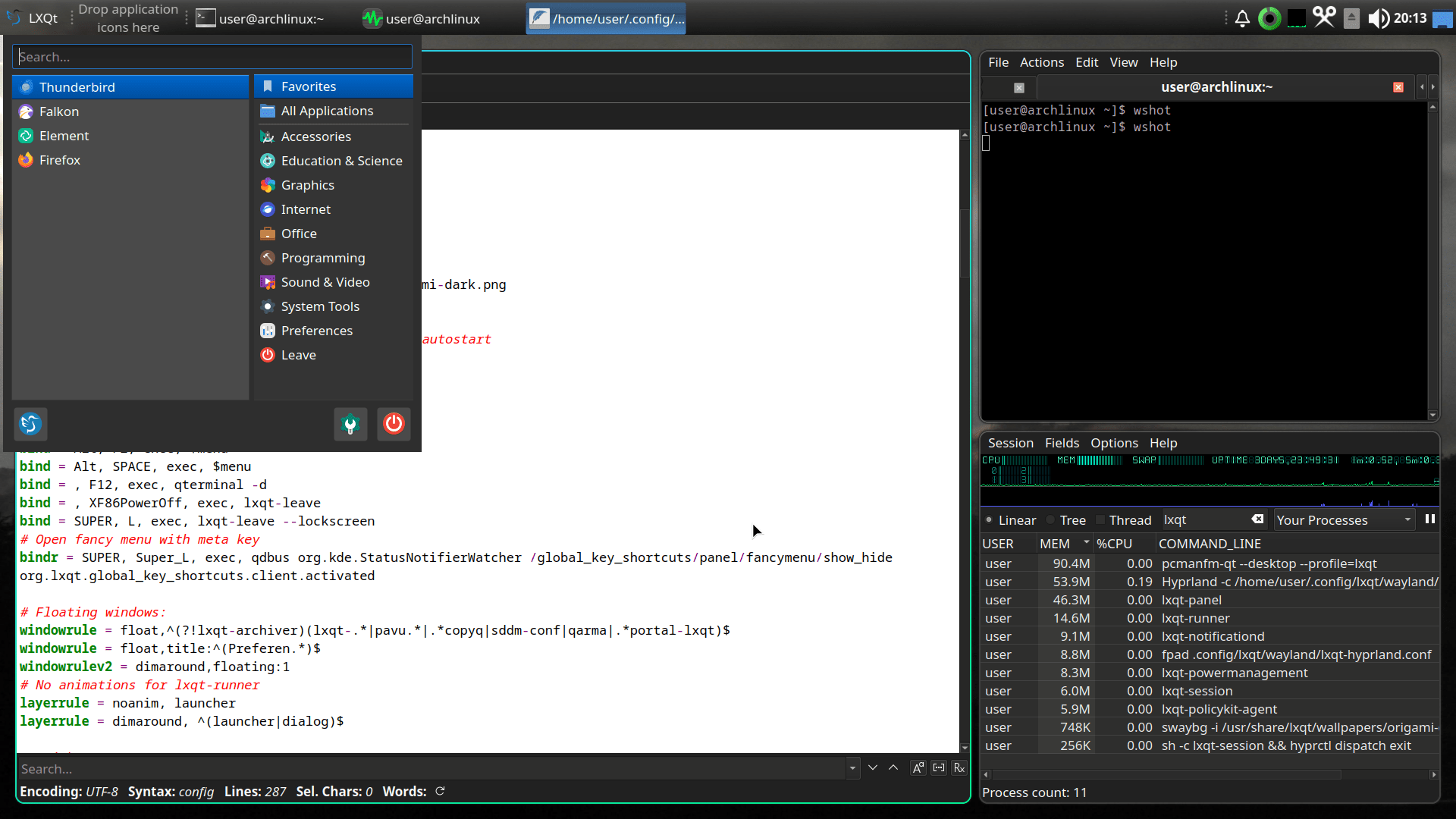
Please note that scaling works differently now. The setting of global scale factors is limited only to X11. Therefore, on Wayland, you must adjust scaling using the compositor itself or a specific tool like kanshi.
2. Panel Improvements
The LXQt Panel received several great enhancements in 2.3.0. Because of continued Wayland enhancement, the Desktop Switcher plugin now works with Wayland compositors that support the ext-workspaces-v1 protocol. This includes Labwc and Niri.
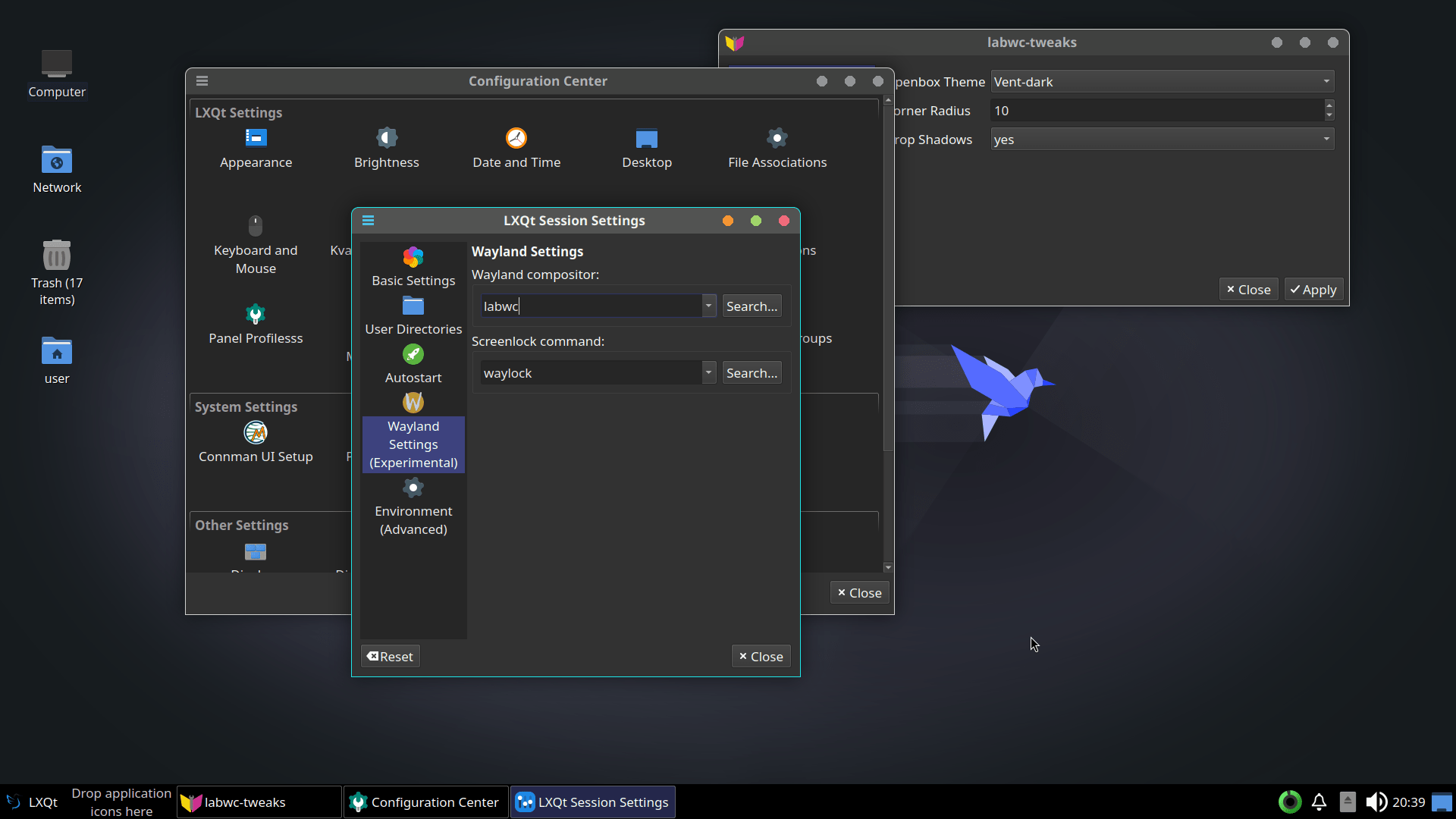
In addition, the team built an advanced backend based on IPC specifically for the Wayfire compositor. This update means Wayfire now ranks just behind KWin-Wayland regarding the number of panel actions it supports.
LXQt also makes common tasks simpler:
- You can now adjust the screen backlight by turning your mouse wheel over the backlight plugin button.
- The Show Desktop plugin instantly activates when you use drag-and-drop.
- Advanced users will enjoy the Custom Command plugin more, because it supports structured output and updates every time it receives new output.
3. Better Tools for Everyday Tasks
The core LXQt applications also received updates to help you manage your files and run commands:
3.1. PCManFM-Qt (File Manager)
PCManFM-Qt is the powerful file manager for LXQt. The new version, PCManFM-Qt 2.3.0, now adds the "Safely Remove" option to the side-pane context menu when necessary. You can also disable file tooltips on the desktop if they distract you.
3.2. QTerminal (Terminal Emulator)
QTerminal, the fast terminal emulator, now supports Emoji flags. The team also added "Toggle Bookmarks" to the view context menu. We also saw the release of QTerminal 2.3.0 alongside the desktop.
3.3. LXQt Archiver
This tool handles your compressed files. Now, the LXQt Archiver supports the LZ4 compression format. Furthermore, developers fixed issues regarding incorrect passwords when handling 7z archives.
Other components also received updates, including Qps (Process Viewer) 2.12.0 and Lximage-qt (Image Viewer) 2.3.0.
For more details, check out the LXQt 2.3.0 official release notes.
Explore the New Wiki
The LXQt project launched a brand-new Wiki with this release. This new site has better search functions and a much nicer look, although the old Wiki pages still exist. You can find it at lxqt-project.org/wiki/.
The old domain, lxqt.org, is also back and redirects to the current site.
Try LXQt 2.3.0
You can easily install LXQt 2.3.0 because major Linux and BSD distributions provide pre-compiled binary packages. For example, you can find LXQt available for popular operating systems like Arch Linux, Debian, Fedora, openSUSE, and Ubuntu.
If your distribution has not yet packaged the newest version, and you wish to use LXQt 2.3.0 right away, you may need to compile it from source by downloading the latest version from the LxQt GitHub releases page.
