
Table of Contents
Brief
- EmDash is a full-stack, open-source TypeScript CMS developed by Cloudflare.
- It takes the core strengths from WordPress and rebuilds them on a serverless, type-safe foundation using the Astro web framework and Cloudflare infrastructure.
- Unlike WordPress, which relies on a 20-year-old PHP architecture, EmDash is designed to run on modern globally distributed networks with zero unnecessary JavaScript overhead.
Introduction
WordPress powers over 40% of the internet. It helped millions of people share their ideas for over 20 years. But, the web has changed a lot since WordPress first started.
Today, many developers are started to use modern tools like Astro and Cloudflare to make sites faster and safer.
EmDash is a new, open-source tool for building websites. Think of it as a modern replacement for WordPress. It takes the best parts of the past and mixes them with the best tech of today.
What is EmDash?
EmDash is an open-source, TypeScript-based CMS built on the Astro framework and Cloudflare's serverless infrastructure.
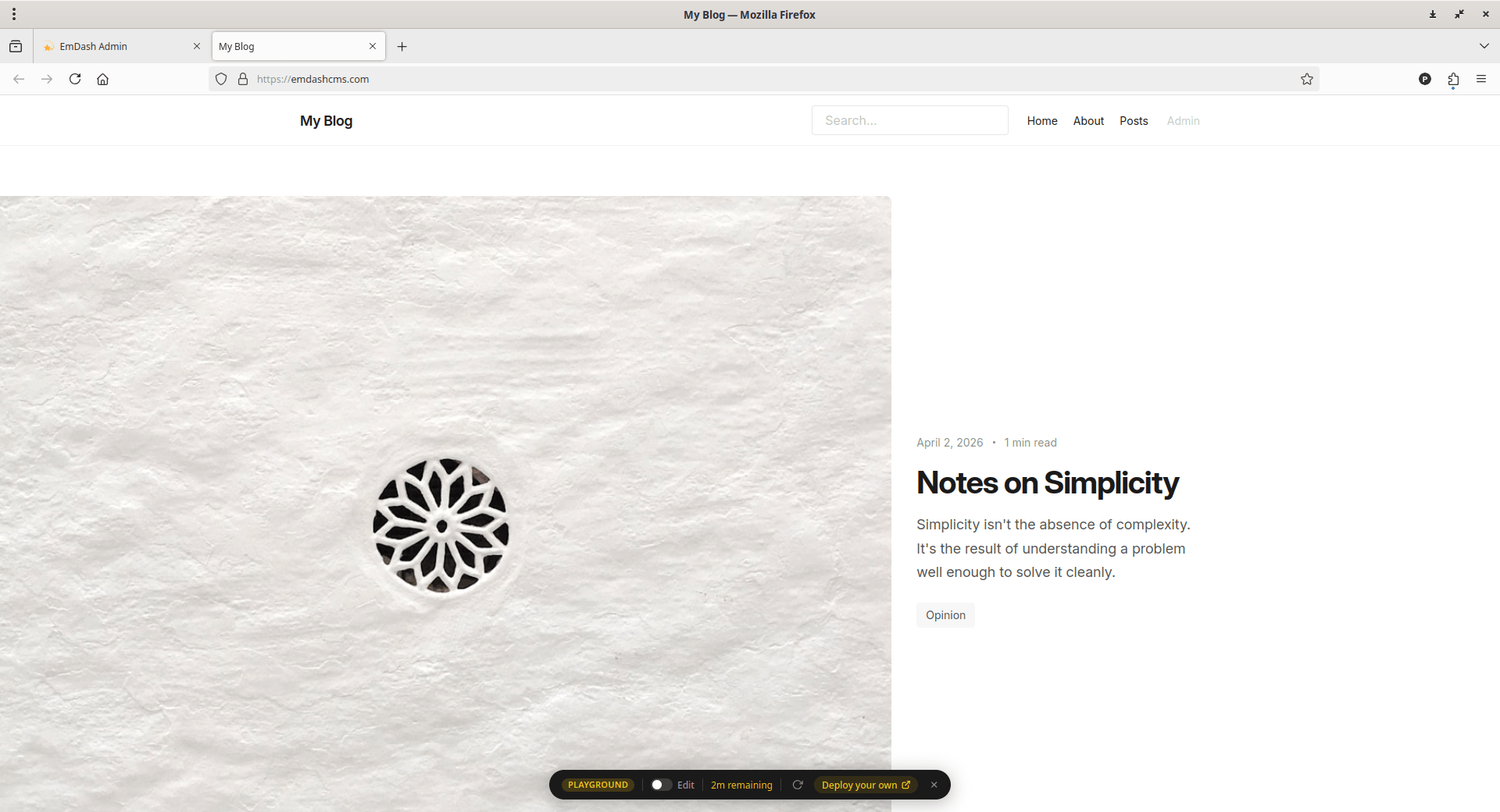
It is designed as a modern successor to WordPress, aiming to provide a familiar admin experience while completely rebuilding the underlying architecture to be faster, more secure, and AI-native.
The core innovation of EmDash lies in its sandboxed plugin architecture, which addresses the fact that 96% of WordPress security vulnerabilities stem from plugins having unrestricted access to the site's filesystem and database.
By running plugins in isolated "Dynamic Worker" sandboxes with strictly declared capabilities (e.g., only allowing a plugin to send emails but not read the entire database), EmDash eliminates the fundamental security risks of traditional monolithic CMS platforms.
EmDash features built-in support for x402, an open standard for Internet-native, pay-per-use payments. This allows site owners to charge for access to specific content on-demand, often targeting AI agents, by using a simple HTTP "402 Payment Required" status code, bypassing the need for traditional subscription models or complex engineering.
Why Cloudflare Built EmDash CMS
WordPress is almost 24 years old. While it is a great tool, it has some big problems. Cloudflare developed EmDash to mainly address these issues from the ground up.
1. Fixing the Security Mess
Security is the most important feature of EmDash.
Most security holes on WordPress sites come from plugins. This happens because plugins can see every file and your entire database.
One bad plugin can ruin your whole site. EmDash solves this with something called sandboxing.
Each plugin in EmDash runs in its own tiny, locked room. Before you install a plugin, it must tell you exactly what it needs to do.
If a plugin only needs to send emails, it cannot look at your user list or change your files. This keeps your site safe even if a plugin has a bug.
2. Built for Incredible Speed
Speed matters because fast sites keep visitors happy. Older WP sites often run slowly because they use heavy code.
Since EmDash uses the Astro framework, it is built for speed.
Astro works by sending simple HTML to your browser instead of a lot of heavy JavaScript. It only adds interactive code when you really need it. Because of this, sites built with Astro are often much faster than those built with WordPress.
Also, EmDash uses serverless technology. This means your site only runs when someone visits it, which saves power and money.
3. Performance and Core Web Vitals
WordPress sites often struggle with performance, with only 48% passing Core Web Vitals compared to 66% for Astro-powered sites.
EmDash leverages Astro's "Islands" architecture to ship zero JavaScript by default.
4. Ready for the AI Era
We are currently living in a world where AI agents browse the web. EmDash is the first CMS built for this new world.
It includes built-in Model Context Protocol (MCP) servers and "Agent Skills". This allows AI tools like Claude or ChatGPT to build new features, move your old content over, or manage your site automatically.
5. Monetise Your Work
EmDash helps you make money from your work. It has a built-in feature called x402. This allows you to charge a small fee when an AI agent or a person wants to read your content. You do not even need to set up a complex subscription system.
EmDash CLI
WordPress has Wp-cli to manage WordPress instances via command line. Similarly, EmDash has its own CLI.
EmDash CLI is a command-line interface for EmDash CMS, specifically designed to allow both developers and AI agents to interact programmatically with local or remote instances.
It serves as a bridge between the visual Admin UI and a terminal-based workflow, enabling you to upload media, search for content, and manage schemas directly from the command line.
Beyond these management tasks, the CLI handles several essential development steps:
- Scaffolding: You can create a new site locally in seconds by running
npm create emdash@latest. - Type Generation: It ensures your project remains type-safe by allowing you to run
npx emdash types, which generates TypeScript types directly from your live database schema. - Development & Testing: The CLI is used within the project's repository to seed databases, run development servers, and perform linting or formatting checks.
This programmatic accessibility is a core part of why EmDash is considered "AI-native".
By providing a CLI that mirrors the capabilities of the Admin UI, the EmDash allows AI agents to manage a site's infrastructure and content just as easily as a human developer.
How to Get Started with EmDash CMS
If you know how to build a basic website, you can use EmDash right away.
EmDash offers two primary ways for you to explore its features through a demo or playground environment.
1. The EmDash Playground
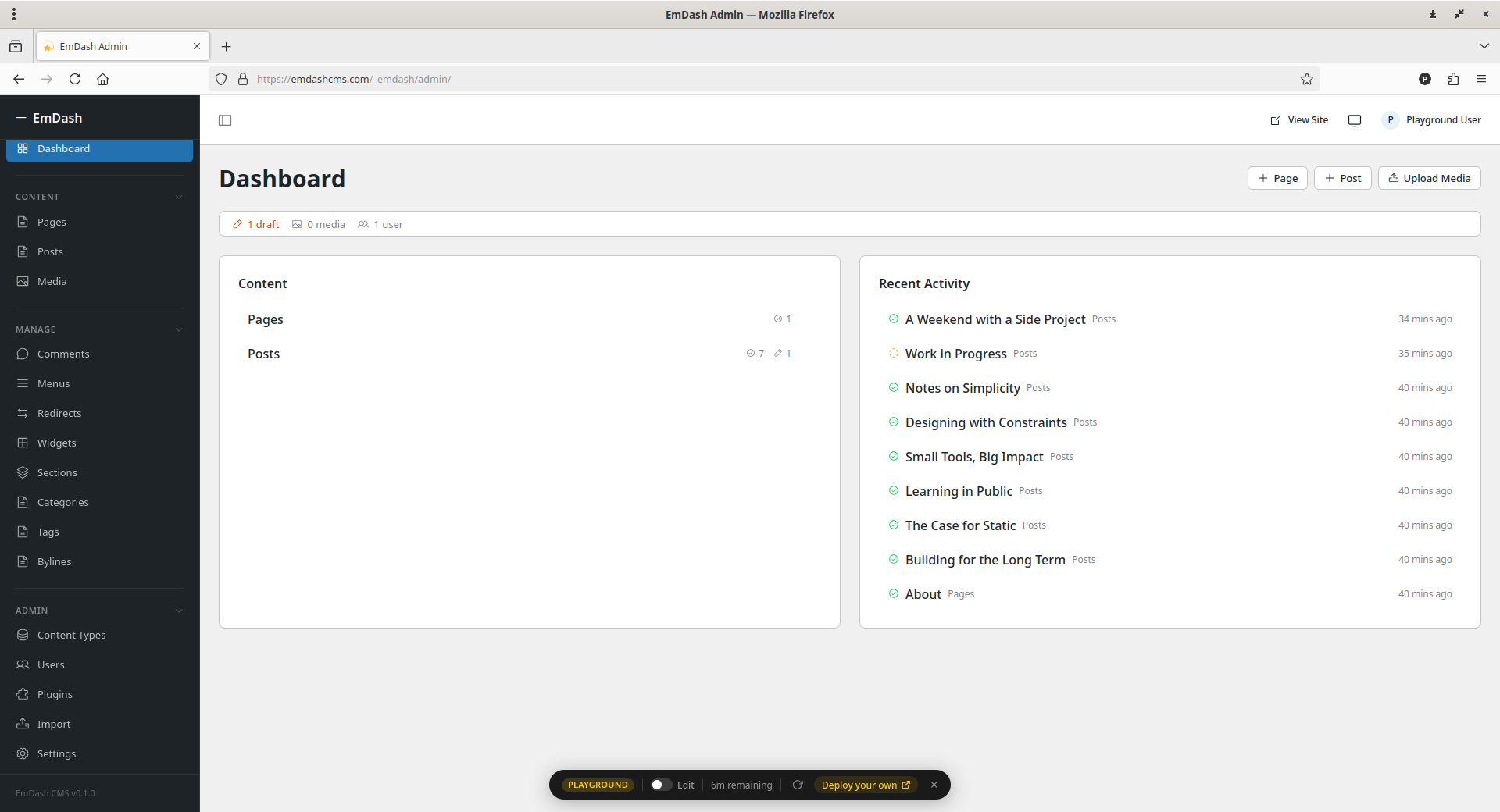
You can try out the admin interface directly online through the EmDash Playground. This is the best option if you want to understand what is possible and explore the user interface without setting anything up locally.
EmDash comes with simple templates for blogs, portfolios, and marketing pages. These templates include built-in features like category tagging, full-text search, and contact forms, allowing you to see how a live site is structured.
You can even move your old WordPress site over in just a few minutes. EmDash has a tool that imports your posts, images, and categories. Because it uses modern code, you can easily change how your site looks using simple Astro components.
Screenshots:
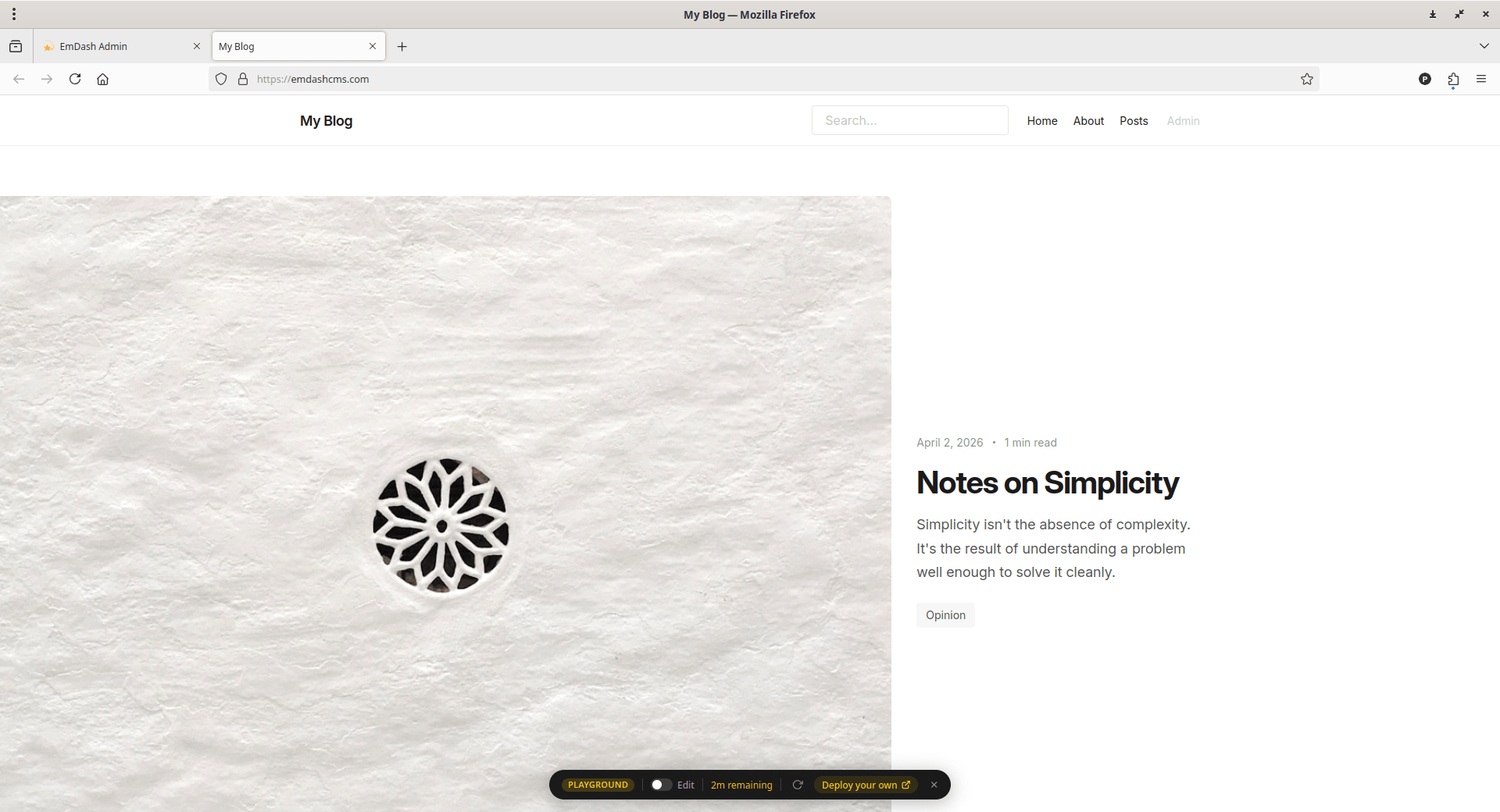
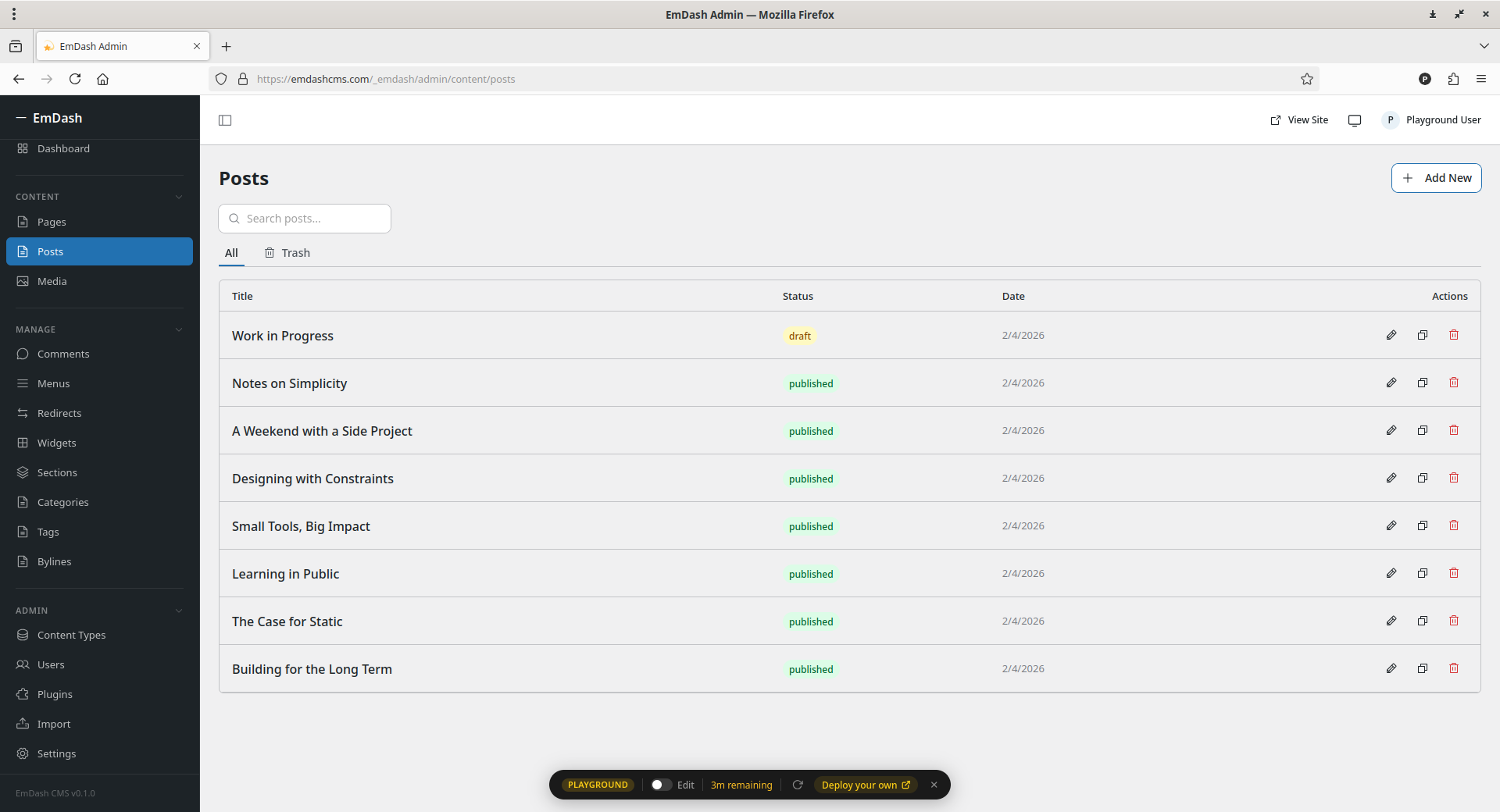
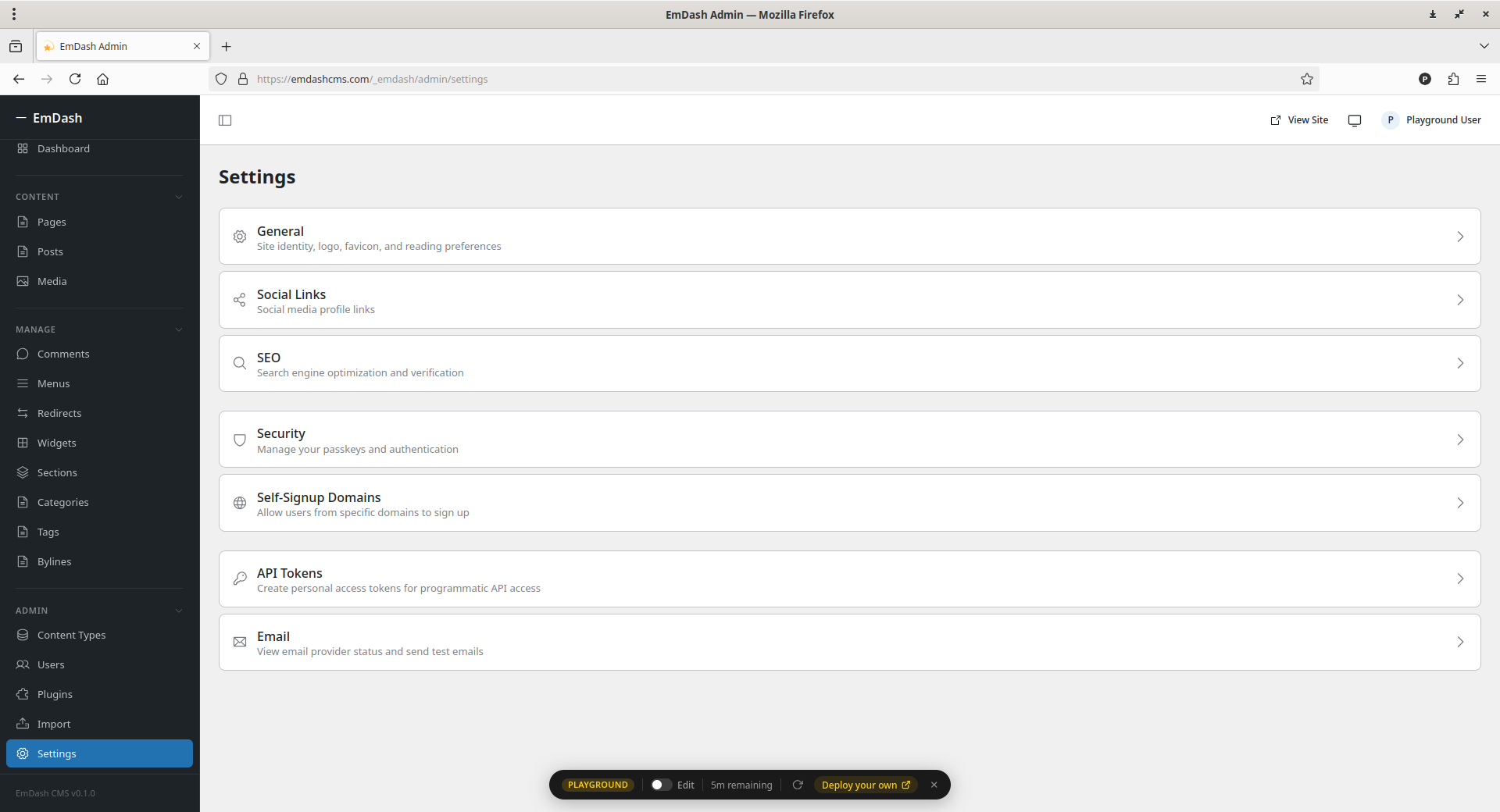
Here's are some screenshots of EmDash CMS. Click on each image to enlarge.
2. Local Demo via CLI
If you prefer to run a demo on your own machine, the source code includes a dedicated demos directory containing development and example sites.
You can launch a local demo using Node.js and SQLite—which does not require a Cloudflare account—by running the following commands in your terminal:
To populate initial data, run:
pnpm --filter emdash-demo seed
To start the development server:
pnpm --filter emdash-demo dev
Once running, you can access the admin panel at http://localhost:4321/_emdash/admin.
EmDash is currently in a "beta" stage. Explore all features thoroughly before starting to use it in production.
For more details, refer the official announcement and EmDash GitHub Repository.
