
Installing Kiwix is only the first step. The next and often more important decision is choosing what to download. With thousands of ZIM files available through the Kiwix library, it's easy to feel overwhelmed.
While many people begin with Wikipedia, Kiwix offers much more than an offline encyclopedia. You can build a personal library containing programming documentation, educational textbooks, travel guides, repair manuals, public-domain books, health references, and many other valuable resources.
The challenge isn't finding content. It's choosing the resources that best match your interests, storage capacity, and learning goals. Downloading everything is neither practical nor necessary. A thoughtfully curated offline library is often more useful than a massive collection you'll rarely use.
This guide helps you make those decisions with confidence. Rather than listing every ZIM file available, it focuses on some of the most valuable and widely useful resources across different categories.
Each recommendation explains what the resource contains, who it is best suited for, and the situations where it provides the greatest value. Along the way, you'll also learn about storage considerations, language availability, update frequency, and practical ways to combine resources into purpose-built offline libraries.
Whether you're a student, developer, educator, traveler, researcher, or simply someone who wants reliable access to knowledge without depending on an Internet connection, this guide will help you build an offline library that fits your needs.
Before exploring the recommendations, it's worth understanding a few simple principles that make choosing offline resources much easier.
Table of Contents
How to Choose Offline Resources
One of the biggest advantages of Kiwix is the sheer variety of knowledge it makes available offline. However, that variety also makes it tempting to download everything at once. In practice, a smaller, carefully selected library is usually more useful than a large collection filled with resources you'll rarely open.
Before downloading your first ZIM files, take a few minutes to think about how you plan to use your offline library. The following principles will help you choose resources that match your needs and make the most of your available storage.
1. Start with Your Goals
The best offline library depends on what you want to accomplish.
A student may benefit most from educational textbooks, science resources, and a general encyclopedia. A developer is likely to prioritize programming documentation and technical references. Travelers may prefer offline travel guides and dictionaries, while families might focus on children's educational content and digital books.
Choosing resources based on your goals creates a library that remains useful long after the initial excitement of downloading content has passed.
2. Consider Your Storage Requirement
Storage space is one of the most important practical considerations. Some collections occupy only a few hundred megabytes, while others require tens or even hundreds of gigabytes.
If you're just getting started, begin with a small collection of resources that you'll use regularly. As your interests grow and additional storage becomes available, you can gradually expand your library.
This approach is easier to manage than downloading large collections that may never be used.
3. Check Availability and Language Options
Many resources are available in multiple languages or different editions, while others may only be offered in English. Before downloading a large collection, verify that the language and edition match your needs.
For example, some resources provide lightweight text-focused editions alongside larger editions that include images or other media. Selecting the right edition can significantly reduce storage requirements without sacrificing the information that's most important to you.
4. Understand Update Status
Not every offline resource changes at the same pace. General knowledge resources and technical documentation are updated regularly to reflect new information. In contrast, collections of classic literature or historical documents remain largely unchanged because their content is already complete.
Neither approach is better than the other. Understanding how often a resource changes simply helps you decide whether you'll want to update it regularly or keep it as a long-term reference.
5. Build a Library, Not a Collection
The goal isn't to download the largest number of ZIM files. The goal is to build a personal knowledge library that supports your interests, education, work, or everyday life.
Start with the resources you'll use most often. As your needs evolve, you can always add new collections to expand your library. A thoughtfully curated offline library is easier to maintain, easier to navigate, and far more valuable than a collection of resources that remain unopened.
With these principles in mind, let's explore some of the most valuable offline knowledge resources available through Kiwix and discover which ones deserve a place in your library.
General Knowledge and Reference Resources
Every offline library benefits from a strong foundation. The resources in this section provide broad knowledge and reliable reference material that remain useful across education, work, travel, and everyday life.
For most readers, these are an excellent place to begin before expanding into more specialized collections.
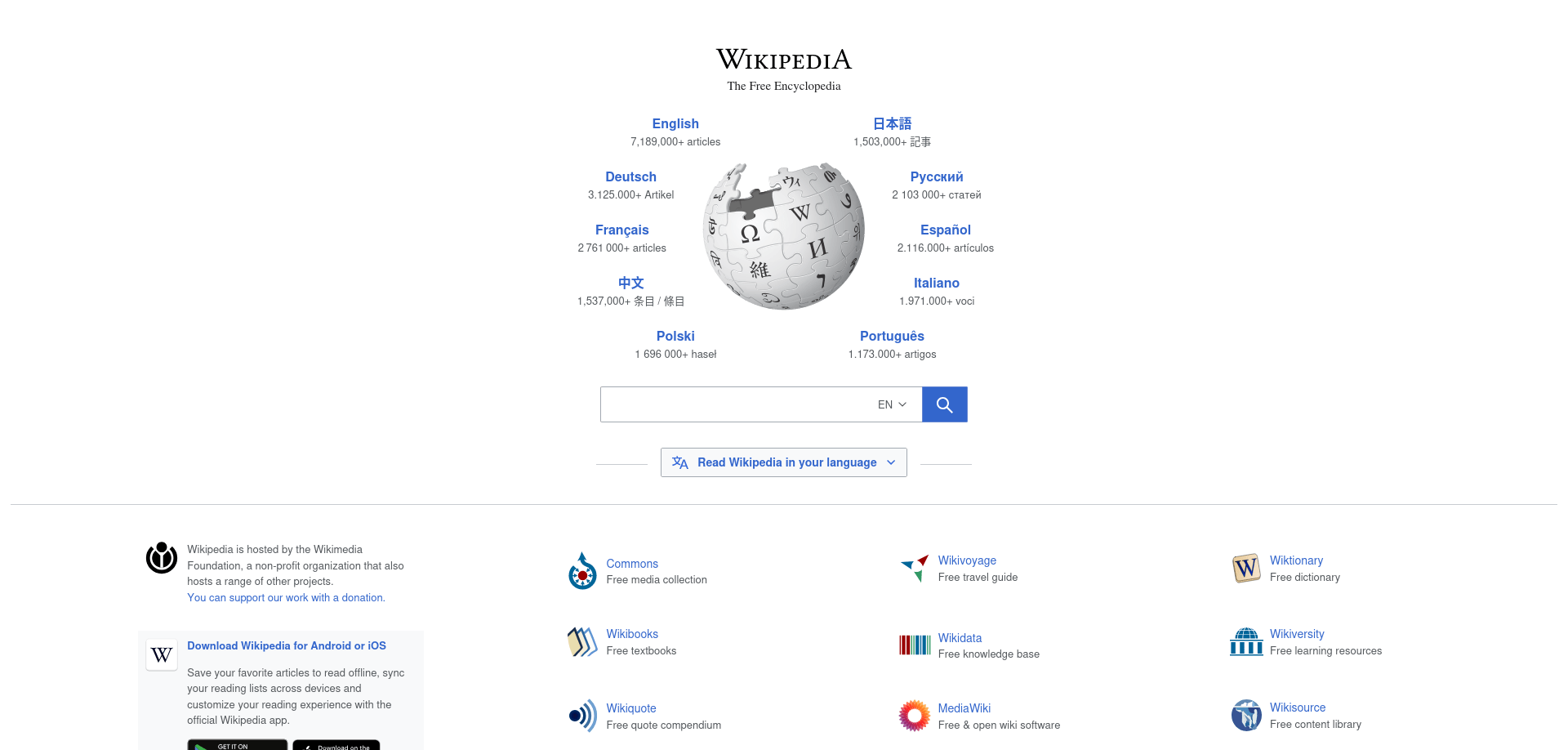
1. Wikipedia
TL;DR
Wikipedia is a comprehensive general-purpose encyclopedia that provides offline access to knowledge across millions of topics.
Key Insight
Wikipedia forms the foundation of many offline libraries because it brings together knowledge from a wide range of subjects in a single collection. Whether you need background information, historical context, scientific concepts, or general reference material, it provides a reliable starting point for further learning.
Worth Knowing
If you're new to Kiwix or have limited storage, the NoPic edition is often an excellent starting point because it contains complete articles while using significantly less storage than the Maxi edition. Choose Mini only if you need the smallest possible download and are comfortable reading article summaries rather than full entries.
Best For
- Students
- Teachers
- Researchers
- Lifelong learners
- Anyone building a general-purpose offline library
Ideal Use Cases
- Looking up unfamiliar topics
- Offline study and research
- Quick fact-checking
- General reference
- Everyday learning
Content Type
General encyclopedia
Availability & Editions
- Available in many languages
- Available in Mini, NoPic, and Maxi editions
- Available editions may vary depending on the language
Storage Requirement
- Medium (Mini)
- Large (NoPic)
- Very Large (Maxi)
Update Status
Frequently updated.
Download
From the kiwix library window, search for wikipedia and download the ZIM files of your choice.
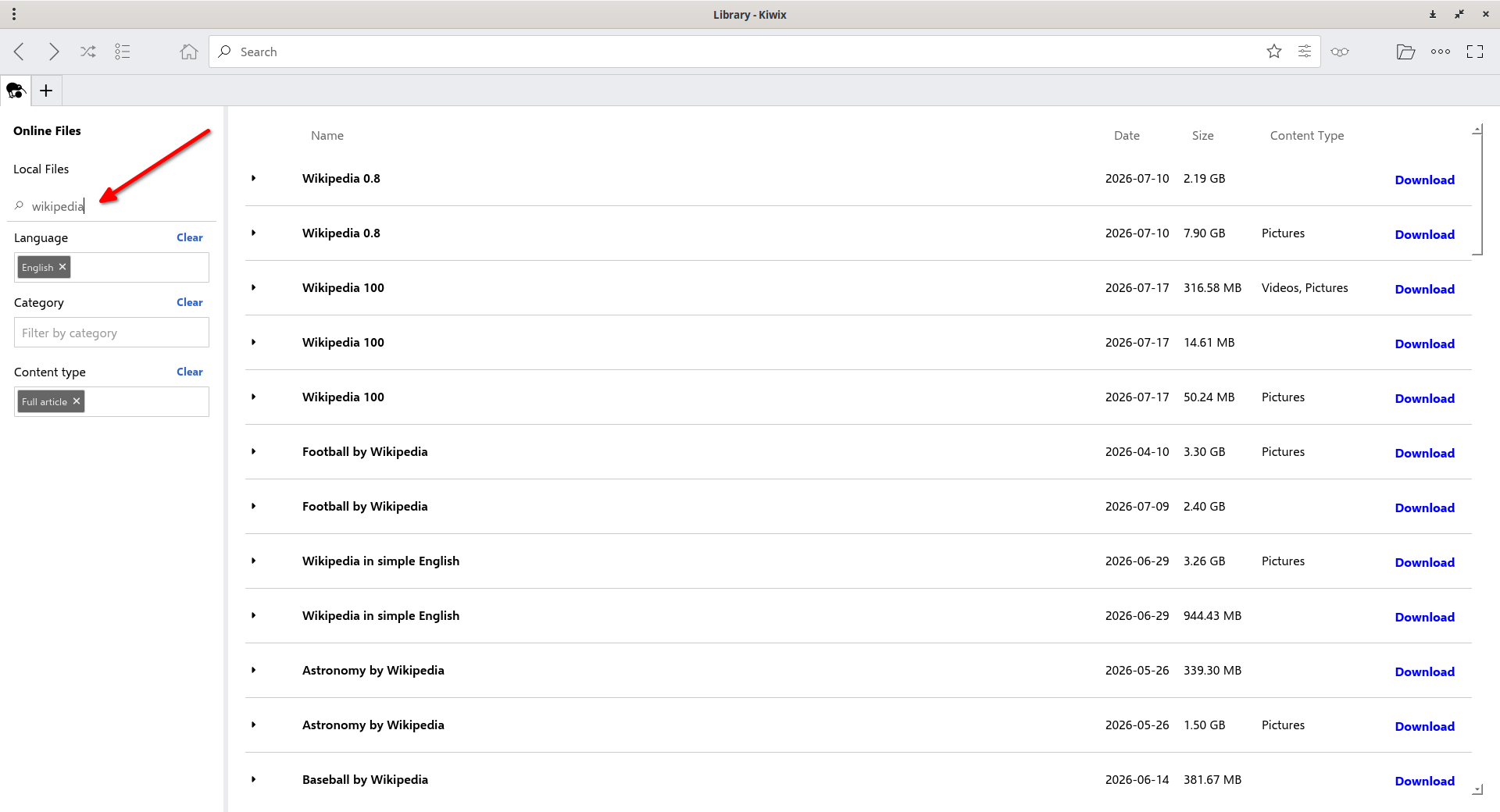
Once downloaded, you can browse the Wikiepdia offline as the way you do in online.
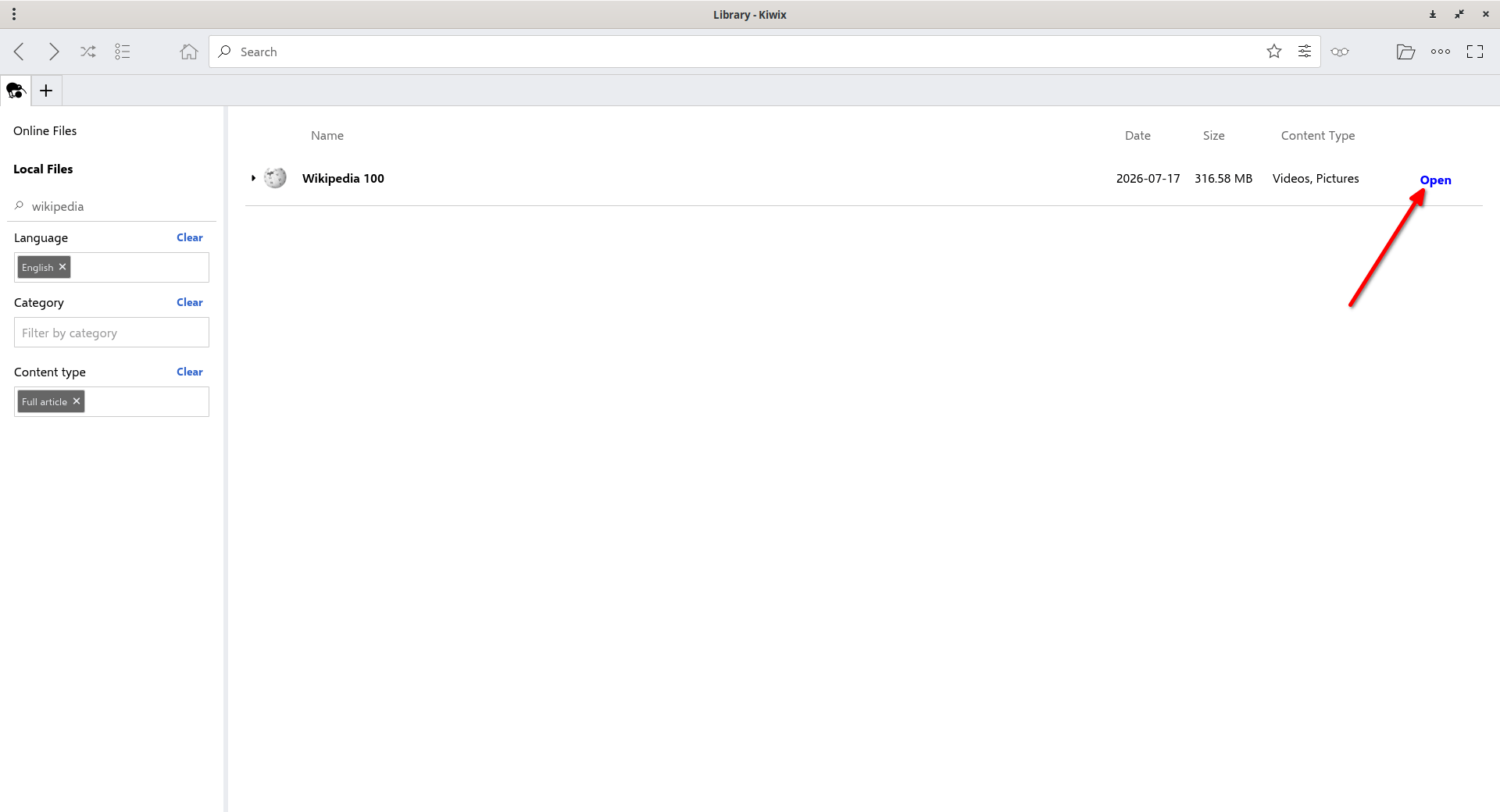
You can view the downloaded ZIM files in the Local Files section on the left. To open a ZIM file, simply click Open.
That's it. Start reading a Wikipedia article!
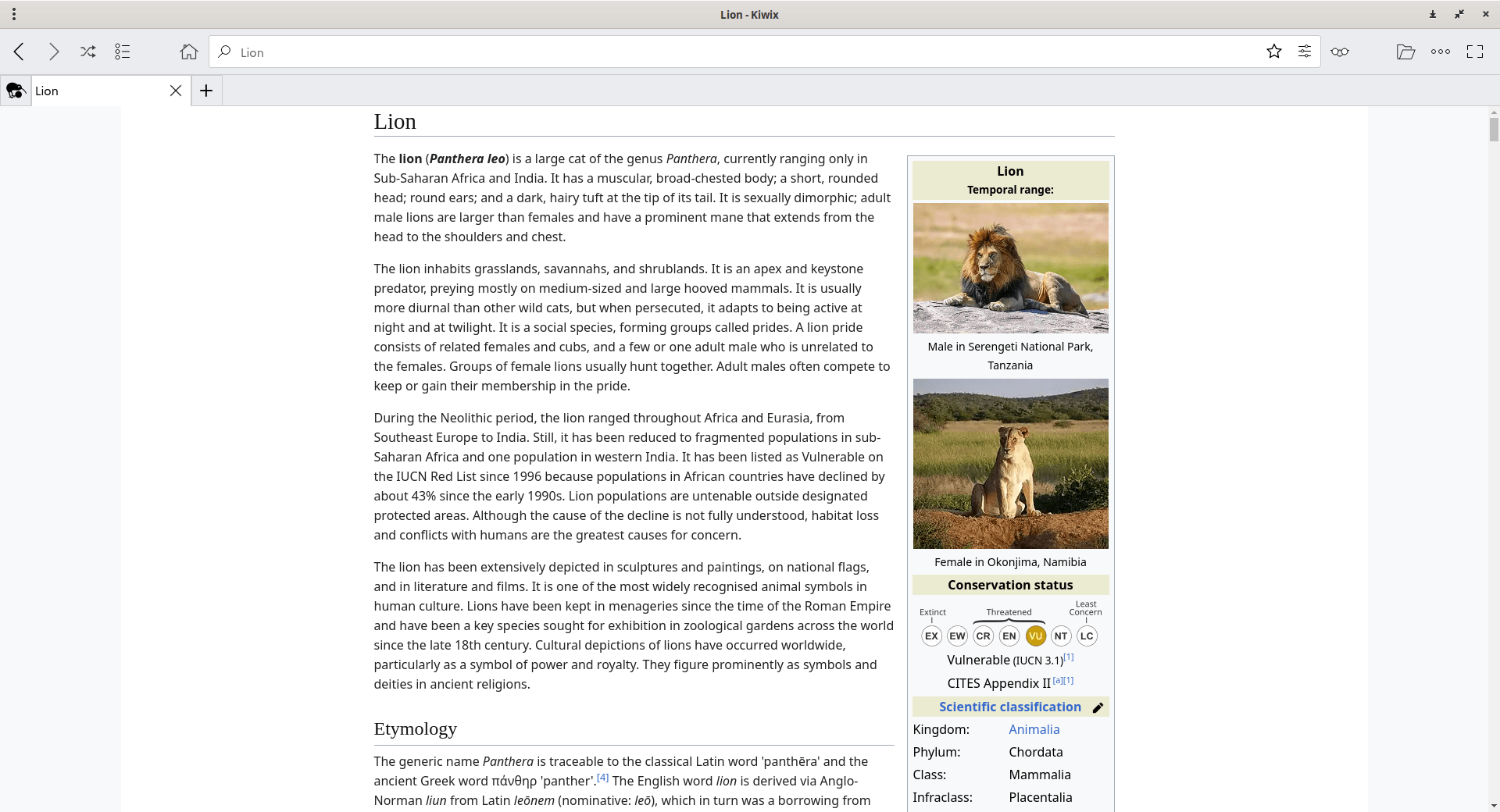
Wikipedia provides a strong foundation for most offline libraries. Once you have a reliable general reference, you can expand your collection with more specialized resources such as dictionaries, programming documentation, textbooks, travel guides, or health references that match your interests.
2. Wiktionary
TL;DR
Wiktionary is a multilingual dictionary and language reference that provides offline access to definitions, pronunciations, translations, and word origins.
Key Insight
Unlike Wikipedia, which explains topics and concepts, Wiktionary focuses on the meaning and usage of individual words. It is equally useful for looking up unfamiliar vocabulary, understanding technical terms, and exploring words across multiple languages.
Worth Knowing
Many entries include pronunciation, etymology, grammatical information, translations, usage notes, synonyms, or related terms, although the exact content varies by language and individual entry.
Best For
- Students
- Writers
- Translators
- Language learners
- Readers working with multilingual content
Ideal Use Cases
- Looking up unfamiliar words
- Understanding technical terminology
- Learning new vocabulary
- Reading books or articles offline
- Supporting language study
Content Type
Dictionary and language reference
Availability & Editions
- Available in numerous language editions
- Each language edition is maintained independently and may differ in coverage and content
- Choose the edition that matches the language you work with most often
Storage Requirement
- Small to Medium (depending on the language edition)
Update Status
Frequently updated
Download
From the kiwix library window, search for the available Wiktionary ZIM files and download the ZIM files of your choice.
Wiktionary complements Wikipedia by helping you understand the language used to describe a topic. Using both resources together gives you access to general knowledge as well as detailed information about the words and terminology that appear within it.
3. Wikibooks
TL;DR
Wikibooks is a collection of free textbooks and manuals that supports structured offline learning across a wide range of subjects.
Key Insight
Unlike Wikipedia, which is designed for quick reference, Wikibooks organizes information into complete textbooks that guide readers through a subject step by step. This makes it well suited for learning rather than simply looking up information.
Worth Knowing
The depth and completeness of Wikibooks vary by subject. Some books are comprehensive enough for self-study, while others provide introductory coverage or remain works in progress. Reviewing a book's table of contents can help you determine whether it meets your learning needs.
Best For
- Students
- Self-learners
- Teachers
- Homeschooling families
- Anyone studying a new subject independently
Ideal Use Cases
- Learning a new subject from the beginning
- Reviewing core concepts
- Classroom and home education
- Offline study and revision
- Supplementing other learning resources
Content Type
Educational textbooks and manuals
Availability & Editions
- Available in multiple language editions
- Each language edition is maintained independently
- Subject coverage varies between language editions
Storage Requirement
- Small to Medium (depending on the language edition)
Update Status
Actively maintained
Download
From the kiwix library window, search for the available Wikibooks ZIM files and download the ZIM files of your choice.
Wikibooks complements Wikipedia by providing structured learning instead of topic-based reference. After building a foundation through a textbook, readers can turn to Wikipedia for broader background information or continue to Wikisource to explore original historical documents, classic literature, and other primary sources.
4. Wikisource
TL;DR
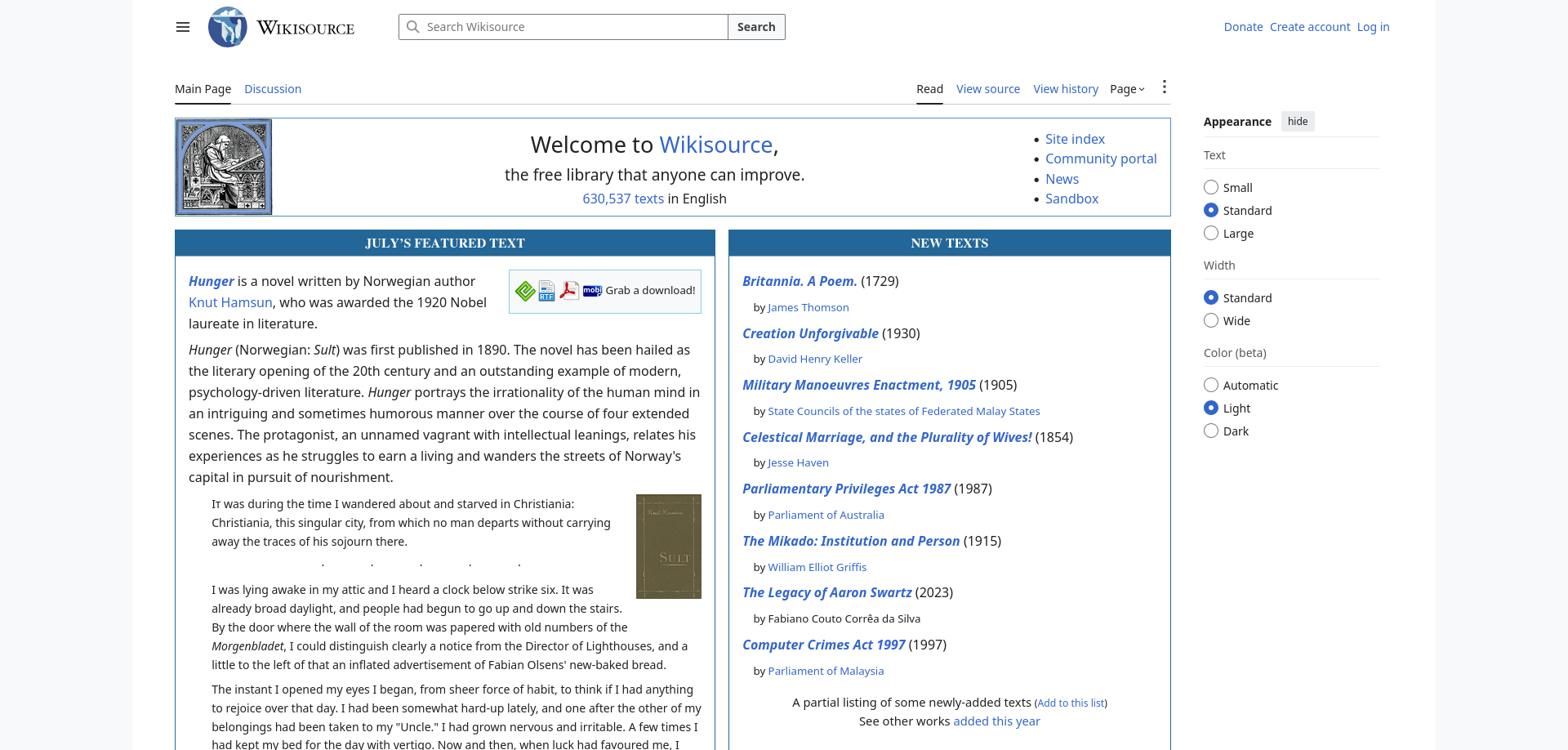
Wikisource is a digital library of original source texts for offline reading, research, and reference.
Key Insight
Unlike Wikibooks, which teaches through structured textbooks, Wikisource preserves original works in their original context. This makes it valuable for readers who want to study primary sources rather than summaries or interpretations.
Worth Knowing
Wikisource preserves previously published source texts rather than modern interpretations or summaries. Its collections include classic literature, historical documents, speeches, poetry, letters, legal texts, and other freely licensed or public-domain works. Available content varies by language edition.
Best For
- Students
- Researchers
- Historians
- Literature enthusiasts
- Readers interested in primary sources
Ideal Use Cases
- Reading classic literature
- Studying historical documents
- Academic research
- Accessing original speeches and public documents
- Offline reading and reference
Content Type
Primary source texts and public-domain literature
Availability & Editions
- Available in multiple language editions
- Each language edition is maintained independently
- Collections and subject coverage vary between language editions
Storage Requirement
- Small to Medium (depending on the language edition)
Update Status
Actively maintained
Download
From the kiwix library window, search for the available Wikisource ZIM files and download the ZIM files of your choice.
Wikisource complements Wikibooks by providing access to original source material rather than instructional content. Together, they support both structured learning and primary-source research. Readers looking for practical information for everyday journeys can continue with Wikivoyage, which focuses on offline travel guidance.
5. Wikivoyage
TL;DR
Wikivoyage is a community-maintained travel guide that provides practical offline information for planning trips and exploring destinations around the world.
Key Insight
Unlike traditional encyclopedias, Wikivoyage focuses on practical travel information rather than historical or encyclopedic details. Its guides are designed to help travelers prepare for and navigate real destinations, even without Internet access.
Worth Knowing
Many destination guides include transportation, attractions, accommodation, dining, safety information, itineraries, phrasebooks, and travel tips. Because travel information changes over time, updating your Wikivoyage collection before a trip helps ensure you have the latest available guidance.
Best For
- Travelers
- Backpackers
- Digital nomads
- Families on vacation
- Anyone preparing for offline travel
Ideal Use Cases
- Planning a trip
- Exploring destinations offline
- Finding local points of interest
- Understanding local customs
- Accessing travel information without an Internet connection
Content Type
Travel guides
Availability & Editions
- Available in multiple language editions
- Each language edition is maintained independently
- Destination coverage and article depth vary between language editions
Storage Requirement
- Small to Medium (depending on the language edition)
Update Status
Actively maintained
Download
From the kiwix library window, search for the available Wikivoyage ZIM files and download the ZIM files of your choice.
Together with Wikipedia, Wiktionary, Wikibooks, and Wikisource, Wikivoyage helps create a well-rounded offline knowledge library that supports general knowledge, language learning, structured education, primary-source research, and practical travel information.
Programming & Technical Resources
General reference resources provide a strong foundation for learning, but many readers also need specialized technical information. The resources in this section focus on software development, Linux administration, and technical troubleshooting. Together, they help developers, students, and IT professionals build an offline technical reference library for work, study, and problem-solving.
6. DevDocs
TL;DR
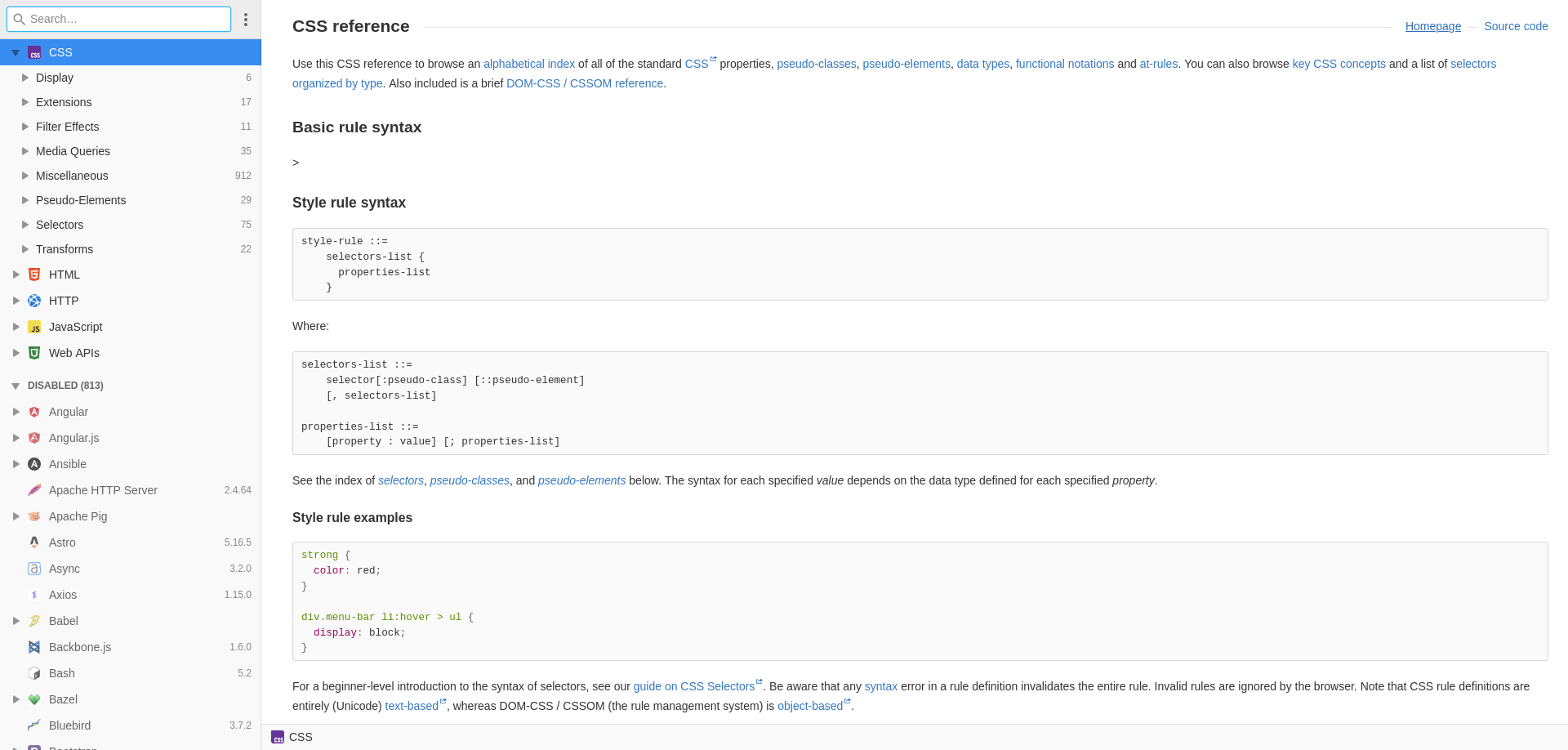
DevDocs is a collection of offline technical documentation that provides searchable references for programming languages, frameworks, libraries, and developer tools.
Key Insight
Unlike tutorials or textbooks, DevDocs is designed for quick reference while you work. Instead of teaching programming from the beginning, it helps you find syntax, APIs, functions, methods, and configuration details without interrupting your workflow.
Worth Knowing
DevDocs content is distributed as individual documentation collections rather than a single all-in-one download. This lets you download only the languages, frameworks, or tools you actually use, helping reduce storage requirements while keeping your offline reference library focused.
Best For
- Software developers
- Web developers
- Computer science students
- System administrators
- Technical professionals
Ideal Use Cases
- Looking up API documentation
- Checking language syntax
- Reviewing framework documentation
- Offline software development
- Quick technical reference
Content Type
Programming language, framework, library, and API documentation
Availability & Editions
- Available as individual documentation collections for numerous programming languages, frameworks, libraries, and developer tools
- Collections are updated independently
- Available documentation changes as supported projects evolve
Storage Requirement
- Small to Medium (depends on the documentation collections you choose)
Update Status
Actively maintained
Download
From the kiwix library window, search for the available DevDocs ZIM files and download the ZIM files of your choice.
DevDocs complements learning platforms by serving as a technical reference during development. Once you understand a concept, it helps you quickly locate implementation details while writing code. Readers working extensively with Linux systems may also benefit from ArchWiki, which focuses on practical system administration and configuration.
7. ArchWiki
TL;DR
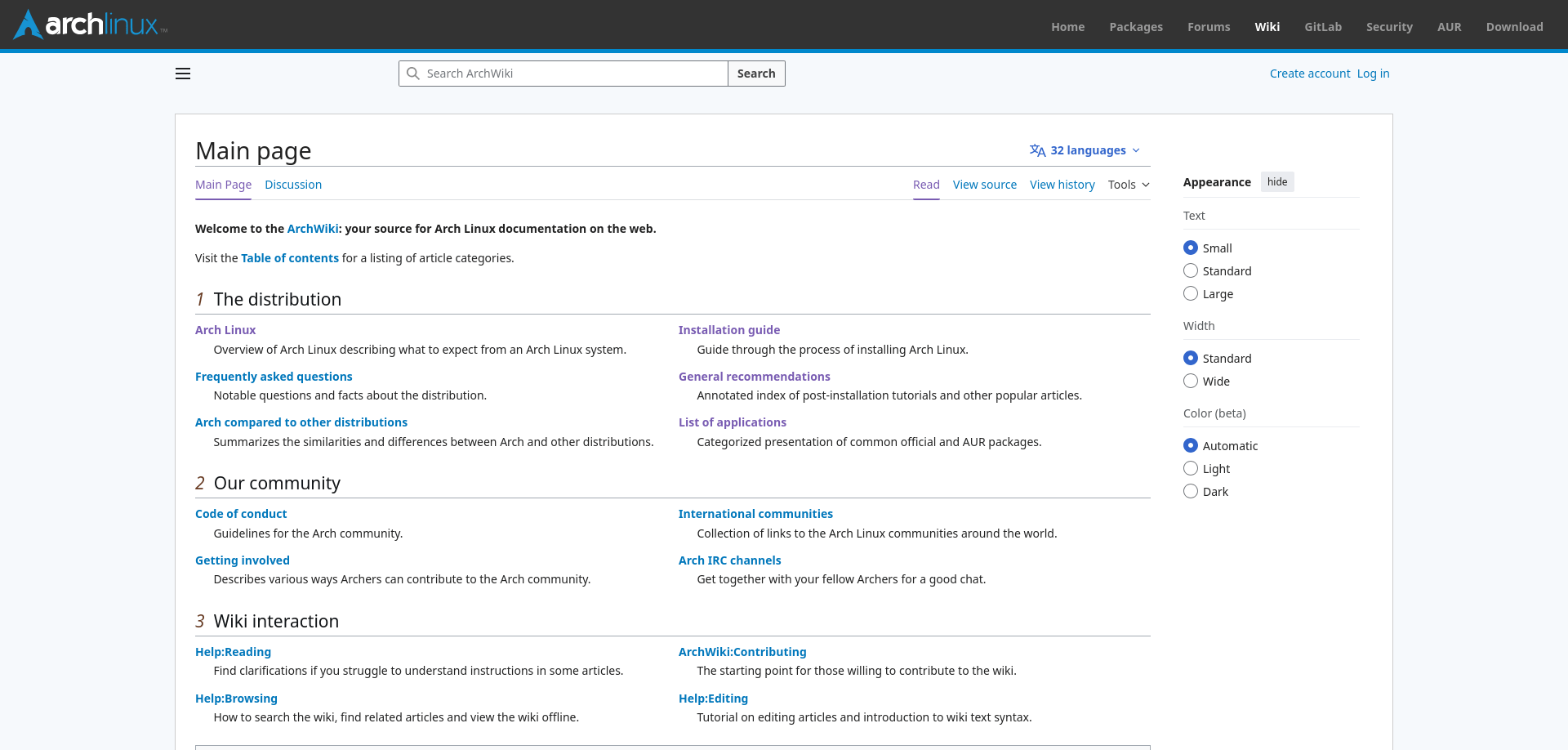
ArchWiki is a comprehensive Linux documentation resource covering system administration, software configuration, troubleshooting, networking, security, and many other technical topics.
Key Insight
Although it is maintained by the Arch Linux community, much of its documentation explains Linux concepts and administration techniques that are useful beyond Arch Linux itself. Many articles explain the underlying concepts behind Linux administration in addition to providing configuration steps.
Worth Knowing
Before following commands or configuration steps, verify whether an article contains Arch Linux-specific instructions or describes concepts that apply more broadly to Linux systems. Many troubleshooting techniques and conceptual explanations are useful across distributions, while package management and system configuration steps may differ.
Best For
- Linux users
- System administrators
- DevOps engineers
- IT professionals
- Advanced Linux learners
Ideal Use Cases
- Learning Linux administration
- Troubleshooting system problems
- Configuring hardware and software
- Understanding Linux concepts
- Building technical skills
Content Type
Linux documentation and technical reference
Availability & Editions
- Available as periodic offline ZIM snapshots
- Maintained online by the Arch Linux community
- The offline version reflects the state of the wiki when the snapshot was created
Storage Requirement
- Medium
Update Status
Actively maintained
Download
From the kiwix library window, search for the available ArchWiki ZIM files and download the ZIM files of your choice.
ArchWiki complements DevDocs by focusing on operating system administration rather than programming APIs. Together, they provide a practical offline reference library for software developers, Linux users, and IT professionals who need reliable technical documentation without depending on an Internet connection.
8. freeCodeCamp
TL;DR
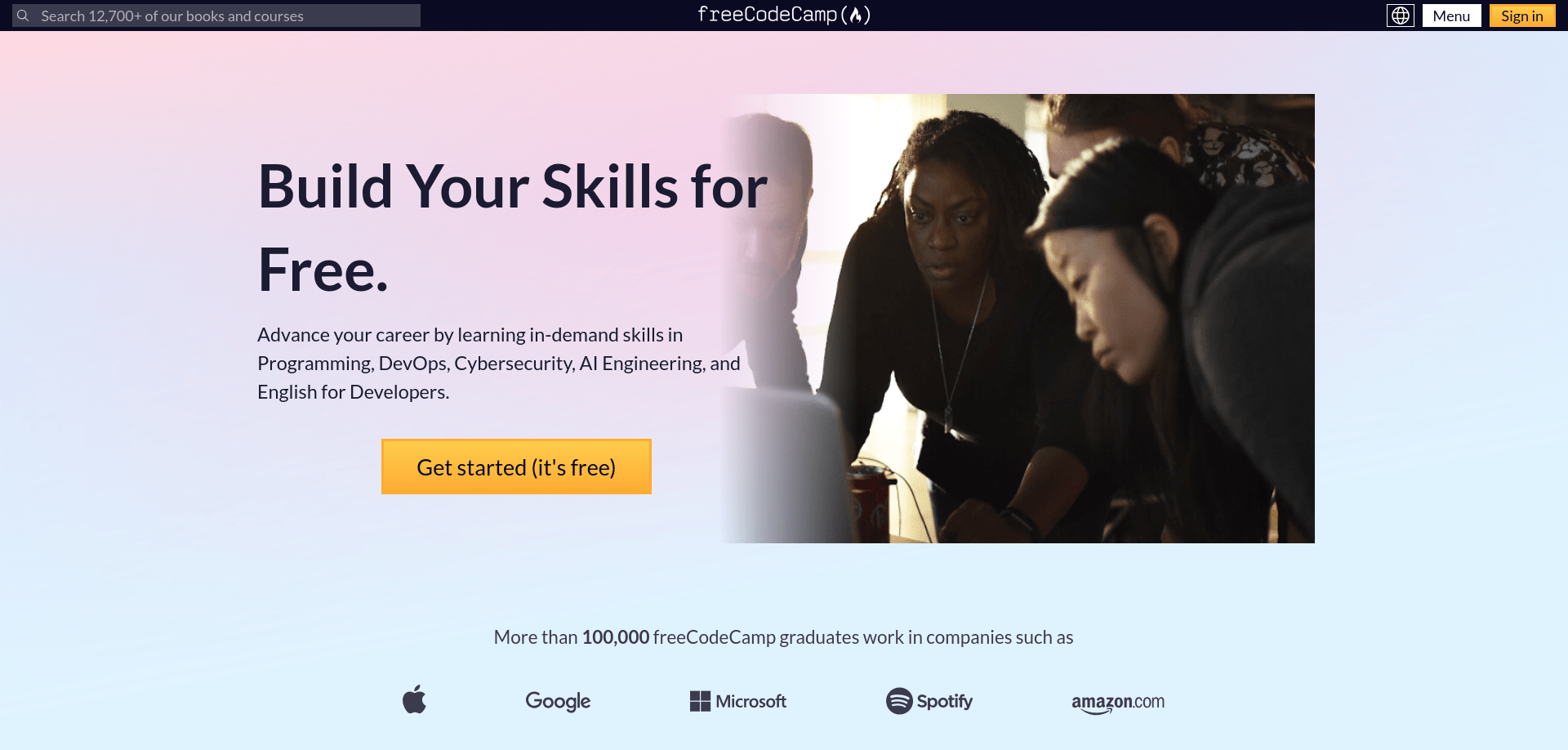
freeCodeCamp is a self-paced learning platform that provides structured programming and web development courses for offline study.
Key Insight
Unlike DevDocs, which serves as a technical reference, freeCodeCamp teaches programming through guided lessons and practical exercises. It is designed to help learners build knowledge progressively rather than simply looking up syntax or API documentation.
Worth Knowing
The offline collections are available as separate learning modules as well as broader "all" collections in several languages. You can download only the subjects that interest you or choose a larger collection if you prefer a single offline library. Reading lessons alone is rarely enough—practice the examples, complete the exercises, and build small projects to reinforce what you've learned.
Best For
- Beginners learning to program
- Self-taught developers
- Computer science students
- Career changers
- Anyone building programming fundamentals
Ideal Use Cases
- Learning web development
- Studying programming fundamentals
- Practising coding concepts
- Following structured learning paths
- Building a foundation before using technical reference documentation
Content Type
Programming and web development courses
Availability & Editions
- Available as individual course collections and broader "all" collections
- Multiple language editions are available for selected courses
- Collections are updated independently as learning materials evolve
Storage Requirement
- Small to Medium (depends on the courses you download)
Update Status
Actively maintained
Download
From the kiwix library window, search for the available freeCodeCamp ZIM files and download the ZIM files of your choice.
freeCodeCamp complements DevDocs by teaching programming concepts rather than serving as a reference manual. Together, they support both structured learning and day-to-day software development. Once you begin solving real-world programming challenges, Stack Exchange can serve as a valuable companion for researching practical solutions and community discussions.
9. Stack Exchange
TL;DR
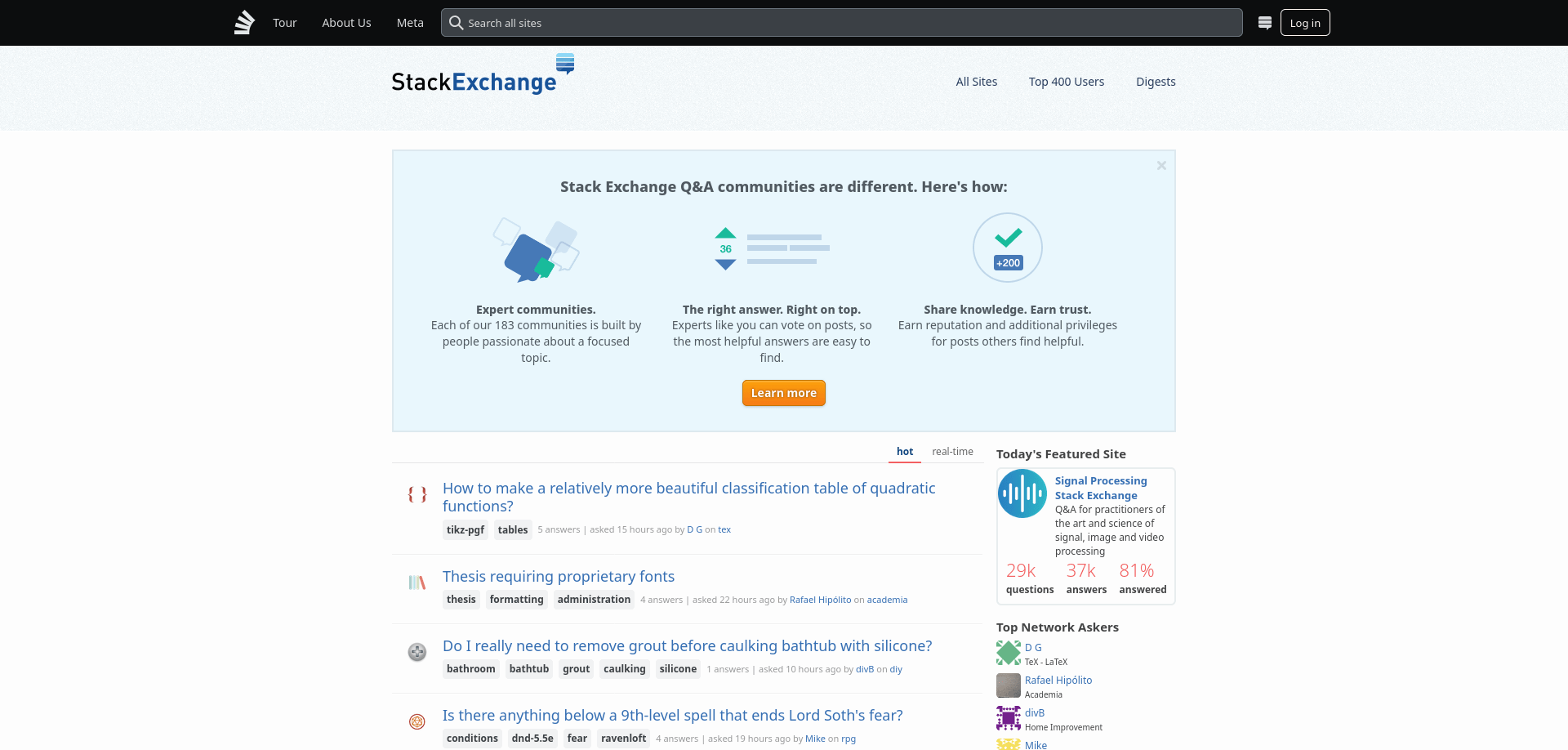
Stack Exchange is a collection of community-driven question-and-answer sites that helps users solve technical problems across programming, system administration, Linux, databases, networking, and other specialized fields.
Key Insight
Unlike documentation or structured courses, Stack Exchange is a network of community Q&A sites where users ask practical questions and receive answers from contributors and peers. It is especially useful when you understand a concept but need help solving a specific problem or comparing different approaches.
Worth Knowing
Stack Exchange offline collections reflect community Q&A data captured at the time of generation. Because discussions evolve continuously and new answers are added over time, some solutions or recommendations may become outdated.
Best For
- Software developers
- Linux users
- System administrators
- Database administrators
- IT professionals
- Technical enthusiasts
Ideal Use Cases
- Troubleshooting programming problems
- Finding practical solutions to technical issues
- Understanding common error messages
- Learning from real-world discussions
- Exploring alternative approaches to a problem
Content Type
Community questions and answers
Availability & Editions
- Available as offline collections of individual Stack Exchange communities (e.g., Stack Overflow, Server Fault, Ask Ubuntu)
- Some distributions include broader or combined community archives
- Available collections vary depending on snapshot and build
Storage Requirement
- Small to Very Large (depending on selected community and snapshot size)
Update Status
Periodically updated (based on community data dumps)
Download
From the kiwix library window, search for the available Stack Exchange ZIM files and download the ZIM files of your choice.
Stack Exchange complements DevDocs, ArchWiki, freeCodeCamp, and other technical references by providing real-world problem-solving knowledge contributed by the developer community. Together, these resources form a practical offline technical library for learning, reference, and troubleshooting.
Education & Learning Resources
Offline learning is about more than simply reading articles or watching videos. A well-rounded educational library should help you understand concepts, study subjects in depth, experiment with ideas, and continue learning at your own pace. The resources in this section cover a variety of learning styles, from structured courses and interactive simulations to textbooks, classic literature, and open educational materials. Together, they provide a flexible offline learning environment for students, educators, self-learners, and anyone curious to expand their knowledge.
10. Khan Academy
TL;DR
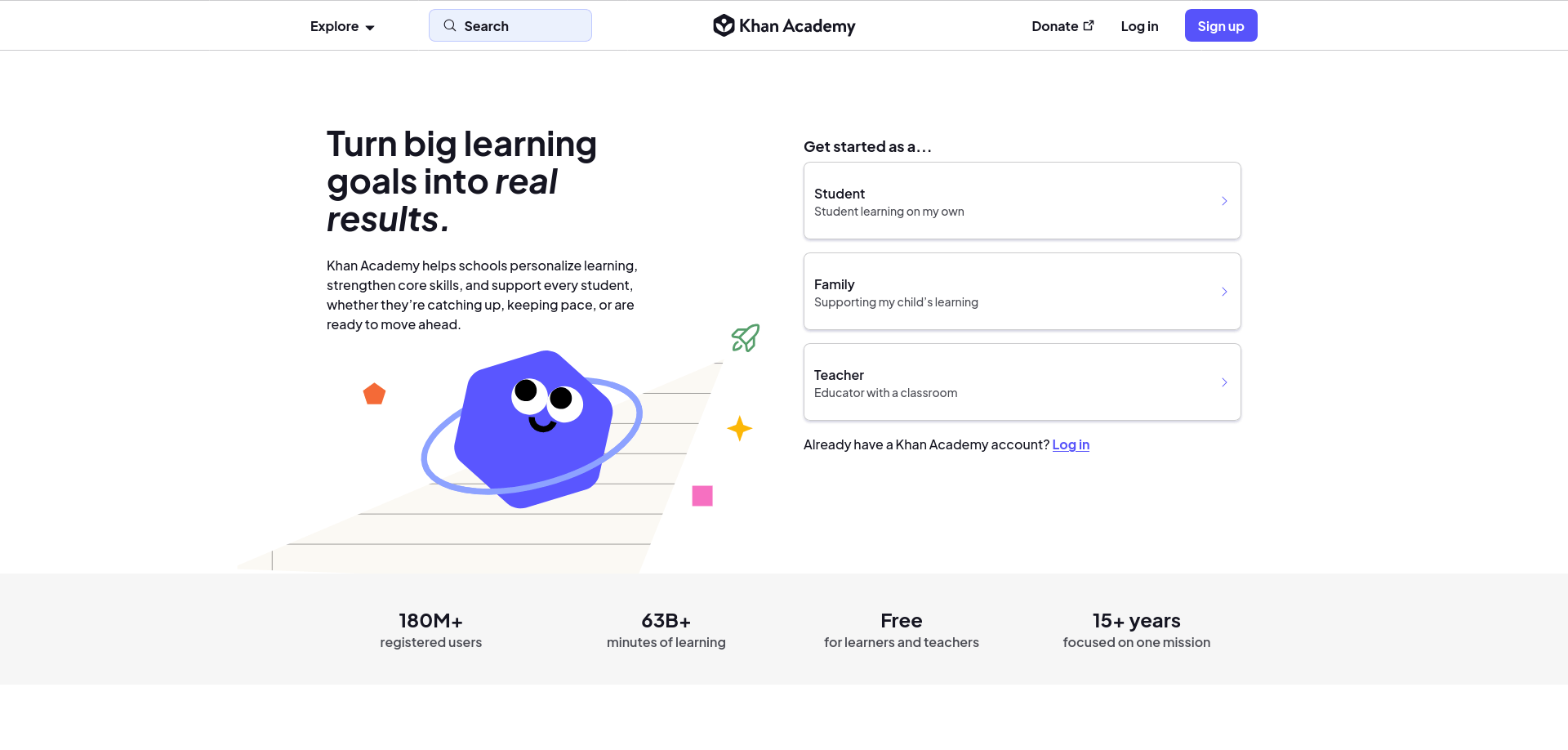
Khan Academy is a self-paced learning platform that provides structured lessons across mathematics, science, computing, economics, humanities, and many other subjects for offline study.
Key Insight
Khan Academy is designed to teach concepts progressively through structured lessons rather than serving as a reference library. Its step-by-step approach makes it well suited for building a solid understanding of new subjects, whether you're learning independently or supplementing classroom education.
Worth Knowing
The offline Kiwix collection focuses on educational content rather than the complete online learning experience. Features such as account synchronization, personalized recommendations, progress tracking, and some interactive services are unavailable offline. The learning material itself, however, remains a valuable resource for self-paced study.
Best For
- Students
- Teachers
- Parents
- Homeschooling families
- Lifelong learners
Ideal Use Cases
- Learning mathematics and science
- Studying computing fundamentals
- Reviewing classroom topics
- Supporting self-paced education
- Building foundational knowledge
Content Type
Structured educational courses and lessons
Availability & Editions
- Available as subject-based and comprehensive offline collections
- Collections differ in size and educational coverage
- Available content may vary as new collections are published and updated
Storage Requirement
- Small to Large (depending on the selected collection)
Update Status
Actively maintained
Download
From the kiwix library window, search for the available Khan Academy ZIM files and download the ZIM files of your choice.
Khan Academy provides a strong foundation for structured learning. As your studies progress, LibreTexts can provide more detailed textbook-style explanations, while PhET Interactive Simulations help reinforce concepts through hands-on exploration.
11. LibreTexts
TL;DR
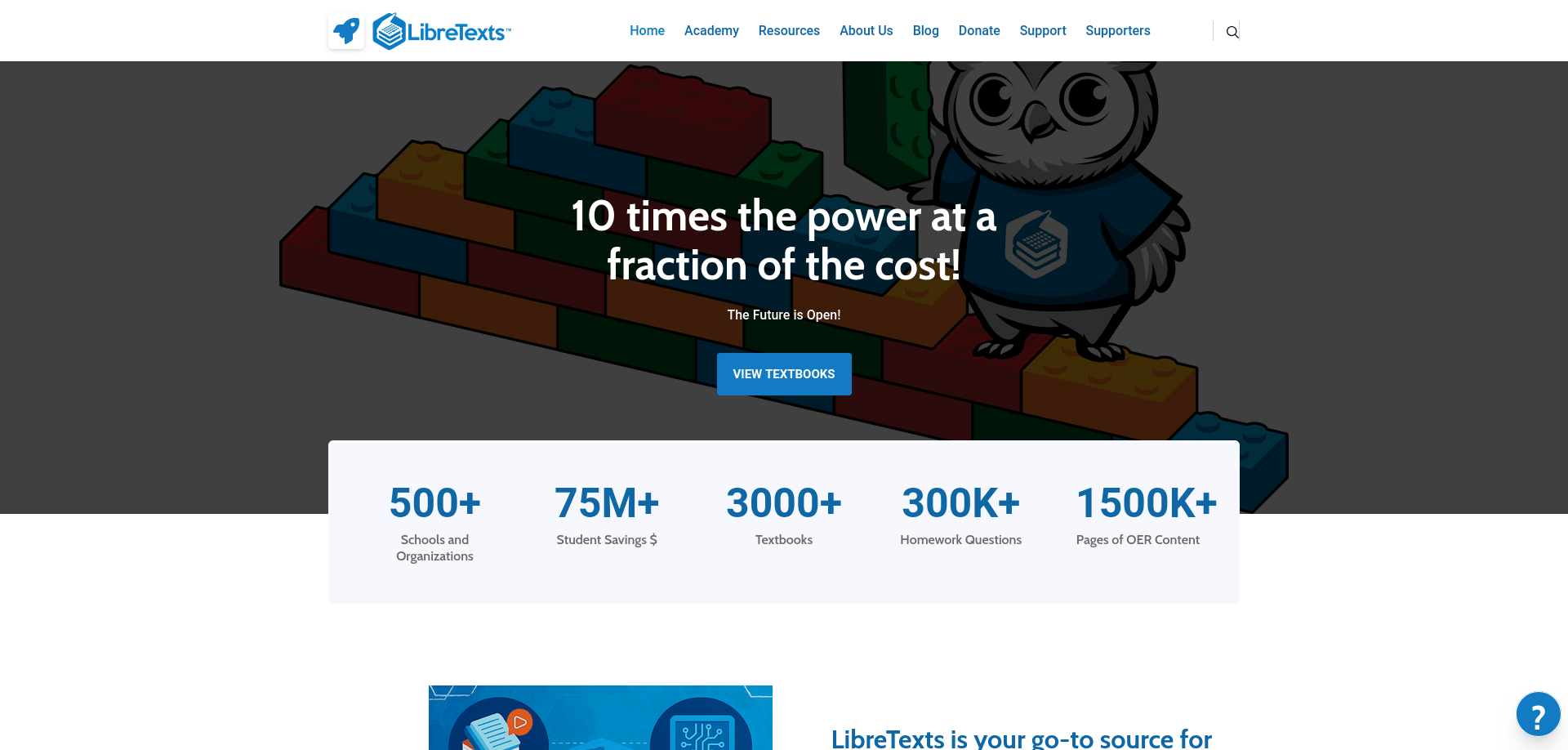
LibreTexts is a library of open educational textbooks covering subjects such as science, engineering, mathematics, business, social sciences, humanities, and more for offline study.
Key Insight
Unlike Khan Academy, which teaches through guided lessons, LibreTexts provides comprehensive textbooks that support in-depth study. It is particularly useful when you want detailed explanations of a subject rather than short lessons or tutorials.
Worth Knowing
LibreTexts is organized into subject-specific textbook collections, allowing you to download only the disciplines you need rather than a single all-in-one library. Many textbooks are written for college-level study, so beginners may benefit from building foundational knowledge with Khan Academy before moving to more detailed texts.
Best For
- University students
- College instructors
- Self-learners
- Researchers
- Anyone seeking in-depth educational material
Ideal Use Cases
- Studying university-level subjects
- Reviewing textbook material
- Supporting classroom learning
- Independent study
- Building a deeper understanding of academic topics
Content Type
Open educational textbooks
Availability & Editions
- Available as subject-specific offline textbook collections
- Collections cover disciplines such as biology, chemistry, engineering, mathematics, physics, business, social sciences, K–12 education, and more
- Individual collections are updated independently
Storage Requirement
- Small to Very Large (depending on the selected subject collection)
Update Status
Actively maintained
Download
From the kiwix library window, search for the available LibreTexts ZIM files and download the ZIM files of your choice.
LibreTexts complements Khan Academy by providing the depth and detail expected from academic textbooks. Together, they support both introductory learning and comprehensive subject study. Learners who prefer exploring concepts interactively can reinforce their understanding with PhET Interactive Simulations.
12. PhET Interactive Simulations
TL;DR
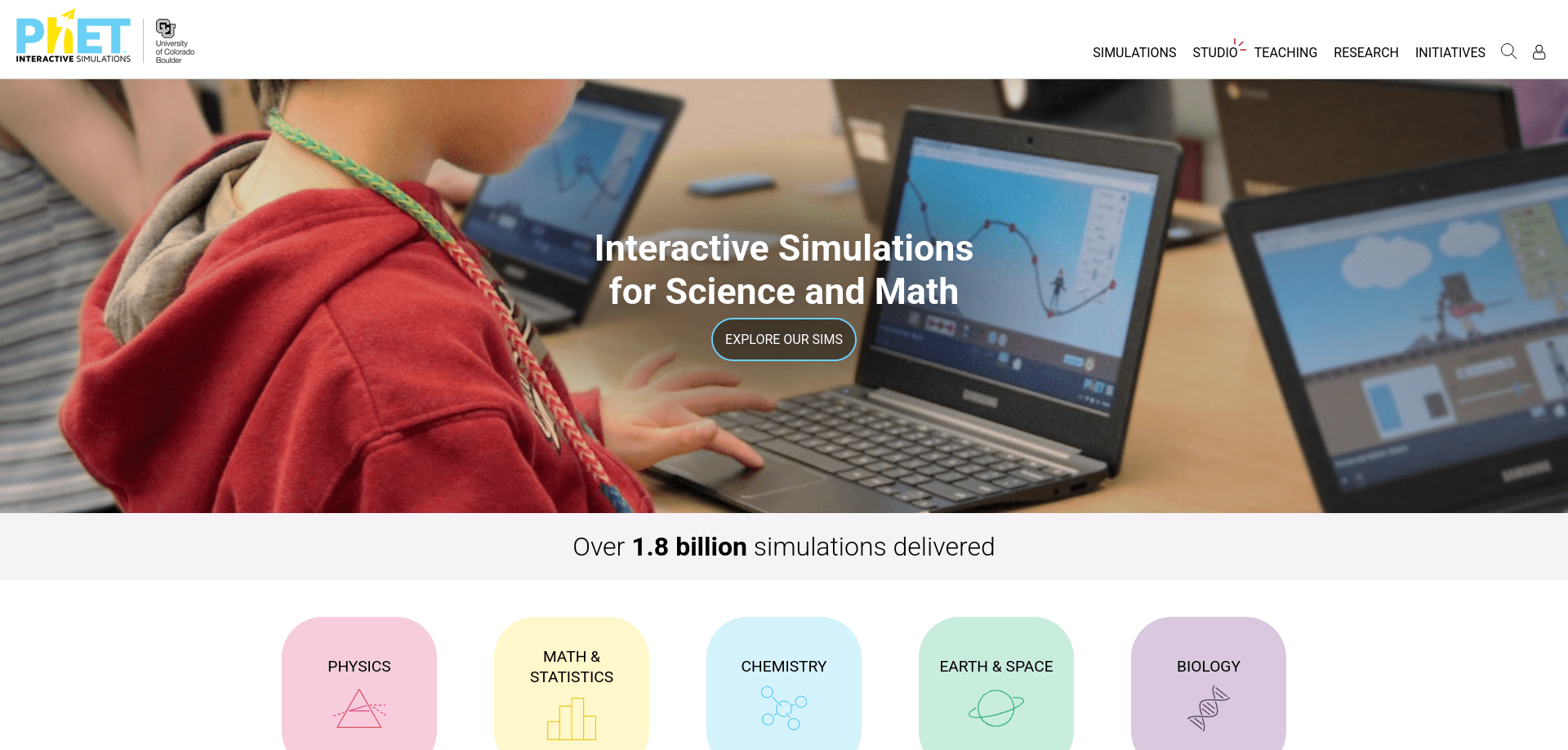
PhET is a collection of interactive simulations that helps learners explore science and mathematics concepts through experimentation and visual exploration.
Key Insight
Unlike textbooks or video lessons, PhET encourages learning by interacting with simulations. By adjusting variables and observing the results, learners can develop an intuitive understanding of scientific and mathematical concepts that are often difficult to grasp through reading alone.
Worth Knowing
PhET simulations work best after you've learned the basic theory. Use them to visualize abstract concepts, experiment with different variables, and reinforce what you've already studied through lessons or textbooks. They are designed to complement—not replace—structured instruction.
Best For
- School students
- Teachers
- Parents
- Homeschooling families
- Visual and hands-on learners
Ideal Use Cases
- Exploring physics concepts
- Understanding chemistry principles
- Learning mathematics visually
- Classroom demonstrations
- Reinforcing concepts through experimentation
Content Type
Interactive educational simulations
Availability & Editions
- Available as offline PhET simulation collections through Kiwix
- Covers subjects such as physics, chemistry, mathematics, biology, and earth science
- Offline collections are refreshed as new simulations and updates become available
Storage Requirement
- Medium
Update Status
Actively maintained
Download
From the kiwix library window, search for the available PhET ZIM files and download the ZIM files of your choice.
PhET complements Khan Academy and LibreTexts by transforming theoretical knowledge into interactive exploration. Together, these resources support learning through lessons, textbooks, and experimentation, giving learners multiple ways to understand the same concepts.
13. TED
TL;DR
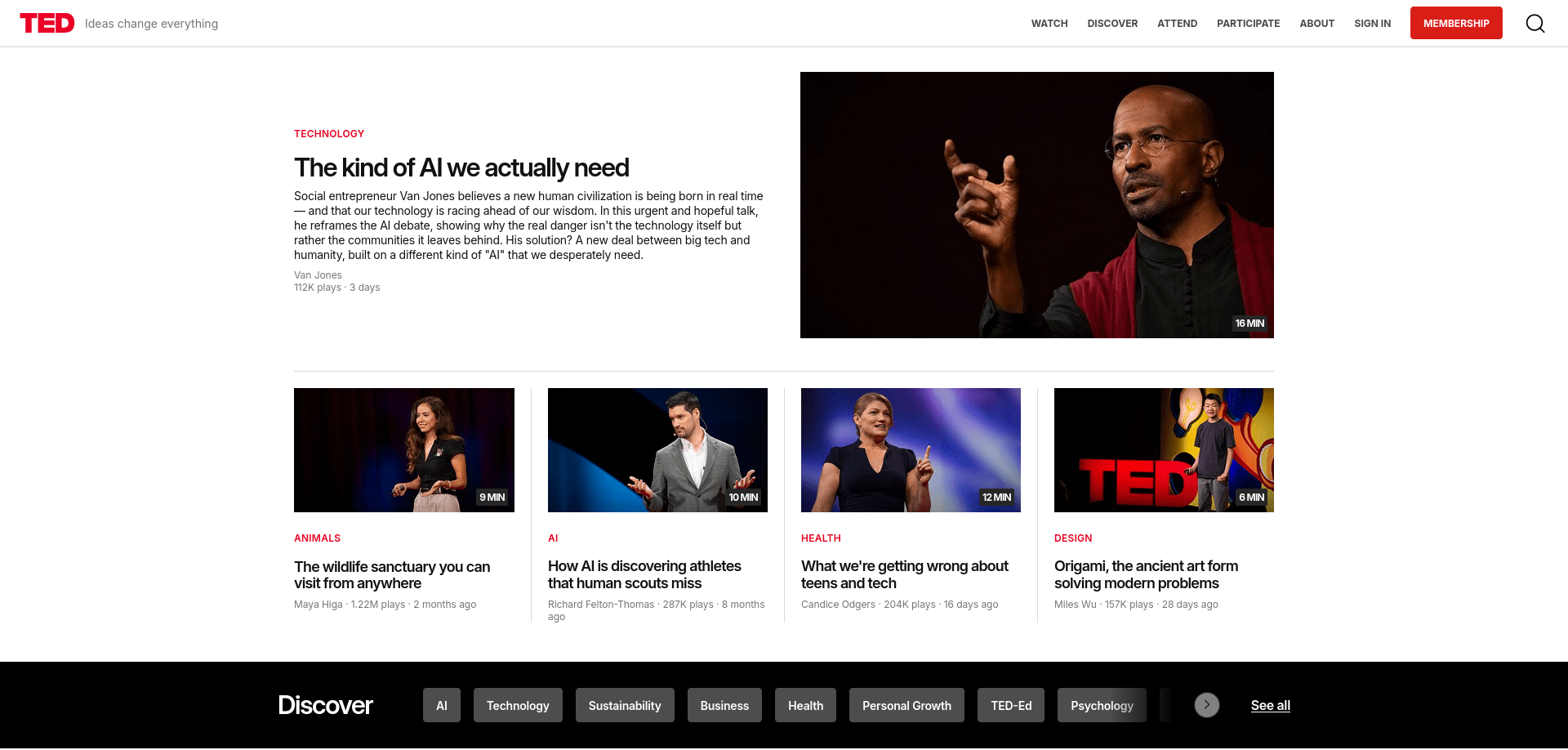
TED is a collection of expert talks that explores ideas across science, technology, education, business, health, psychology, design, and many other fields.
Key Insight
Unlike structured courses or textbooks, TED is designed to broaden your perspective rather than teach a complete subject from beginning to end. Each talk presents a focused idea, experience, or discovery that encourages further exploration.
Worth Knowing
TED talks introduce ideas rather than provide comprehensive instruction. If a topic interests you, use textbooks, structured courses, or reference resources to develop a deeper understanding. Treat TED as a gateway to learning rather than a complete learning resource.
Best For
- Lifelong learners
- Students
- Educators
- Professionals
- Researchers exploring unfamiliar topics
- Curious readers
Ideal Use Cases
- Discovering new topics
- Exploring emerging ideas
- Broadening general knowledge
- Supporting classroom discussions
- Finding inspiration for further learning
Content Type
Educational and idea-focused presentations
Availability & Editions
- Available as offline TED talk collections through Kiwix
- Covers a broad range of academic, professional, scientific, and creative subjects
- Offline collections are updated periodically as new talks become available
Storage Requirement
- Medium to Large (depending on the selected collection)
Update Status
Actively maintained
Download
From the kiwix library window, search for the available TED ZIM files and download the ZIM files of your choice.
TED complements structured educational resources by introducing new ideas and perspectives. While Khan Academy, LibreTexts, and PhET focus on building knowledge systematically, TED encourages curiosity and often serves as the first step toward exploring unfamiliar subjects in greater depth.
14. Project Gutenberg
TL;DR
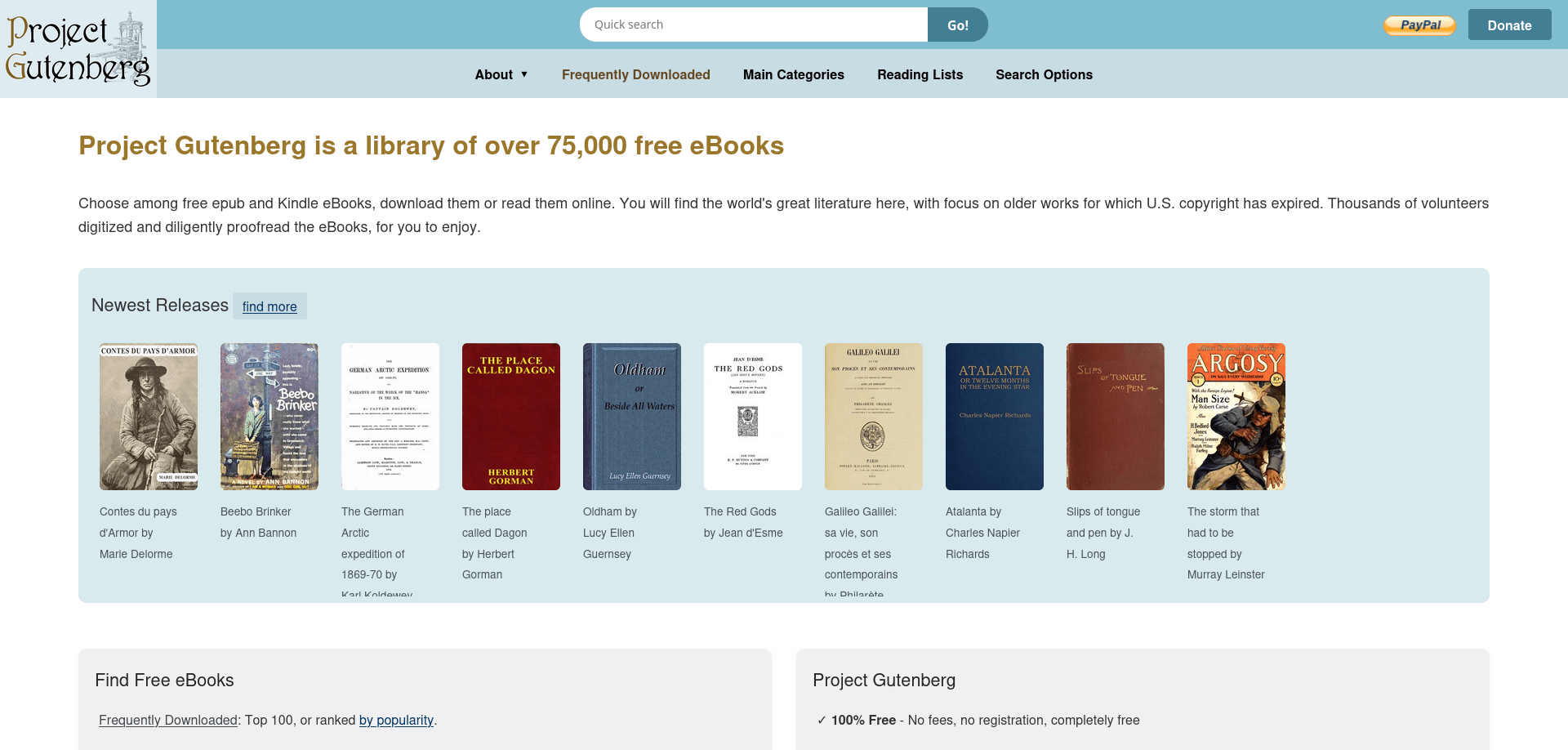
Project Gutenberg is a digital library of public-domain books that provides free access to thousands of classic works of literature, history, philosophy, science, and many other subjects for offline reading.
Key Insight
Project Gutenberg is not a structured learning platform or a reference library. Instead, it preserves and distributes classic books that remain valuable for education, research, and personal reading. It is ideal for readers who want to explore original works rather than summaries or interpretations.
Worth Knowing
Project Gutenberg focuses on public-domain works, many of which are historical editions. These books remain invaluable for literature, history, philosophy, and cultural studies. However, older scientific, medical, legal, or technical works should be read as historical documents rather than current professional guidance.
Best For
- Students
- Educators
- Researchers
- Literature enthusiasts
- History enthusiasts
- Lifelong learners
Ideal Use Cases
- Reading classic literature
- Studying historical documents
- Exploring philosophy and political thought
- Accessing public-domain books offline
- Supporting research and self-directed learning
Content Type
Public-domain books and historical texts
Availability & Editions
- Available as offline Project Gutenberg collections through Kiwix
- Includes tens of thousands of public-domain books across many subjects and historical periods
- Collections are periodically refreshed as additional public-domain works become available
Storage Requirement
- Medium to Large (depending on the selected collection)
Update Status
Actively maintained
Download
From the kiwix library window, search for the available Project Gutenberg ZIM files and download the ZIM files of your choice.
Project Gutenberg complements modern educational resources by providing access to the original works that shaped many academic disciplines. While Khan Academy, LibreTexts, and TED help explain ideas, Project Gutenberg allows readers to explore many of those ideas directly through the writings of their original authors.
15. Wikiversity
TL;DR
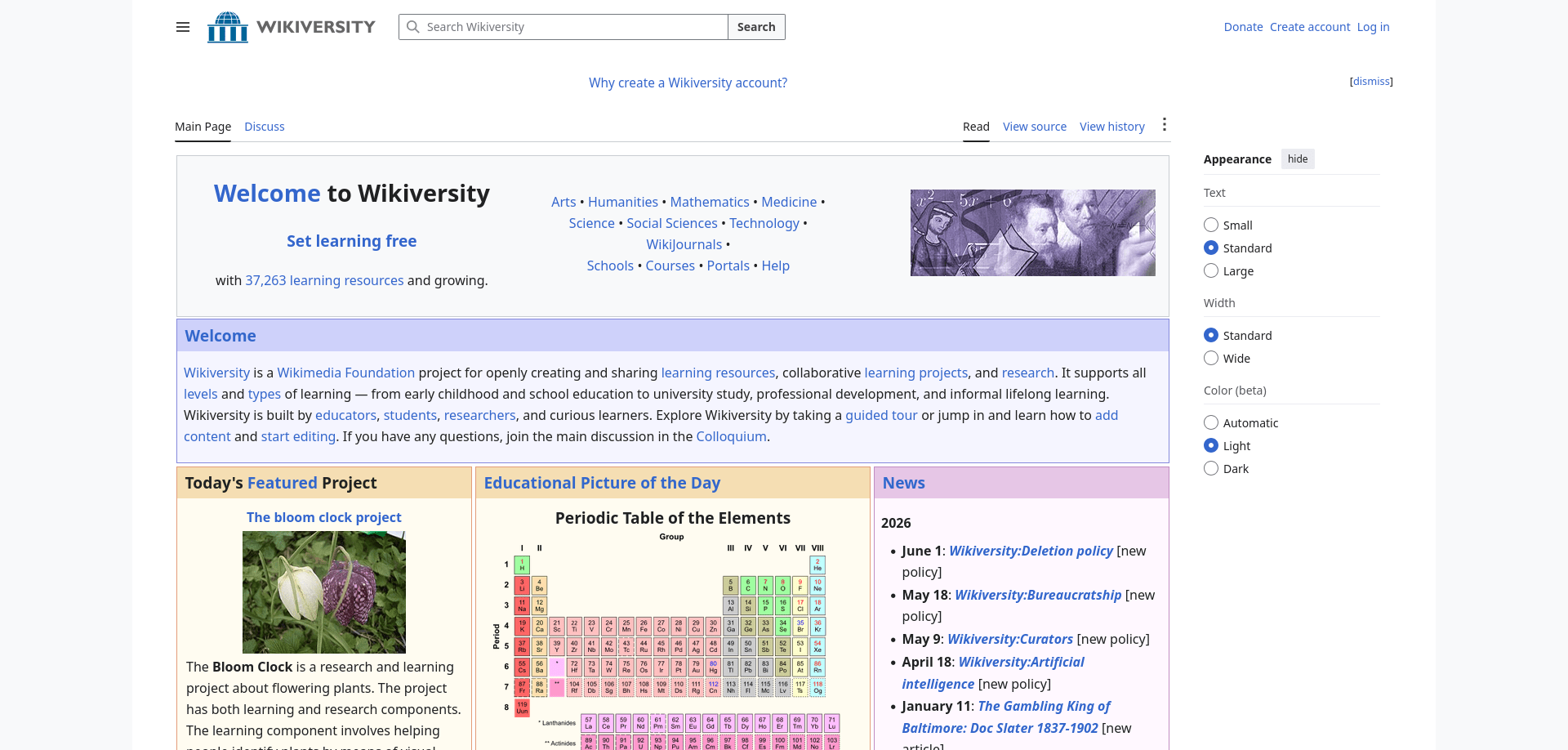
Wikiversity is an open educational resource that offers learning materials, study guides, lesson plans, and collaborative learning projects across a wide range of academic subjects.
Key Insight
Unlike traditional courses or textbooks, Wikiversity encourages self-directed learning through openly developed educational resources. It combines learning materials with activities, discussions, and study guides, allowing learners to explore subjects at their own pace.
Worth Knowing
Wikiversity is community-developed, so the quality and depth of learning materials vary between subjects and language editions. It works best as a flexible supplement to structured courses, textbooks, and reference resources rather than as a complete curriculum.
Best For
- Self-directed learners
- Students
- Teachers
- Homeschooling families
- Lifelong learners
Ideal Use Cases
- Exploring new subjects independently
- Supplementing classroom education
- Accessing open learning materials
- Reviewing concepts
- Supporting lifelong learning
Content Type
Open educational resources, study guides, and learning activities
Availability & Editions
- Available as offline Wikiversity collections through Kiwix
- Multiple language editions are available
- The size and completeness of each edition depend on the contributing community
Storage Requirement
- Small to Large (depending on the selected language edition)
Update Status
Actively maintained
Download
From the kiwix library window, search for the available Wikiversity ZIM files and download the ZIM files of your choice.
Wikiversity complements the other educational resources in this guide by providing flexible, community-developed learning materials. Whether you begin with Khan Academy, study in depth with LibreTexts, experiment using PhET Interactive Simulations, discover new ideas through TED, or explore classic works in Project Gutenberg, Wikiversity offers another path for continuing your learning journey at your own pace.
Health & Medical Resources
Access to reliable medical information can be especially valuable when Internet connectivity is unavailable or unreliable. Whether you're learning about human anatomy, understanding a medical condition, preparing for travel, or building an emergency preparedness library, offline health references can provide dependable educational resources when you need them most.
The resources in this section focus on medical education, health information, and emergency reference. While they are excellent for learning and preparedness, they should not replace professional medical advice, diagnosis, or emergency care. Whenever possible, consult a qualified healthcare professional for personal medical concerns.
16. WikiMed (Medical Wikipedia)
TL;DR
WikiMed is a comprehensive offline medical encyclopedia that provides tens of thousands of articles covering diseases, anatomy, medications, medical procedures, public health, and many other healthcare topics.
It seems to be WikiMed doesn't have any dedicated official website to link with. We can only find about the Wikimed encyclopedia app in Google playstore.
Key Insight
WikiMed is designed as a medical knowledge reference rather than a clinical handbook. It explains medical concepts, conditions, treatments, and health topics in an encyclopedic format, making it an excellent resource for education, general understanding, and offline reference.
Worth Knowing
WikiMed is curated by the WikiProject Medicine community, which selects and organizes medically relevant articles for offline use. Because medical knowledge evolves continuously, the offline collection represents a snapshot in time and may not include the latest research, treatment guidelines, or newly approved medications. Use it for education and reference rather than as a substitute for current clinical guidance.
Best For
- Medical students
- Healthcare professionals
- First-aid learners
- Travelers
- Humanitarian workers
- Emergency preparedness enthusiasts
- Anyone interested in health education
Ideal Use Cases
- Learning about diseases and medical conditions
- Studying anatomy and physiology
- Understanding medications and treatments
- Reading about public health topics
- Building an offline medical reference library
Content Type
Medical encyclopedia and health reference
Availability & Editions
- Available as the offline WikiMed collection through Kiwix
- Covers medicine, diseases, anatomy, medications, public health, and related healthcare topics
- Updated periodically as new offline releases are published
Storage Requirement
- Large
Update Status
Actively maintained
Download
From the kiwix library window, search for the available WikiMed ZIM files and download the ZIM files of your choice.
WikiMed serves as the cornerstone of an offline medical library by providing broad, encyclopedia-style coverage of health and medicine. For situations that require rapid emergency reference and point-of-care information, WikEM provides a complementary resource with a different focus.
17. WikEM
TL;DR
An offline emergency medicine reference that provides quick access to clinical information, emergency procedures, medication references, diagnostic guidance, and point-of-care decision support.
Key Insight
Unlike WikiMed, which explains medical topics in an encyclopedic format, WikEM is designed for rapid information retrieval. Its concise, reference-oriented layout helps users quickly locate emergency medicine information when time matters.
Worth Knowing
WikEM is written primarily for healthcare professionals and medical trainees, so many articles use clinical terminology without introductory explanations. Readers seeking general medical knowledge should begin with WikiMed and use WikEM when concise emergency medicine reference is more appropriate.
Best For
- Emergency physicians
- Paramedics
- Nurses
- Physician assistants
- Medical students
- Emergency responders
- Healthcare professionals
Ideal Use Cases
- Reviewing emergency medicine topics
- Looking up medication information
- Refreshing emergency procedures
- Supporting emergency preparedness
- Studying emergency clinical practice
Content Type
Emergency medicine reference
Availability & Editions
- Available as the offline WikEM collection through Kiwix
- Covers emergency medicine, toxicology, medications, procedures, and clinical decision support
- Updated periodically as new offline releases become available
Storage Requirement
- Medium
Update Status
Actively maintained
Download
From the kiwix library window, search for the available WikEM ZIM files and download the ZIM files of your choice.
WikEM complements WikiMed by focusing on rapid clinical reference rather than broad medical explanations. Together, they provide a balanced offline medical library that supports both learning and quick access to emergency medicine information.
Maps, Travel and Navigation
Reliable offline travel information can make a significant difference when you're visiting unfamiliar places, traveling internationally, or exploring areas with limited Internet access. Beyond navigation, travelers often need practical information about transportation, accommodations, local customs, attractions, safety, and essential services.
The resources in this section are designed to help you travel more confidently without relying on a constant Internet connection. They complement offline maps by providing the context and local knowledge that navigation alone cannot offer.
18. Wikivoyage
TL;DR
Wikivoyage is a comprehensive offline travel guide that provides destination information, transportation advice, local attractions, accommodation guidance, cultural insights, and practical travel tips for places around the world.
Key Insight
Unlike navigation apps that focus on getting you from one place to another, Wikivoyage helps you understand your destination. It combines travel planning, local knowledge, and practical advice into a single offline reference, making it useful before and during your journey.
Worth Knowing
Wikivoyage is maintained by volunteers, so the depth and quality of destination guides vary considerably. Major cities and popular tourist destinations typically offer detailed itineraries, transportation advice, and local recommendations, while smaller or less-visited locations may have shorter guides. Download the latest offline snapshot before traveling to benefit from the most recent community updates.
Best For
- Travelers
- Backpackers
- Digital nomads
- Adventure enthusiasts
- International visitors
- Overlanders and long-distance travelers
- Anyone planning offline travel
Ideal Use Cases
- Planning trips before departure
- Exploring destinations without Internet access
- Learning about local customs and etiquette
- Finding attractions and points of interest
- Accessing practical travel information on the go
Content Type
Offline travel guides and destination information
Availability & Editions
- Available as offline Wikivoyage collections through Kiwix
- Multiple language editions are available
- Individual language editions are updated independently and vary in destination coverage
Storage Requirement
- Small to Medium (depending on the selected language edition)
Update Status
Actively maintained
Download
From the kiwix library window, search for the available Wikivoyage ZIM files and download the ZIM files of your choice.
Wikivoyage serves as the travel companion in an offline knowledge library. While maps help you navigate, Wikivoyage helps you understand where you're going by providing practical travel information, cultural context, and destination-specific guidance.
Language, Literature and Culture
An offline knowledge library is about more than facts and technical information. It should also help you understand language, explore original literature, preserve cultural knowledge, and develop practical skills through reading. The resources in this section provide dictionaries, historical texts, quotations, and open books that continue to be valuable long after they are downloaded.
Whether you're learning a new language, researching the meaning of a word, reading historical documents, or exploring practical subjects, these collections offer dependable references that remain useful even without an Internet connection.
19. Wiktionary
TL;DR
Wiktionary is a multilingual dictionary and language reference that provides definitions, pronunciations, translations, etymology, grammatical information, usage notes, synonyms, antonyms, and usage examples for words and phrases.
Key Insight
Wiktionary is much more than a dictionary. It explains how words are used, where they come from, how they are pronounced, and how they relate to other languages. This makes it equally valuable for language learners, writers, translators, and anyone interested in understanding words beyond their basic definitions.
Worth Knowing
Wiktionary is maintained collaboratively, so the depth of entries varies by language and subject. Larger language editions often include detailed etymology, pronunciation, translations, and grammatical information, while smaller editions may focus on basic definitions. Choose the language edition that best matches your learning or reference needs.
Best For
- Language learners
- Writers
- Editors
- Translators
- Students
- Researchers
- Developers and technical writers
- Curious readers
Ideal Use Cases
- Looking up word meanings
- Understanding pronunciation
- Exploring word origins
- Finding translations
- Learning synonyms and antonyms
- Improving vocabulary
Content Type
Multilingual dictionary and language reference
Availability & Editions
- Available as offline Wiktionary collections through Kiwix
- Multiple language editions are available
- Each language edition is maintained independently and differs in vocabulary coverage and linguistic detail
Storage Requirement
- Small to Medium (depending on the selected language edition)
Update Status
Actively maintained
Download
From the kiwix library window, search for the available Wiktionary ZIM files and download the ZIM files of your choice.
Wiktionary serves as the language foundation of an offline knowledge library. While encyclopedias explain concepts and reference works provide facts, Wiktionary helps you understand the words used to express those ideas, making it a valuable companion to nearly every other resource in this guide.
20. Wikisource
TL;DR
Wikisource is a digital library of original source documents that preserves public-domain and freely licensed literature, historical documents, speeches, legal texts, religious works, government publications, letters, poetry, and other primary sources for offline reading.
Key Insight
Unlike Project Gutenberg, which focuses primarily on distributing public-domain books, Wikisource preserves a much broader collection of original source material. It provides direct access to historical documents and primary texts, allowing readers to study original works rather than summaries or interpretations.
Worth Knowing
Wikisource preserves original documents as faithfully as possible, including their historical language, spelling, and formatting. As a result, older texts may read differently from modern publications. When studying historical events or literature, these original editions provide valuable context that edited or summarized versions often cannot.
Best For
- Students
- Educators
- Historians
- Researchers
- Law students
- Literature enthusiasts
- Genealogists
- Lifelong learners
Ideal Use Cases
- Reading original historical documents
- Studying speeches and letters
- Exploring classic literature
- Researching legal and historical texts
- Accessing primary sources offline
Content Type
Primary source documents and historical texts
Availability & Editions
- Available as offline Wikisource collections through Kiwix
- Multiple language editions are available
- Each language edition is maintained independently and differs in the range of historical documents and literary works it contains
Storage Requirement
- Small to Medium (depending on the selected language edition)
Update Status
Actively maintained
Download
From the kiwix library window, search for the available Wikisource ZIM files and download the ZIM files of your choice.
Wikisource complements Project Gutenberg by expanding beyond classic books to include speeches, legal documents, letters, historical records, and other primary sources. Together, they provide one of the richest collections of original texts available for offline study.
21. Wikiquote
TL;DR
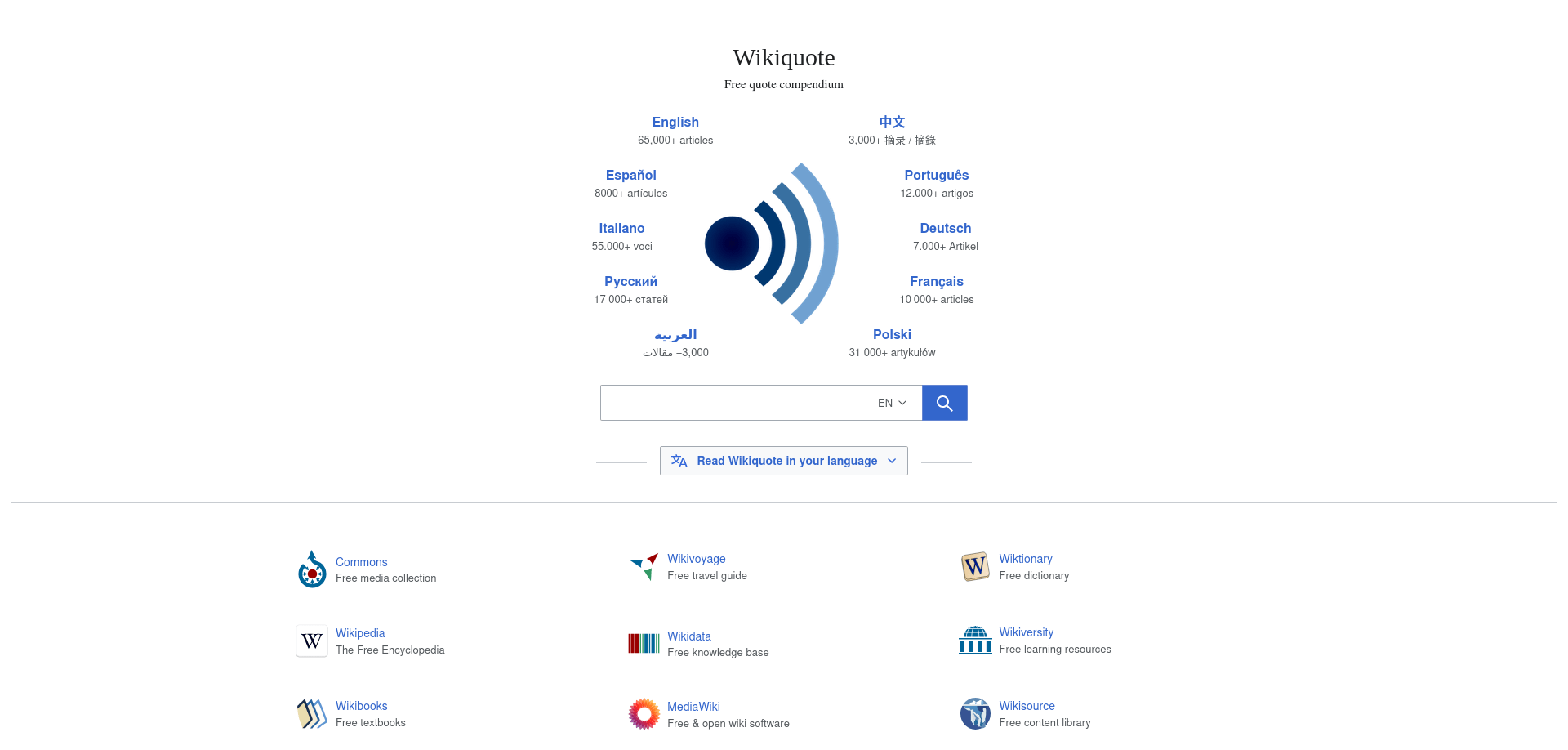
Wikiquote is a curated collection of notable quotations from historical figures, literature, speeches, philosophy, science, films, and other influential sources.
Key Insight
Wikiquote is more than a collection of memorable sayings. It preserves quotations within their historical, literary, or cultural context, helping readers understand not only what was said, but also who said it, where it originated, and why it remains significant.
Worth Knowing
Wikiquote is most useful as a starting point for exploration rather than an endpoint. When a quotation captures your interest, follow it back to its original speech, book, interview, or document. Reading the surrounding context often provides a deeper understanding than the quotation alone.
Best For
- Students
- Educators
- Writers
- Public speakers
- Journalists
- Researchers
- Literature enthusiasts
- Curious readers
Ideal Use Cases
- Researching famous quotations
- Verifying quotation sources
- Discovering notable historical figures
- Exploring literary and philosophical works
- Exploring the ideas of notable thinkers
- Finding quotations for writing and presentations
Content Type
Curated quotations and contextual reference
Availability & Editions
- Available as offline Wikiquote collections through Kiwix
- Multiple language editions are available
- Each language edition is maintained independently and differs in quotation coverage and cultural focus
Storage Requirement
- Small
Update Status
Actively maintained
Download
From the kiwix library window, search for the available Wikiquote ZIM files and download the ZIM files of your choice.
Wikiquote complements Wikisource and Project Gutenberg by helping readers discover memorable passages and ideas before exploring their original works. It provides an accessible gateway into literature, history, philosophy, and culture through carefully organized quotations.
22. Wikibooks
TL;DR
Wikibooks is a collection of free, community-developed books covering academic subjects, practical skills, programming, languages, hobbies, and many other areas of self-directed learning.
Key Insight
Unlike traditional textbook collections, Wikibooks offers a diverse range of instructional books created collaboratively by volunteers. In addition to academic subjects, it includes practical guides, programming manuals, language-learning resources, cookbooks, and hobby-related books, making it a flexible resource for lifelong learning.
Worth Knowing
Wikibooks is developed collaboratively, so individual books vary in depth, completeness, and editorial maturity. Many provide excellent introductions to a subject, while others continue to evolve over time. It works best as a flexible learning resource alongside textbooks, reference works, and other educational materials.
Best For
- Self-directed learners
- Students
- Teachers
- Homeschooling families
- Hobbyists
- Makers
- Programmers
- Lifelong learners
Ideal Use Cases
- Learning practical skills
- Studying introductory subjects
- Exploring programming and technology
- Learning languages
- Following hobby and craft guides
- Learning through step-by-step instructional guides
- Accessing open instructional books offline
Content Type
Open instructional books and learning guides
Availability & Editions
- Available as offline Wikibooks collections through Kiwix
- Multiple language editions are available
- Each language edition is maintained independently and differs in subject coverage, contributors, and book completeness
Storage Requirement
- Small to Medium (depending on the selected language edition)
Update Status
Actively maintained
Download
From the kiwix library window, search for the available Wikibooks ZIM files and download the ZIM files of your choice.
Wikibooks complements LibreTexts by providing flexible, community-developed instructional books that extend beyond traditional academic subjects. Together, they offer both structured educational content and practical learning resources, making them valuable additions to a comprehensive offline knowledge library.
Science, Nature and Mathematics
A well-rounded offline knowledge library should help you explore the natural world as well as history, language, and technology. Scientific reference resources provide structured information that supports learning, research, and curiosity, even when Internet access is unavailable.
The resources in this section focus on scientific classification and reference rather than general encyclopedic knowledge. They are especially valuable for students, educators, researchers, and nature enthusiasts who want reliable scientific information available offline.
23. Wikispecies
TL;DR
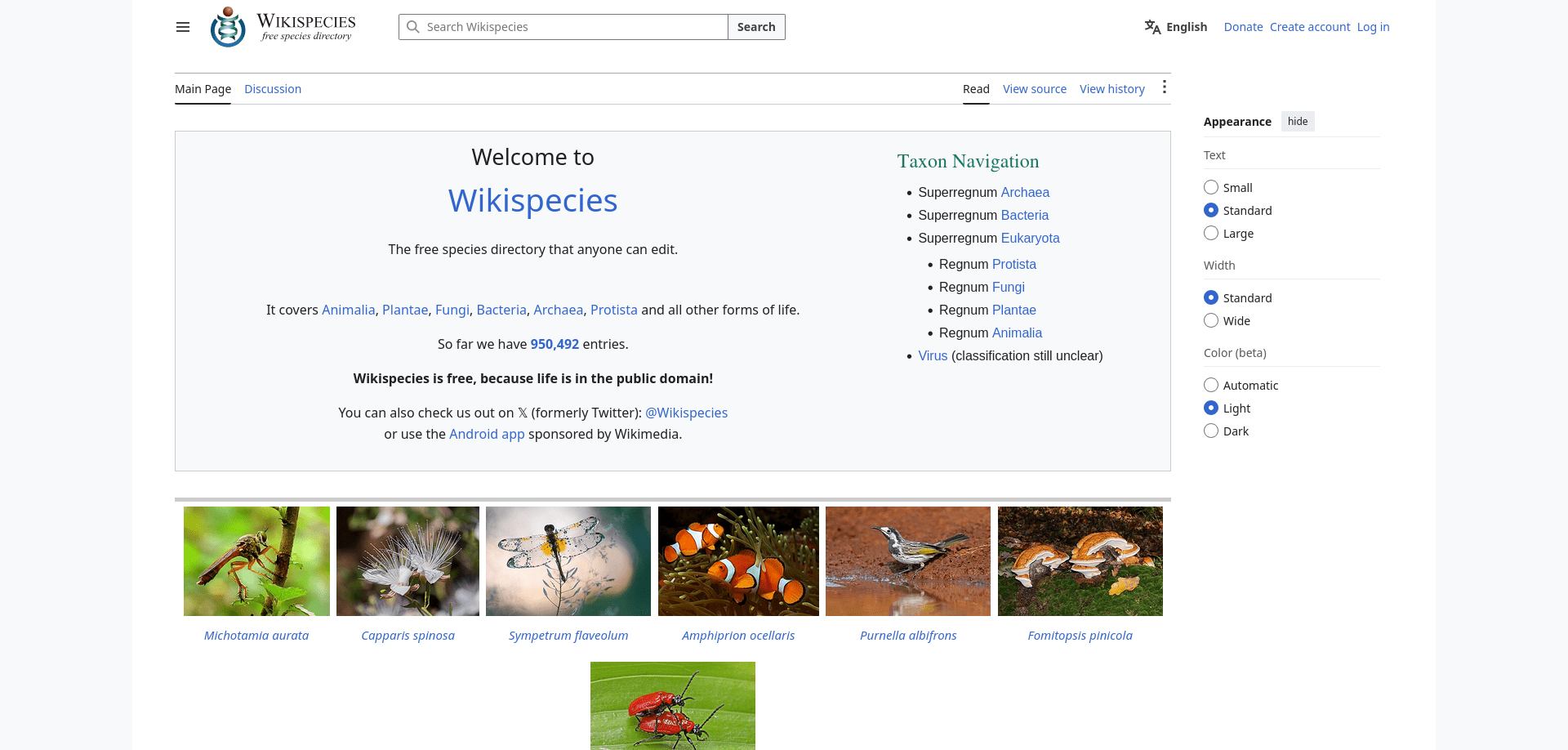
Wikispecies is a comprehensive taxonomic reference that documents the scientific classification of animals, plants, fungi, algae, microorganisms, and other living organisms.
Key Insight
Unlike a traditional encyclopedia, Wikispecies focuses on biological taxonomy rather than descriptive articles. It organizes living organisms according to scientific classification, helping readers understand how species are related and classified within the tree of life.
Worth Knowing
Wikispecies is intended primarily for scientific reference rather than introductory learning. Entries focus on accepted scientific names, taxonomic hierarchy, nomenclature, and related classification data instead of detailed descriptions of an organism's appearance, behavior, or ecology. For broader biological information, it works best alongside Wikipedia.
Best For
- Biology students
- Educators
- Researchers
- Taxonomists
- Conservation professionals
- Naturalists
- Citizen scientists
- Nature enthusiasts
Ideal Use Cases
- Looking up scientific names
- Exploring biological classification
- Verifying taxonomic relationships
- Supporting biodiversity studies
- Supporting species identification research
- Referencing organisms during fieldwork
Content Type
Biological taxonomy and scientific reference
Availability & Editions
- Available as an offline Wikispecies collection through Kiwix
- Maintained collaboratively by the Wikispecies community
- Dedicated to biological taxonomy and scientific nomenclature
Storage Requirement
- Small
Update Status
Actively maintained
Download
From the kiwix library window, search for the available Wikispecies ZIM files and download the ZIM files of your choice.
Wikispecies fills a unique role in an offline knowledge library by serving as a dedicated biological taxonomy reference. While encyclopedias explain organisms and their characteristics, Wikispecies focuses on how living things are scientifically classified, making it an invaluable companion for biological study and biodiversity research.
Choosing the Right Collections for Your Needs
One of Kiwix's greatest strengths is its flexibility. Rather than downloading every available collection, you can build an offline knowledge library that matches your interests, profession, or learning goals.
The recommendations below are intended as starting points, not fixed rules. As your interests evolve or your available storage increases, you can always expand your library with additional collections.
For Students
Students benefit from a balanced library that combines general knowledge, textbooks, dictionaries, and instructional resources.
Recommended Collections
- Wikipedia
- Wiktionary
- LibreTexts
- Wikibooks
- Project Gutenberg
This combination supports coursework, independent study, essay writing, and exam preparation across a wide range of subjects.
For Software Developers and IT Professionals
Developers often need quick access to programming documentation and technical references, even without an Internet connection.
Recommended Collections
- ArchWiki
- DevDocs
- Stack Exchange
- Wikibooks
Together, these collections provide language references, API documentation, technical background, and practical programming guides.
For Educators and Trainers
Teachers and instructors frequently need reliable reference material alongside educational content that can support lesson planning and classroom activities.
Recommended Collections
- Wikipedia
- Wikiversity
- LibreTexts
- Wikibooks
- Wikiquote
These collections provide reference material, instructional content, and original quotations that can enrich teaching across many subjects.
For Healthcare Professionals and Medical Students
Reliable medical information is especially valuable when Internet access is limited or unavailable.
Recommended Collections
- WikiMed
- WikEM
- Wikipedia
Together, these resources provide comprehensive medical reference material alongside emergency medicine guidance and general background information.
For Travelers
Travelers often need practical information that remains accessible regardless of network coverage.
Recommended Collections
- Wikivoyage
- Wikipedia
- Wiktionary
This combination helps with destination planning, local information, language reference, and understanding cultural or historical landmarks while traveling.
For Writers, Journalists, and Researchers
Research and writing benefit from resources that provide reliable definitions, original documents, and properly attributed quotations.
Recommended Collections
- Wikipedia
- Wiktionary
- Wikisource
- Wikiquote
These collections make it easier to verify terminology, explore primary sources, and trace quotations back to their original context.
For Nature Enthusiasts and Citizen Scientists
People interested in biodiversity, wildlife, and biological classification benefit from specialized scientific references.
Recommended Collections
- Wikispecies
- Wikipedia
Together, these resources combine detailed taxonomic classification with broader scientific background information about organisms and ecosystems.
For Lifelong Learners
If your goal is to build a personal offline knowledge library covering a wide range of subjects, there is no single perfect combination. Start with the collections that match your current interests, then gradually expand your library over time.
A well-rounded collection might include:
- Wikipedia
- Wiktionary
- Wikibooks
- Wikisource
- Wikiquote
- Wikivoyage
- LibreTexts
- Project Gutenberg
- WikiMed
- DevDocs
As your storage capacity grows, you can add more specialized collections to create a comprehensive offline reference library tailored to your own learning journey.
Bigger Isn't Always Better
The largest download is not always the best choice. Collections that include images or additional media naturally require more storage, but they may not provide additional value for every reader.
Choose the edition that best matches your available storage, Internet bandwidth, and intended use rather than automatically selecting the largest file.
Note
A Practical Tip: Before downloading, compare the collection descriptions, release dates, and file sizes in the Kiwix library. In most cases, you only need one edition of a collection. Selecting the version that best fits your needs will save storage space and make your offline library easier to manage and keep up to date.
Managing and Updating Your Offline Library
To keep your collection useful over time, it is worth spending a few minutes occasionally reviewing, updating, and organizing your ZIM files.
Unlike cloud-based services, offline libraries do not update automatically. You decide when to download newer editions, remove outdated collections, or expand your library with additional resources.
Organize Your Collections
As your library grows, keeping your collections organized makes them easier to browse and maintain.
Some useful approaches include:
- Create separate folders for different subjects, such as General Knowledge, Programming, Health, Travel, and Education.
- Group collections by language if you use multiple language editions.
- Keep only one edition of the same collection unless you have a specific reason to store multiple versions.
A simple folder structure can make even a large offline library much easier to manage.
Update Periodically
Knowledge changes over time. Wikipedia articles are expanded, medical information evolves, programming documentation is updated, and travel information changes.
Rather than updating everything frequently, choose an update schedule that matches how you use each collection.
For example:
- Frequently changing collections, such as Wikipedia, WikiMed, and programming documentation, may benefit from more regular updates.
- Collections based on historical texts or public-domain books, such as Project Gutenberg and Wikisource, usually require updates much less often.
Choose a schedule that balances your storage, Internet bandwidth, and need for current information.
Remove Older Versions
After confirming that a newer collection works correctly, consider removing older versions to recover storage space.
Keeping multiple historical versions of the same collection is usually unnecessary unless you need them for research, archival purposes, or compatibility with older systems.
Back Up Your Library
Downloading large collections can take considerable time, especially on slower Internet connections.
If possible, keep a backup copy of your ZIM files on an external drive or another computer. This makes it much easier to restore your library if your primary device fails or needs to be reinstalled.
Frequently Asked Questions
A: No. Once you have downloaded a ZIM collection and opened it in Kiwix, you can browse and search its contents completely offline. An Internet connection is only required when downloading or updating collections.
A: There is no single schedule that works for everyone.
Collections that change frequently, such as Wikipedia, WikiMed, and programming documentation, benefit from more regular updates. Collections containing historical texts or public-domain books change much less often and generally require fewer updates.
A: Not necessarily.
Choose the edition that best matches your available storage and intended use. In many cases, a smaller or image-free edition provides all the information you need while using significantly less storage.
A: Yes. Kiwix is designed to work with multiple ZIM collections. You can build a personal offline library by combining reference works, educational resources, dictionaries, travel guides, and other collections.
A: Yes. Many Kiwix collections are available in several languages. You can install multiple language editions if you regularly read or study more than one language.
A: No. Kiwix does not automatically replace your downloaded ZIM files. When newer editions become available, you decide whether and when to download them.
A: No. Some collections provide multiple editions, including image-reduced or image-free versions designed for users with limited storage. The available editions vary by collection.
A: Not entirely. An offline library provides reliable access to knowledge without requiring an Internet connection, making it valuable for travel, education, fieldwork, emergencies, and regions with limited connectivity. However, it cannot replace the constantly changing and interactive nature of the modern web.
A: If you're new to Kiwix, start with the resources you expect to use most often.
For many readers, Wikipedia, Wiktionary, and one or two subject-specific collections provide an excellent foundation. You can always expand your library as your interests and available storage grow.
A: In many cases, yes. Because ZIM collections are regular files, they can usually be copied to another compatible device using external storage, a local network, or other file transfer methods. Ensure that the destination device has a compatible version of Kiwix and sufficient storage space.
Conclusion
Access to knowledge has never been easier, yet it has also become increasingly dependent on reliable Internet connections, online services, and digital platforms. Kiwix offers a simple but powerful alternative: the ability to carry a personal library of knowledge that remains available whenever and wherever you need it.
Throughout this handbook, you've explored how to choose high-quality offline collections, understand ZIM files, organize your library, and maintain it over time.
One of the greatest strengths of an offline library is its independence. Once your collections are downloaded, they remain available without subscriptions, advertisements, or continuous Internet access. That reliability makes offline knowledge especially valuable for education, travel, fieldwork, emergency preparedness, and long-term personal learning.
At the same time, an offline library should be viewed as a complement to the Internet rather than a replacement for it. Online resources provide the latest developments, interactive services, and continuously evolving information. Offline collections provide dependable access when connectivity is unavailable, limited, expensive, or simply inconvenient. Together, they create a more resilient and flexible approach to learning.
Thank you for reading, and we hope this handbook helps you build an offline library that continues to inform, educate, and inspire you for many years to come.
