
Switching between your phone and your computer often feels slow and clunky. So, Google introduced Googlebook, a new line of premium laptops starting at $899. Google built these laptops on a shared Android system foundation alongside ChromeOS desktop foundations. As a result, your laptop connects directly with your Android phone and runs smart AI tools right on your screen.
Table of Contents
What Is the Googlebook?
The Googlebook is Google's first laptop family built on a unified Android and ChromeOS foundation. It is not a Chromebook with Android app support. It is a new operating system that brings Android's core system stack to a desktop form factor, complete with window management, a desktop browser, and full keyboard and trackpad support.
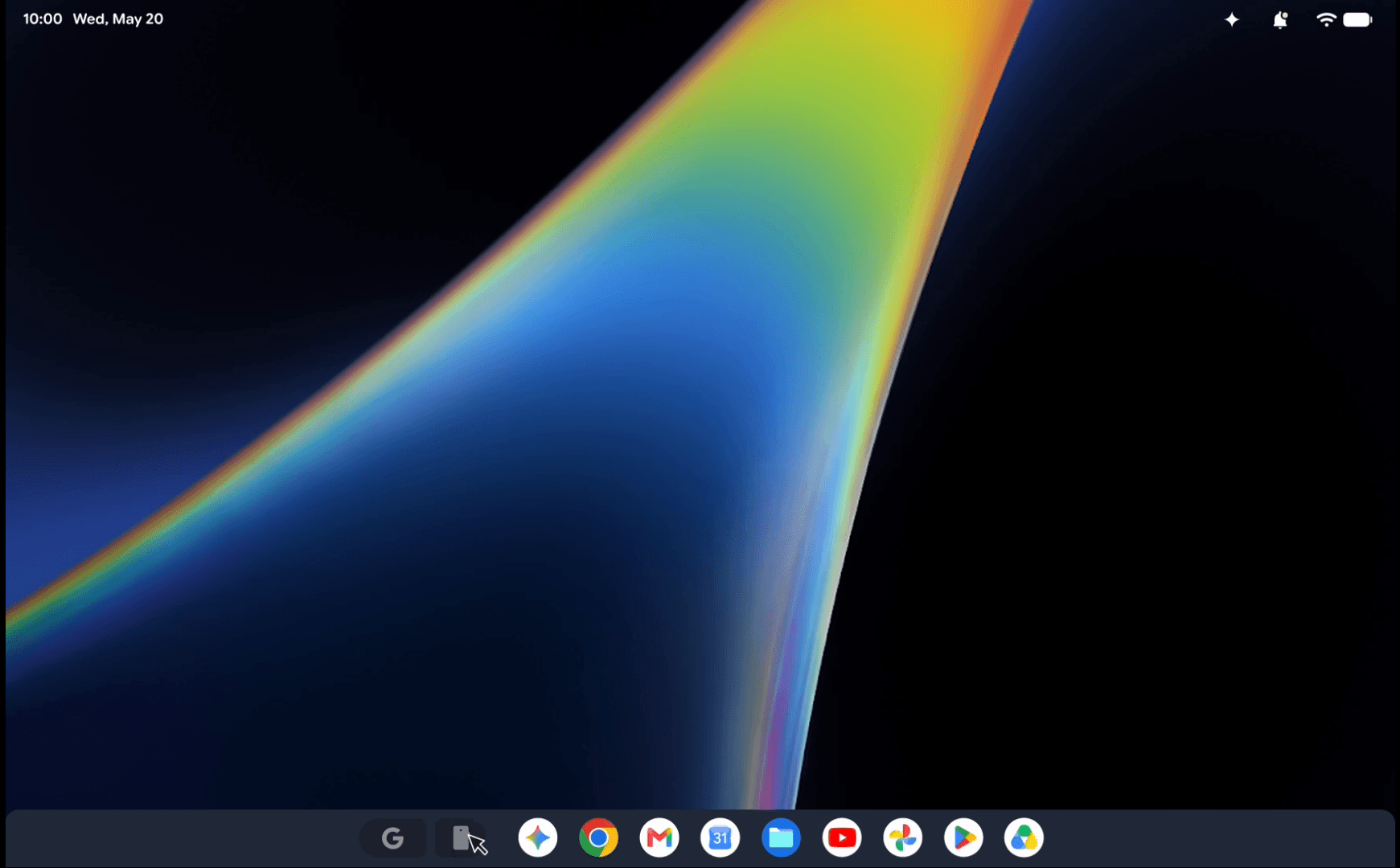
Google promises ten years of OS updates and regular feature drops. The device targets Android power users, mobile-first professionals, and developers who want a secure local environment for AI-assisted coding.
Googlebook Unique Features
Here is a breakdown of the unique features introduced with Googlebook:
| Unique Feature | Description & Key Functionality |
|---|---|
| Magic Pointer | A multimodal screen pointer activated by a "wiggle" gesture. It parses text, images, and visual context on screen to perform tasks like instant calendar scheduling, spam/phishing verification, or combining image assets without manual file downloads. |
| Rambler | A context-aware voice dictation tool accessed via a dedicated key. It filters out stutters and filler words ("ums"), auto-formats spoken thoughts into structured headers and checklists, and supports mid-sentence language switching. |
| Create My Widget | A no-code custom widget creator that builds live desktop widgets (such as sports trackers or travel countdowns) using plain-language text prompts. |
| Gemini Spark | A background execution agent framework that processes complex multi-step requests even when the laptop lid is closed. |
| Continue On | Task handoff feature (requiring an Android 17+ phone) that allows you to start a project on your smartphone and resume it immediately from the Googlebook taskbar. |
| Cast My Apps | Streams mobile phone applications directly into desktop windows on your screen so you can interact with phone apps without switching devices. |
| Quick Access / Files Integration | Integrates your phone’s storage directly into the Googlebook Files app, letting you view, search, and open phone photos and screenshots without emailing or transferring files. |
| Interactive Glowbar | An exterior light strip that animates during system bootup, sweeps to indicate battery charge levels, reacts dynamically to Gemini voice interactions, and offers open APIs for custom developer animations. |
| Dedicated G Key | A physical hotkey for one-touch system searches to surface instant answers. |
| 45+ TOPS On-Device NPU | Dedicated Neural Processing Units (paired with Intel Core Ultra Series 3 or Qualcomm Snapdragon X Elite chips) that run local generative AI tasks quietly without spinning thermal fans. |
| Level 5 Certified pKVM Hypervisor | A virtualized Linux isolation layer providing full terminal access to safely run untrusted code, manage repositories, and execute autonomous AI agents (such as Claude Code or Antigravity CLI). |
| Google Antigravity | An on-device AI agent platform included out-of-the-box for building, testing, and deploying custom AI applications locally. |
How Googlebook Connects to Your Android Phone
Setting up a new Googlebook is quite simple and fast. When you sign in, your laptop automatically pulls your Wi-Fi networks, saved passwords, system settings, and encrypted message history from your phone. Please note that you need a phone running Android 17 or higher to use these deep sync features.
Googlebook makes daily tasks move smoothly across devices:
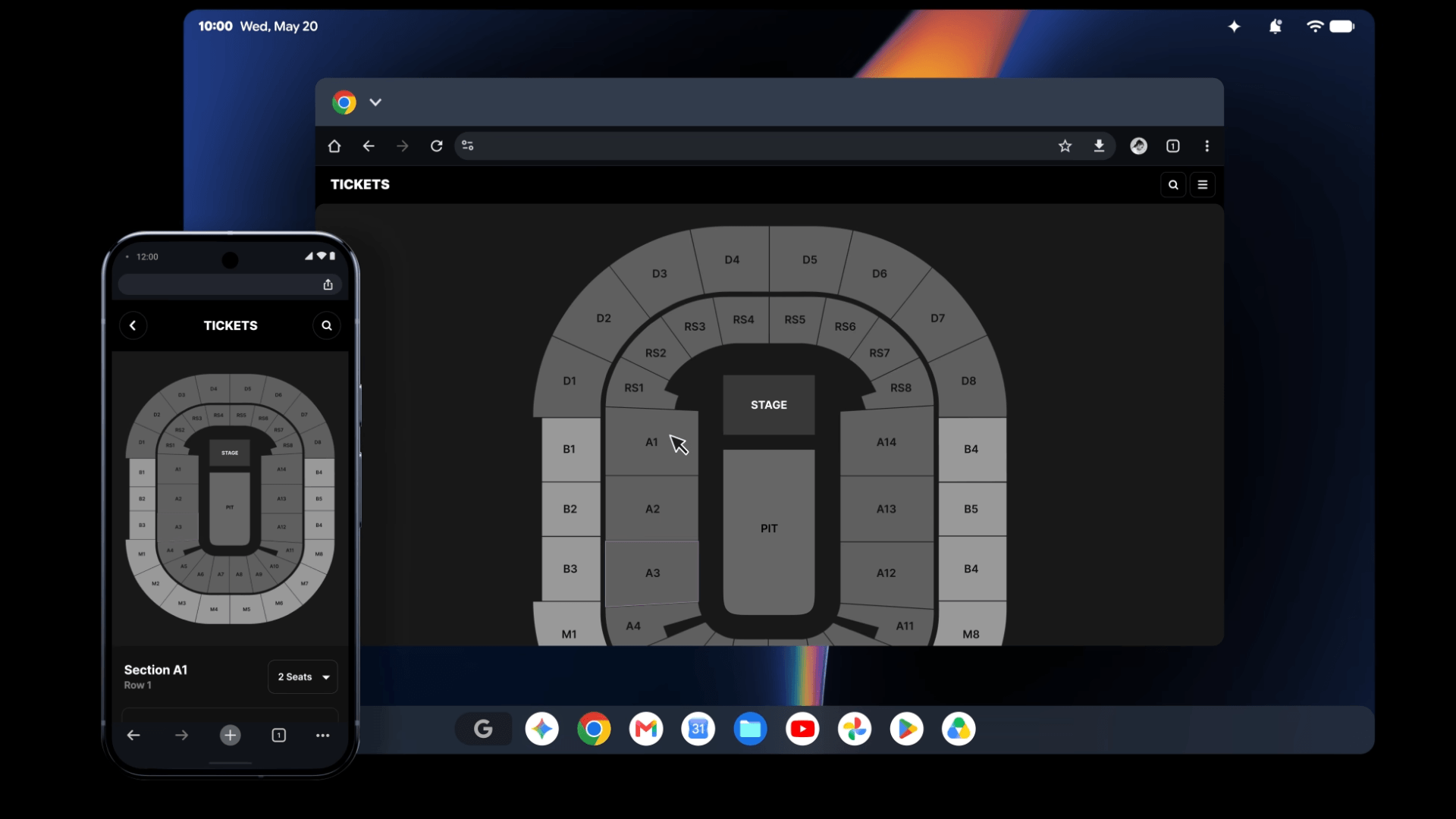
- Continue On: You can start a task on your phone and finish it on your laptop. If you edit audio in BandLab on your commute, you can open your laptop and keep working right from the taskbar.
- Cast My Apps: You can stream your phone apps into a window on your desktop screen. So, you can order food or check text codes without reaching for your phone.
- Quick Access: You can view, search, and open your phone photos and files inside the laptop Files app. Thus, you never need to email attachments to yourself.
Built-In On-Device AI Tools
Googlebook puts smart Gemini AI tools right inside your daily work. Hardware processors from Intel and Qualcomm feature dedicated Neural Processing Units with over 45 TOPS of power. Because these chips process AI tasks locally, your laptop runs fast and stays quiet without loud fans.
Here are the main AI features you can use:
- Magic Pointer: You wiggle your cursor to call Gemini anywhere on your screen. For example, you can highlight a web page training schedule and ask Gemini to map it out in Google Calendar. You can also check suspicious emails for security risks. Magic Pointer only turns on when you wiggle your cursor, so your privacy stays safe.
- Rambler: You tap the Rambler key next to Quick Insert to turn your spoken thoughts into clean text. Rambler removes stutters and filler words like "um". Also, it formats your verbal notes into clear checklists and handles language changes mid-sentence.
- Create My Widget: You can build custom desktop widgets just by describing what you want in simple words.
- Gemini Spark: You can close your laptop lid while Gemini Spark finishes complex tasks in the background.
Premium Hardware Design and Battery Life
Google teamed up with top PC makers to build five distinct hardware models. You can choose from Acer, ASUS, Dell, HP, and Lenovo. For instance, Acer offers a 2-in-1 convertible, ASUS makes a light 2.2-pound travel model, and Lenovo provides a 15-inch workhorse screen.
Furthermore, every model features high craftsmanship and strong materials:
- Build Materials: Partners craft these laptops using aluminum, magnesium alloy, and carbon fiber.
- Displays and Sound: Touchscreens offer up to 2.8K resolution and stay bright in direct sunlight. Six speakers provide Dolby Atmos surround sound.
- Battery Power: Batteries deliver up to 14 hours of video playback and 16 hours of web browsing.
- Unique Touches: The exterior Glowbar light strip animates at startup, sweeps to show battery charging progress, and lights up when you talk to Gemini. You also get a backlit keyboard, a haptic glass trackpad, and a dedicated G key for instant search.
Hardware Specifications:
| Specification | Details |
|---|---|
| Starting Price | $899 |
| Weight Range | 2.2 – 2.85 lbs |
| Battery (Video) | Up to 14 hours |
| Battery (Web) | Up to 16 hours |
| Display | Up to 2.8K OLED touch |
| RAM / Storage | 16–32 GB / 256 GB+ |
| Processors | Intel Core Ultra 3 / Snapdragon X Elite |
| NPU Compute | 45+ TOPS |
Developer Tools and Built-In Security
Googlebook protects your personal data while giving developers deep control. System protection relies on the Titan C hardware chip and biometric face or fingerprint unlock.
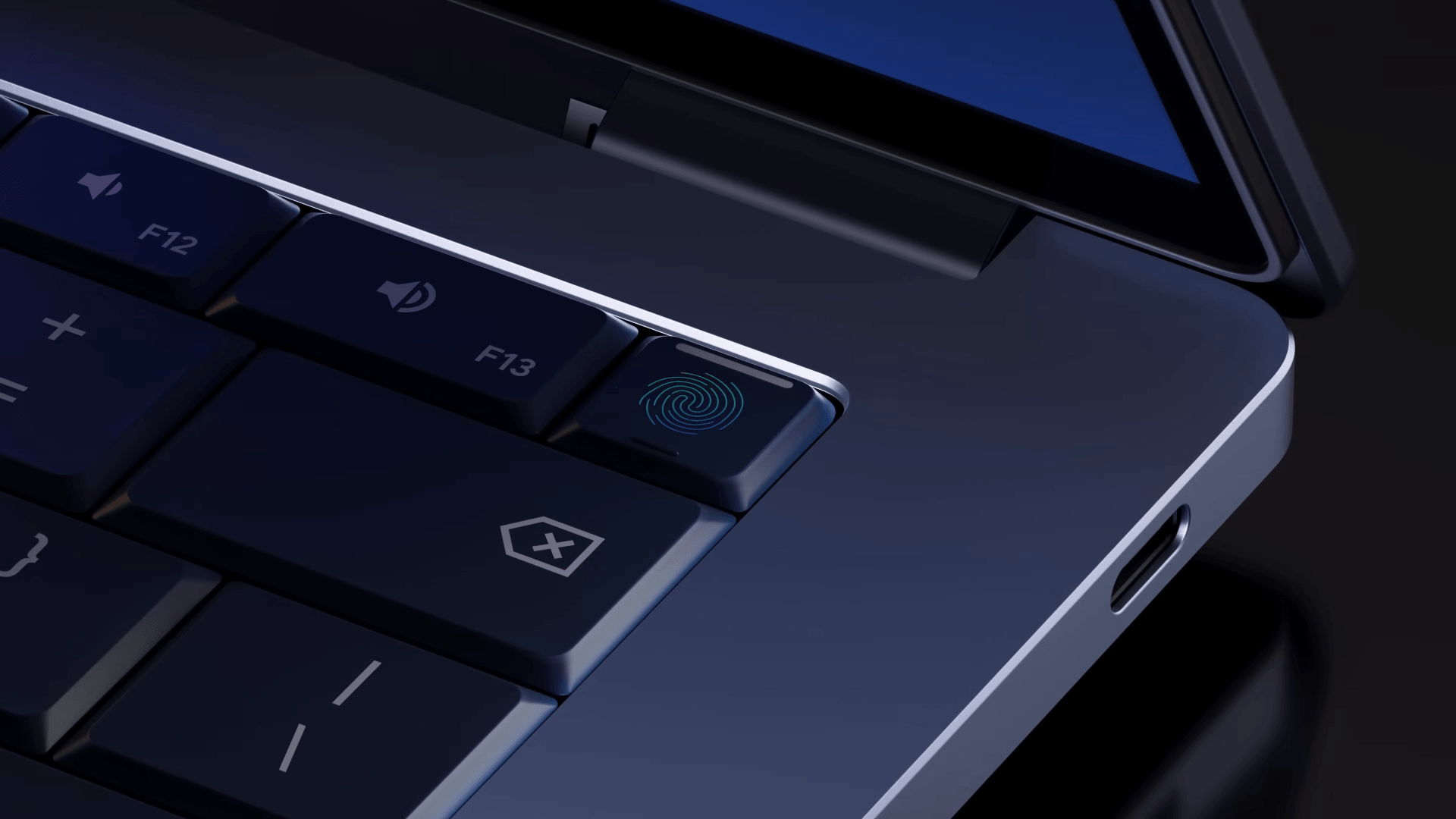
For programmers and makers, Googlebook introduces a Level 5 security-certified pKVM hypervisor. This isolated Linux hypervisor lets developers safely run terminal tools like Claude Code or Antigravity CLI. Therefore, you can test untrusted packages or run autonomous AI agents without risking your main system.
Pricing, Perks, and Release Dates
Googlebook pre-orders are open right now starting at $899. Every purchase includes extra perks valued at over $300:
- Google AI Pro: You get 12 months of Google AI Pro with 5 TB of cloud storage.
- Entertainment Perks: You receive 12 months of NVIDIA GeForce NOW for PC cloud gaming, plus 3 months of YouTube Premium and Adobe Photoshop.
- Long Support: Google guarantees 10 years of software feature drops and updates.
Googlebook Laptops will reach the store shelves on October 4 in the United States, and October 5 in Canada, the U.K., Ireland, France, Germany, and Australia.
Who should buy it: Android power users, mobile professionals, developers, and anyone who wants a silent, secure, AI-ready laptop with genuine phone integration.
Who should wait: Users on older Android versions, heavy PC gamers, or anyone already committed to a different ecosystem.
Related Read:
