
The Parrot Security Team announced the release of the beta images for ParrotOS 7. The upcoming Parrot 7.0 Beta transitions the system base to Debian 13 and replaces the default MATE Desktop Environment with KDE, citing superior technical advancements as the reason for the change.
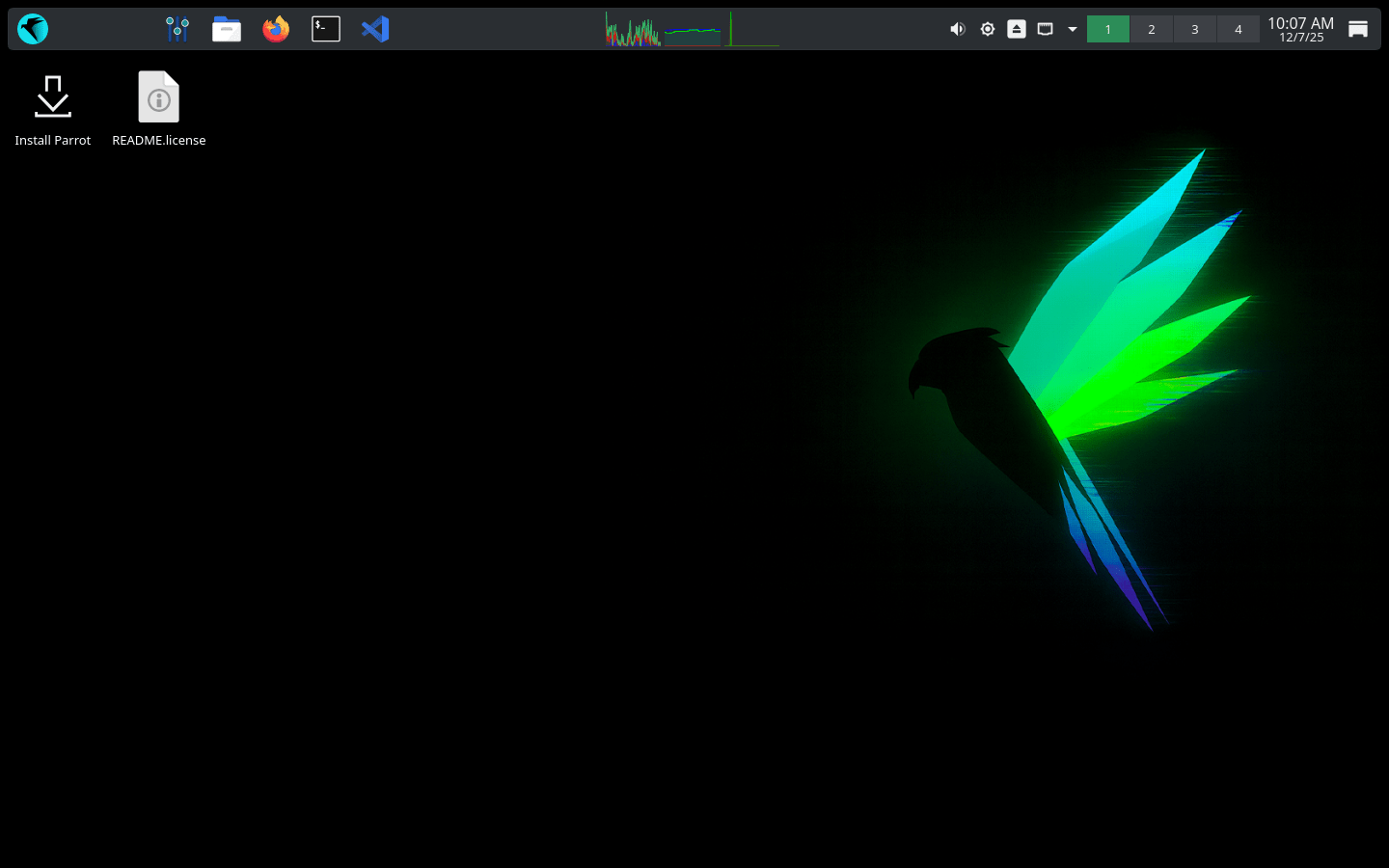
This new version also brings a few more important changes, great enhancements, and increased stability for your work and daily tasks.
For those unaware, ParrotOS is a Debian-based GNU/Linux distribution for security professionals, developers, and privacy-focused users, providing tools for digital forensics and IT security.
Table of Contents
ParrotOS 7 is Based on Debian 13
First, Parrot 7 is based on the latest Debian 13 "Trixie" release. The team aims to clear technical debt and future-proof the system.
Since Parrot Security is designed for security experts, developers, and privacy-aware people, this new base ensures stability and up-to-date packages.
Performance and Efficiency Boosts
Furthermore, system performance improves due to a smart change: the /tmp directory automatically mounts as tmpfs (in RAM) instead of using the physical disk. This change boosts speed and reduces the wear on your SSD.
Because these are temporary files, the data in /tmp will disappear whenever you reboot, which is exactly how temporary files should work.
New Default Desktop Environment, KDE!
Now, KDE is the default and official Desktop Environment (DE) for ParrotOS 7. ParrotOS 6 “Lorykeet” and earlier versions used MATE desktop by default.
Why KDE?
After much waiting and extensive testing, the team decided to include KDE. This change helps usability and aligns better with the team's future goals.
The KDE team continually improves its system, and the Parrot team noticed these efforts. For instance, KDE focuses on Wayland and Qt6. Other enhancements include improvements to its main components, the new task switcher, KRunner, and much better support for HiDPI/4K monitors.
Although KDE is the new official default, the Parrot team will still support the MATE Desktop Environment as long as its upstream development continues.
Core Infrastructure and Component Upgrades
The ParrotOS development team focused heavily on infrastructure and build scripts for ISOs and virtual machines. Thanks to several automations, developers and users now have an easier experience. Notably, these changes make it possible to produce weekly images.
Key Component and Aesthetic Changes
Several core system packages received important improvements, including parrot-core, parrot-interface, and parrot-themes. Specifically, the team changed the configurations of parrot-core to provide better support.
Also, the team rewrote the text interface for apt (the package manager) from Nim to Go. Now, the apt interface is more readable, using colors and aligned columns. It presents missing dependencies and removed packages much more clearly.
Finally, the entire system has seen a radical aesthetic change. Green on black has always distinguished ParrotOS. Therefore, the team chose to extend this classic terminal green across the entire system, reflecting their future goals.
Try ParrotOS 7.0 Today
ParrotOS is designed to be familiar for the security expert yet easy to use for the new entry student. It provides a full portable arsenal for IT security and digital forensics operations.
The Parrot 7.0 beta is available for download. If you currently run ParrotOS 6 “Lorykeet”, the team promises to provide a guide on how to upgrade when the final release arrives. Try out the new features and experience the next generation of ParrotOS today!
Resource:
