
The Solus team has released its newest version of the operating system: Solus 4.7, codenamed "Endurance". This release is all about keeping your system stable and up-to-date, with some exciting new features. Solus is designed for home computing, aiming to provide a smooth experience for everyone.
What's New in Solus 4.7
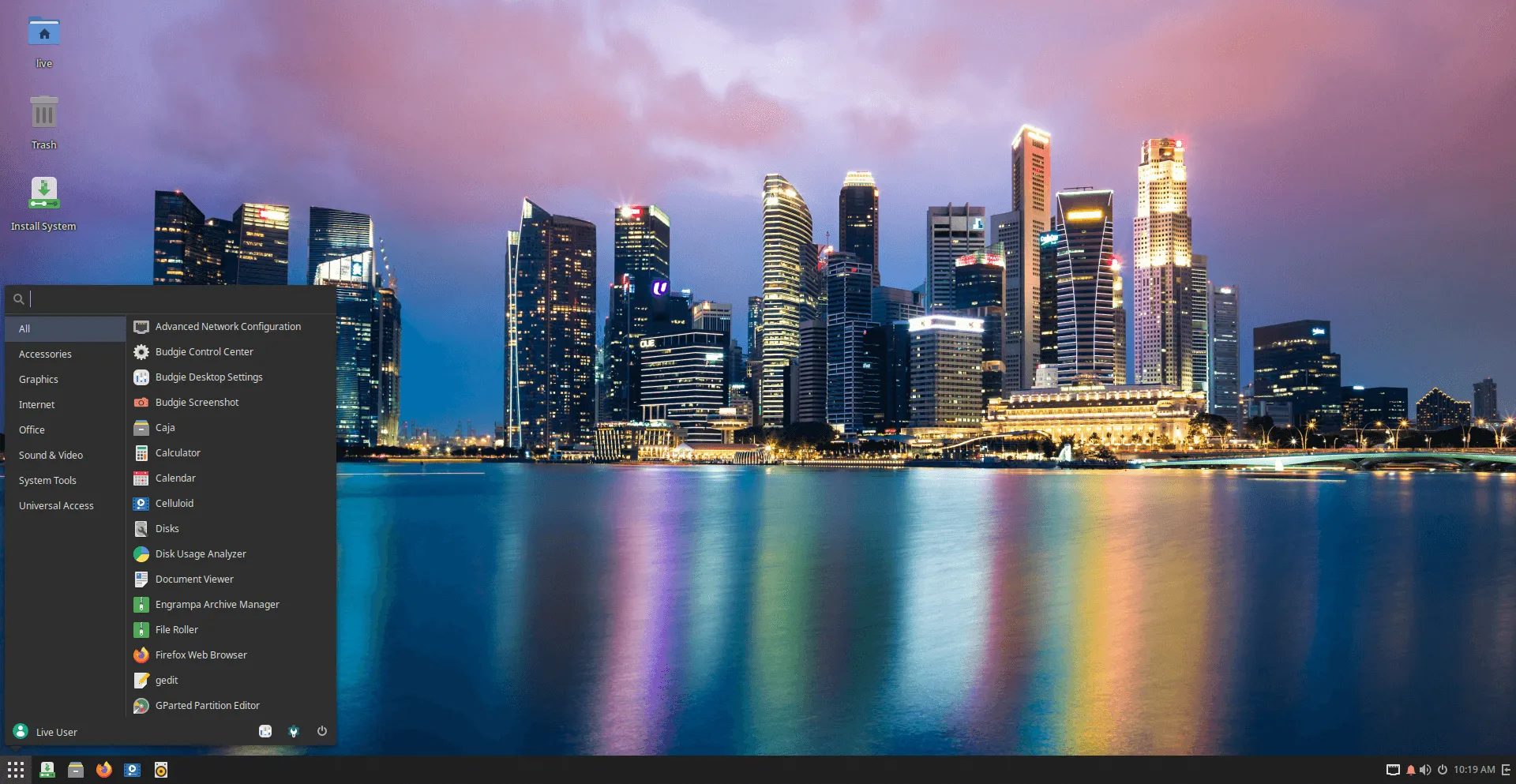
Solus 4.7 Endurance ships with updated default applications, improved NVIDIA GPU support, and kernel updates. Let's take a look at the important updates.
Updated Software:
Solus 4.7 comes with the newest versions of essential software:
- Firefox 134.0.2 for browsing the web.
- LibreOffice 24.8.4.2 for documents, spreadsheets and presentations.
- Thunderbird 128.6.0 for managing your emails.
Multimedia:
Solus includes different media players depending on which version you choose.
- Budgie and GNOME editions come with Rhythmbox for music and Celluloid for videos.
- XFCE edition has Parole for playing media.
- Plasma edition has Elisa for music and Haruna for video playback.
New Software Centers:
Solus 4.7 encourages users to try new software center which support Flatpaks, and give better descriptions of apps using Appstream metadata.
- GNOME and Budgie users can try gnome-software.
- Plasma users can use discover.
The goal is for every application to have a working metadata file, so users can see information before installing.
Better Support for NVIDIA:
If you have an NVIDIA graphics card, especially a newer 4000 series card, you should find that it works better with Solus 4.7, with fixes for black screen issues during installation.
Updated Kernels:
Solus 4.7 uses Linux kernel 6.12.9. There's also a long-term support (LTS) kernel, 6.6.70, available.
Mesa Update:
Mesa, which helps with graphics, has been updated to version 24.3.3.
Different Flavours of Solus
Solus offers different desktop experiences:
- Budgie: This version is a modern and stable experience. Solus 4.7 ships with the latest version, Budgie 10.9.2.
- GNOME: The GNOME edition has been updated to GNOME 47.3, which includes new accent colours, better support for small screens, faster screen capture, and improved file dialogs.
- Plasma: The Plasma version uses the latest KDE software, including Plasma 6.2.5, KDE Frameworks 6.10.0, and QT 6.8.1.
- XFCE: This version is a more traditional option, especially good for older computers. It has been updated to version 4.20, which includes experimental support for Wayland.
Download Solus 4.7
Users can download the latest Solus 4.7 from the official Solus Download page and start using the latest version of this operating system today!.
What is Solus?
Solus is a modern, rolling-release model GNU/Linux operating system. Solus ships with a selection of pre-installed software, so users can "get going without a lot of setup fuss."
Solus provides various desktop experiences: Budgie (their flagship), XFCE (for lower-end devices), GNOME and Plasma. This allows users to pick a "best experience" for their specific device.
Using its own "Software Center", Solus offers easy app installation and management. The new software center options get you out-of-the-box support for Flatpaks, and better app descriptions.
Target Audience
Solus is designed to meet a variety of needs:
For Home and Office users, it comes preloaded with LibreOffice for productivity tasks. Additionally, you’ll find software for accounting and managing personal or professional information.
Developers will appreciate the wide range of tools available on Solus, including code editors, support for multiple programming languages, and version control systems.
Content Creators can take advantage of specialized software for animation, music production, graphic design, and video editing.
For Gamers, Solus offers a selection of open-source games, as well as support for popular gaming platforms like Steam, allowing you to enjoy your favorite games seamlessly.
