
The Fedora Project has announced the release of the Fedora Linux 42 Beta. This is your chance to get a first look at the next big things coming to Fedora, a popular and powerful Linux operating system. The Fedora 42 beta version lets you test out all the new features before the final version arrives, helping to make it even better for everyone.
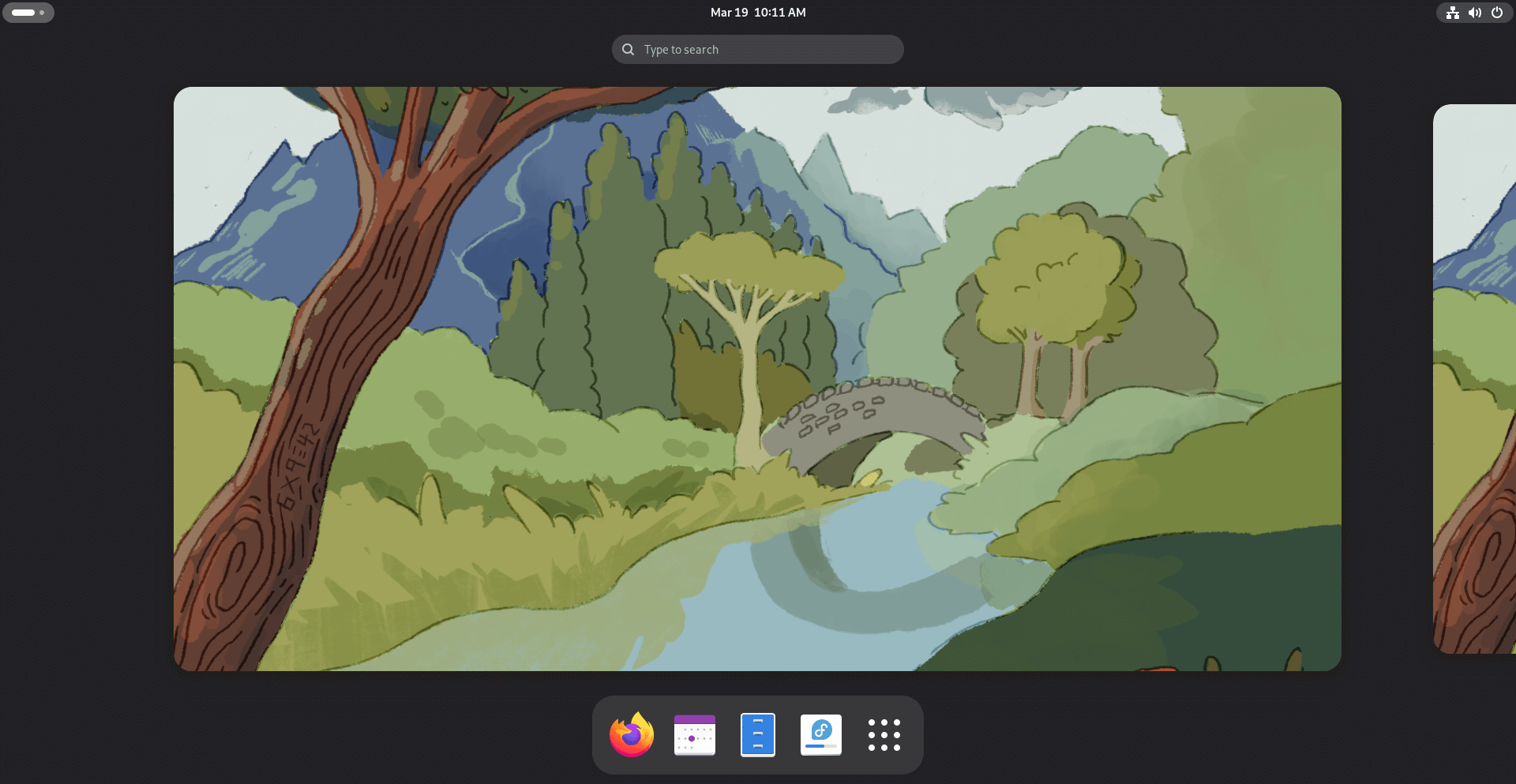
What's New in Fedora 42 Beta?
Fedora 42 beta is powered by the latest Linux Kernel version 6.14 RC6, GNOME 48 alpha, Ptyxis Terminal 48.0, Bash 5.2.37 and lots of new updated software.
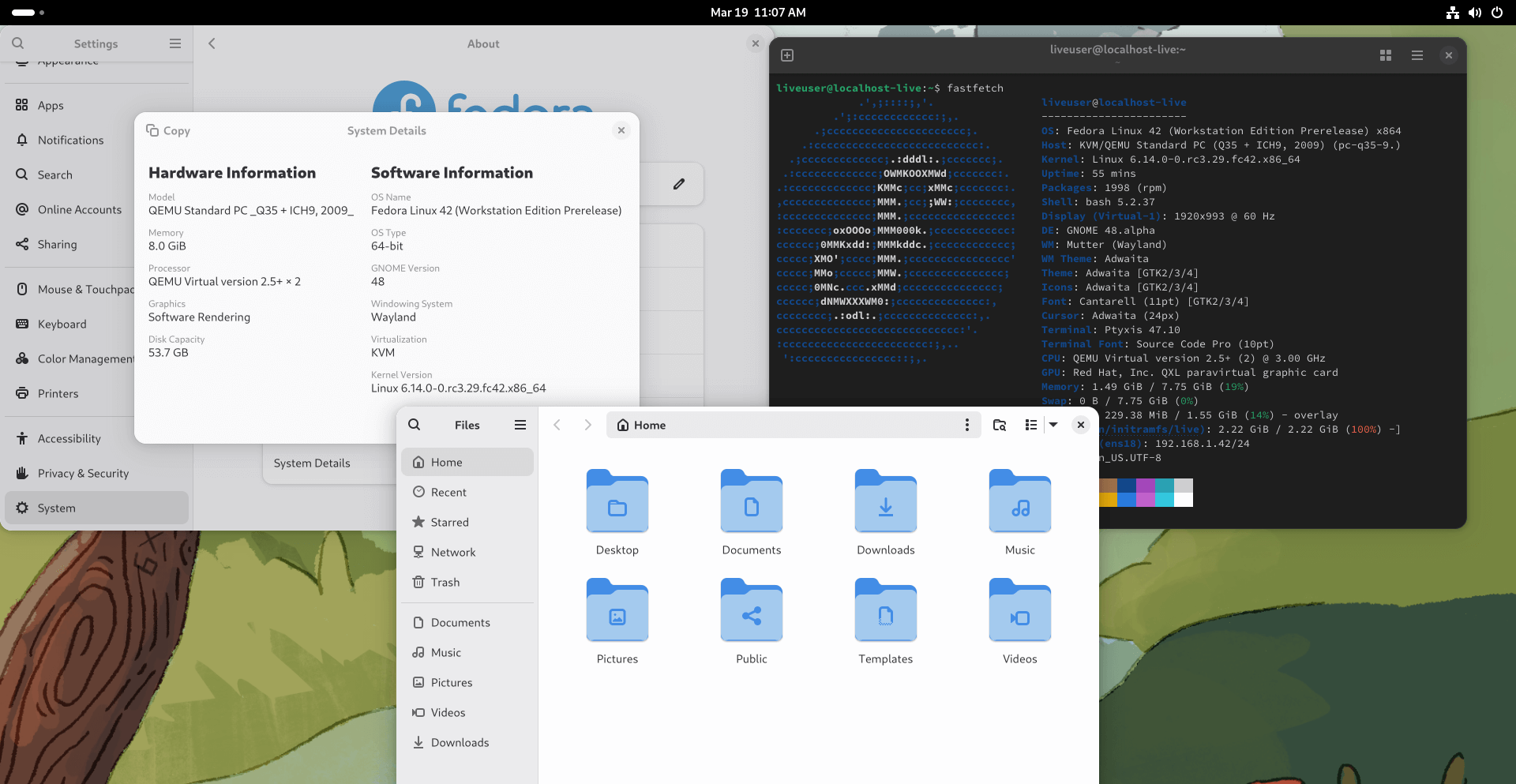
Here are a few more highlights that you should know about:
A New Official Flavour: Fedora KDE Plasma Desktop!
For a long time, if you wanted to use the KDE Plasma desktop on Fedora, it was available as a "Spin". Now, starting with Fedora 42 Beta, KDE Plasma is a full official Edition!
This means it gets the same high level of quality and support as the main Fedora Workstation version. Plus, it now works on even more types of computers, including those using Power Systems (ppc64le).
Say Hello to Fedora COSMIC: A Brand New Desktop Experience!
Fedora 42 Beta introduces a new "Spin" called Fedora COSMIC! This is a fresh, modern desktop environment built using the Rust programming language by the makers of Pop!_OS (System76).
COSMIC has some unique features, like a smart way of managing your windows and cool options for making it your own.
Installing Fedora Just Got Easier!
The program you use to install Fedora, called Anaconda, has been updated with a new look that works in your web browser!
This new Web UI aims to make installing Fedora smoother and easier, with helpful instructions and a way to see how the installation is going.
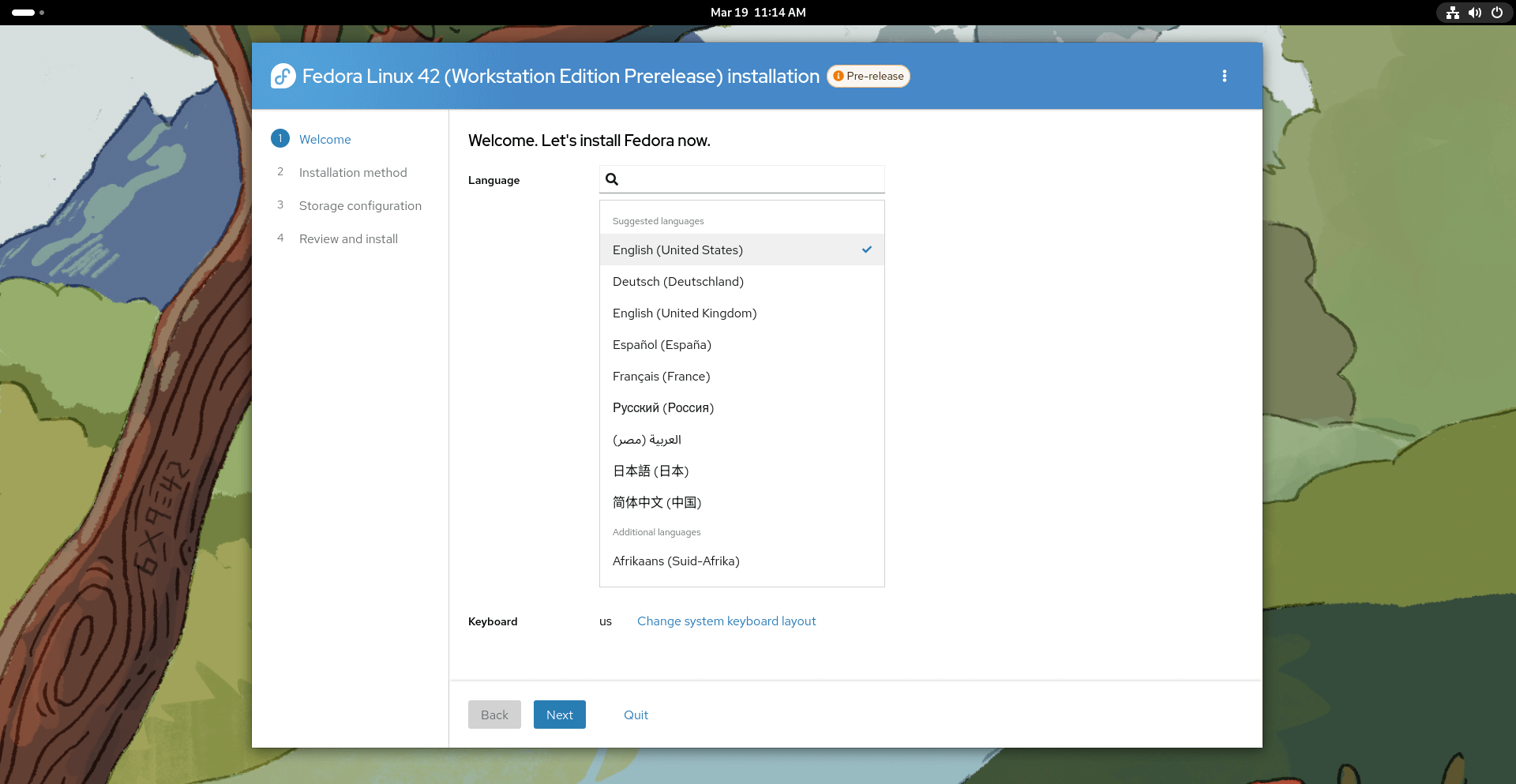
There's also a handy "Wizard" that lets you skip parts you don't need.
Smarter Disk Partitioning
If you're setting up how Fedora uses your computer's storage, the new Anaconda has a guided partitioning feature. This helps you automatically set things up based on what you want to do, and you can still make changes if you need to.
It also makes it easier to reinstall Fedora if something goes wrong and even helps with setting up a dual-boot system where you can have two operating systems on your computer.
Updated Software Powering Your System
Fedora 42 Beta includes the latest versions of important software. This includes:
- Python: Updated with the newest python-setuptools.
- Ruby: Featuring the latest stable version, Ruby 3.4, which makes Fedora a great place for Ruby developers.
- DNF5: This tool for managing software now has a clever way of automatically removing old and no longer needed repository keys.
Download Fedora 42 Beta
You can get the pre-release versions of Fedora 42 Beta from the Fedora Project website. This includes versions for different uses, like Workstation, KDE Plasma Desktop, Server, IoT, Cloud, and CoreOS.
There are six pre-release editions available for Fedora Linux 42 Beta. You can download your preferred edition from the links below:
- Fedora Workstation 42 Beta
- Fedora KDE Plasma Desktop 42 Beta
- Fedora Server 42 Beta
- Fedora IoT 42 Beta
- Fedora Cloud 42 Beta
- Fedora CoreOS “next” stream
If you already have Fedora installed, you might even be able to upgrade to the beta using a tool called DNF system-upgrade.
Remember that this is a beta, so you might find some things that aren't quite finished or have a few bugs.
Let the testing begin! Share your experiences and help the Fedora community make Fedora 42 a rock-solid release.
