
Great news for GNOME fans! The people at GNOME have just released their newest version, 48, codenamed "Bengaluru". After six months of development, GNOME 48 has brought several new features and enhancements.
GNOME is an independent computing platform that aims to provide an elegant and user-friendly way to use a computer. It comes with a suite of core applications for everyday tasks.
Table of Contents
Codename Significance
If you're wondering, "what is Bengaluru?", don't worry! You're not the only one!
GNOME names their versions after places where they have big conferences. This time, they are honoring the amazing team that organized GNOME Asia 2024 in Bengaluru.
Bengaluru is a significant tech hub in India, sometimes known as the "Silicon Valley of India" or "IT Capital of India. Its former name was Bangalore.
What's New in GNOME 48 "Bengaluru"?
GNOME 48 ships with lots of new features. Some of the notable features are:
- Notification stacking,
- Performance improvements,
- An enhanced image viewer,
- New fonts,
- Digital wellbeing tools,
- Battery health preservation,
- A new audio player named Decibels,
- Initial HDR support,
- An updated text editor,
- And much more!
Let us have a quick look at some of these features.
Stacked Notification
In GNOME 48 "Bengaluru", your notifications will be much neater. They added notification stacking. Instead of your screen filling up with too many alerts from the same app, they will now be grouped together.
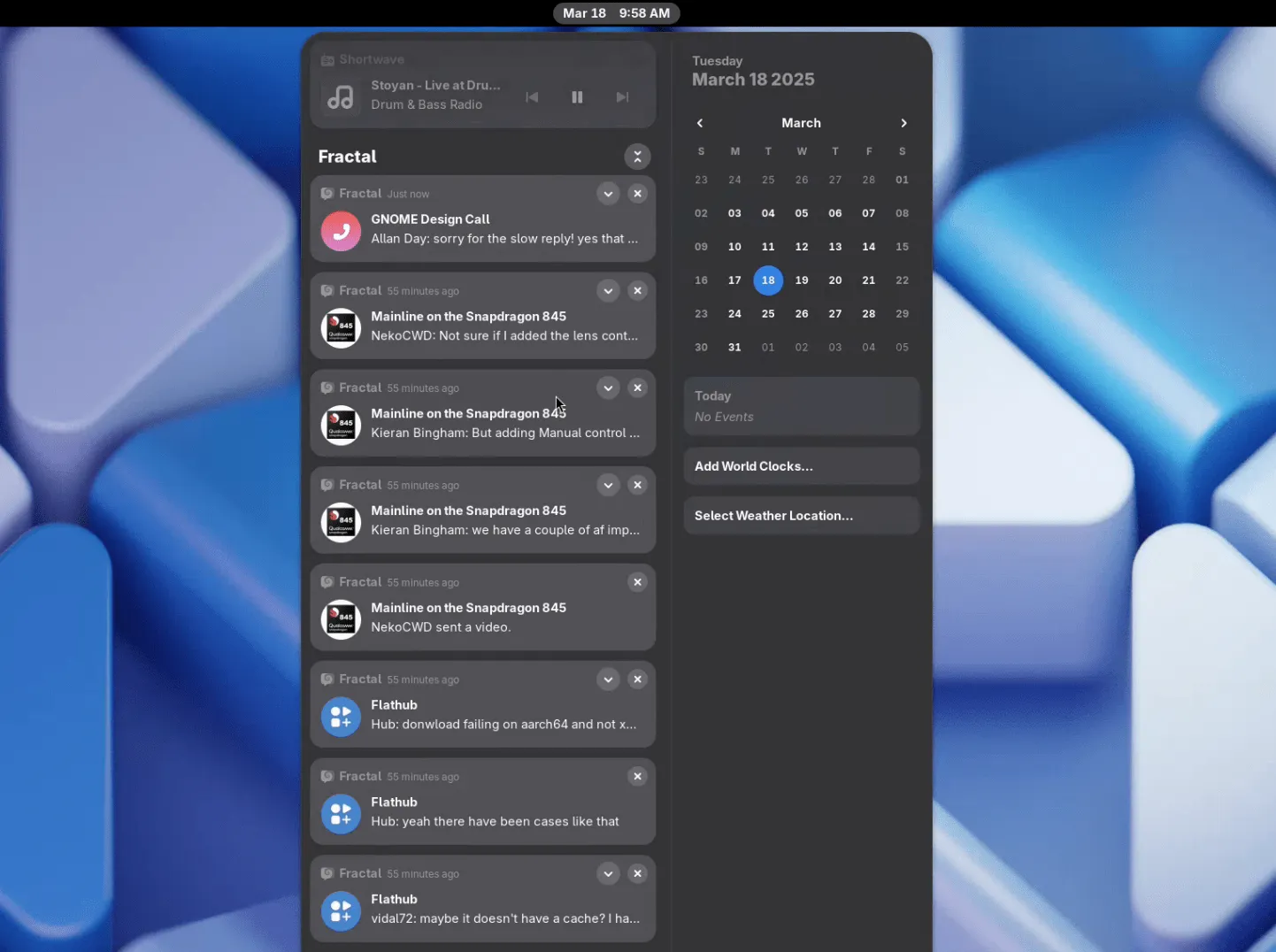
You can tap on the stack to see all the notifications from that app. This makes everything more organized.
Better Performance
They have also worked on better performance. One big change is called dynamic triple buffering. This sounds complicated, but it simply makes your screen feel smoother with fewer small pauses or jumps. The GNOME team have tested this for a long time, so it should work well.
The JavaScript engine, which helps run GNOME, is now more efficient. This means it uses less power and memory. Also, if you work with a lot of images, opening folders with many pictures will be faster. Nice!
New Fonts
Want a fresh new look? GNOME 48 has new fonts: Adwaita Sans and Adwaita Mono. These fonts should look great and be easier to read, especially on high-quality screens.
Adwaita Sans is based on a well-known font called Inter, and Adwaita Mono is a version of Iosevka, which is great for coding and plain text. A little style upgrade never hurts!
Digital Wellbeing Tools
Now, here’s a feature that could be helpful: Digital Wellbeing tools. You can now check how much time you spend using your computer and even set daily limits.
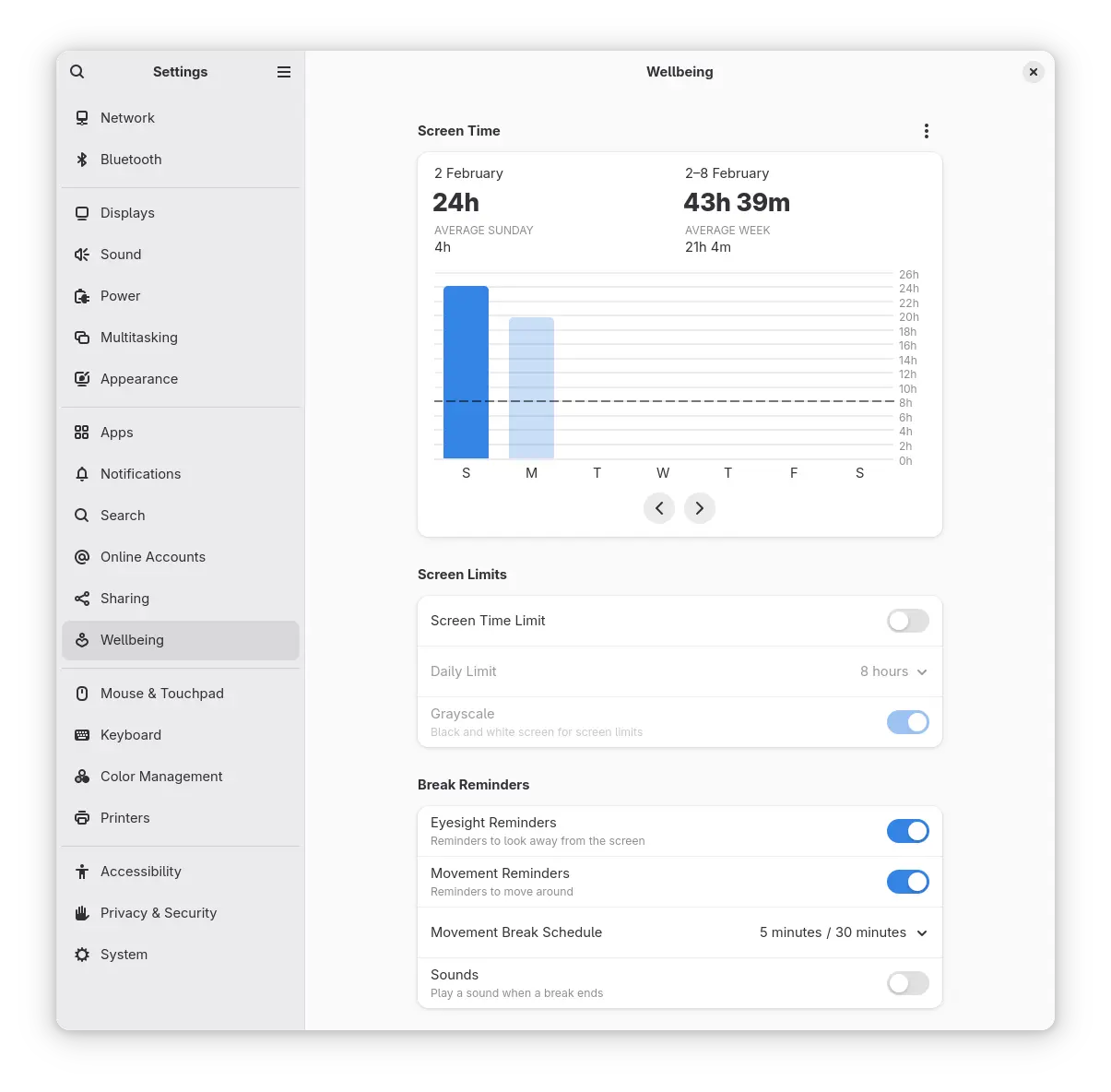
One cool tool is the break reminder, which tells you when to take short breaks to rest your eyes and stretch. If you spend hours looking at a screen (like most of us), this could be useful.
This feature might convince your friend to try Linux! Everyone may not excited about it—but I believe a few people will use it. You can find these new features in the Settings app.
Battery Health
For laptop users, there is a new option to help your battery last longer. When your laptop is plugged in, you can choose to stop charging at 80%.
This can help your battery stay healthy for a longer time. You can find this in the Power settings under "Battery Charging", but it may not work on all Laptops.
New Audio Player
There is also a new app called Decibels, a simple audio player. It is made for playing single audio files.
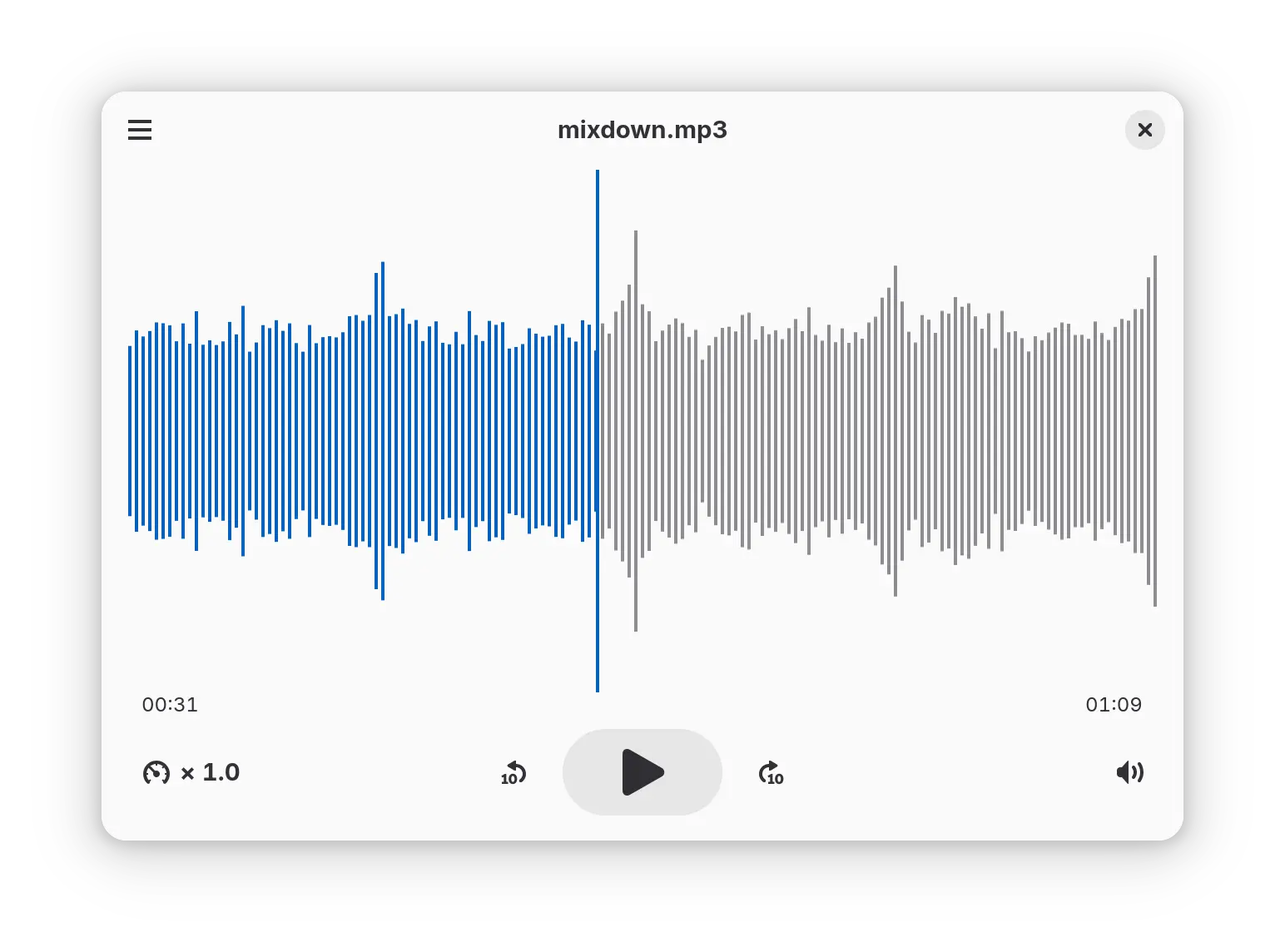
It has a clean design and even shows sound waves, which can help when listening to recordings or podcasts.
Please note that it is not meant to be a full music player, just a basic way to play audio files.
HDR Support
If you have a fancy HDR screen, GNOME 48 has initial support for HDR. This means that if your screen and apps support HDR, you will see better colors and contrast.
The GNOME devs are still working on getting more apps to support it, but it’s a good start! You can turn this on in the display settings.
Other Improvements
There are also many small improvements.
- Apps can now create their own global shortcuts.
- New windows will appear in the center of the screen.
- Copy, paste, and cut keys on some keyboards should work better.
- The Contacts app has a new design.
- The on-screen keyboard is now better for accessibility.
- The Maps app has been updated.
So, that’s GNOME 48 "Bengaluru"! This version makes things run smoother and helps you take breaks from your screen. GNOME is a community project, so a big thank you to everyone who contributed!
Get GNOME 48
Now, the big question: When can we get it? Some Linux distributions might already have early versions of GNOME 48. For instance, Fedora Linux 42 and Ubuntu 25.04 "Plucky Puffin" have included GNOME 48 alpha version.
I hope the rolling distributions such as Arch Linux, openSUSE Tumbleweed will include GNOME 48 in their default repositories in a few days.
But for most people, it's best to wait until your distribution releases the official update. If you are curious, you can try GNOME 48 in a virtual machine using the GNOME OS image.
What do you think of the "Bengaluru" release? Are there any features you’re excited about? Let me know in the comments! And if you try it, tell me what you think!
Resource:
