
Table of Contents
Quick Summary
- Fedora Linux 44 is officially released with better software and hardware support among other improvements.
- Fedora 44 focuses on Wayland-native modernisations, technical reliability, and developer empowerment.
- Key updates include the migration of the Budgie desktop to Wayland, a shift for the Games Lab to KDE Plasma, the introduction of the Nix package manager, and more.
- If you're already using Fedora 43, you can directly upgrade to Fedora Linux 44 without re-installation.
- For those who prefer fresh installation, the Fedora 44 ISO images are also available for the Workstation, Server, IoT, and Cloud editions.
Fedora Linux 44 is Officially Released!
The wait is finally over. Fedora Linux 44 has been officially released on April 28, 2026. It arrives two weeks later than planned due to bugs in the KDE setup wizard.
Fedora 44 brings Linux Kernel 6.19, GNOME 50, KDE Plasma 6.6, the NTSYNC kernel module for better Windows game performance, a faster OpenSSL certificate loader and more.
What's New In Fedora Linux 44
Let us look at the most important changes in Fedora Linux 44.
Linux Kernel 6.19
Fedora 44 ships with Kernel version 6.19.14.
$ uname -a

Linux fedora 6.19.14-300.fc44.x86_64 #1 SMP PREEMPT_DYNAMIC Thu Apr 23 15:17:50 UTC 2026 x86_64 GNU/Linux
A notable feature of the Fedora 44 kernel is the inclusion of the NTSYNC module (ntsync.ko.xz), which is designed to improve the performance and compatibility of Windows applications and games running through Wine or Steam.
Even though Kernel 7.0 is already released, it did not make it into the Fedora 44 release because it arrived too late in the development cycle.
A Better Desktop Experience
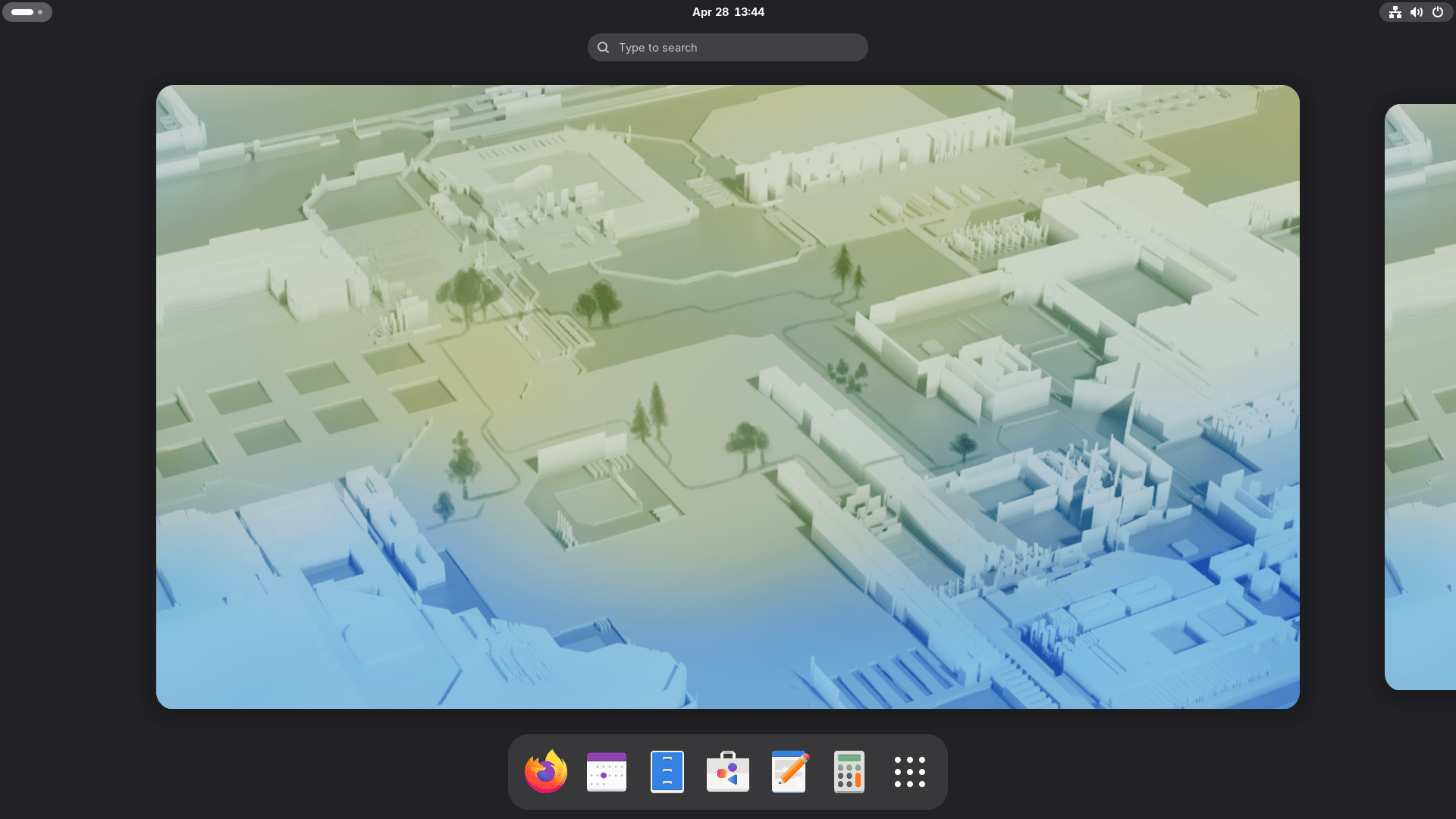
Fedora Workstation now includes GNOME 50. This version refines your desktop with better color management and easier remote desktop tools. Many core apps like the File Manager and Calendar are also updated.
Additionally, KDE users get a massive upgrade with Plasma 6.6. This release introduces a new Plasma Login Manager and a Plasma Setup tool. These tools make it much easier to set up your computer for yourself or a friend right after installation.
If you prefer other desktops, you will still see big changes. For example, Budgie 10.10 now uses Wayland by default to provide a faster, more modern feel.
Furthermore, the Fedora Games Lab moved to KDE Plasma to give gamers the best possible Wayland performance.
System Installation and Core Infrastructure
Fedora developers also improved the hidden parts of the system to make Fedora 44 faster and more reliable.
One major change involves how Fedora handles your network. In the past, the installer created profiles for every wired device it found. Now, the Anaconda installer only creates profiles for the devices you actually configure during setup. This keeps your network settings clean and simple.
Another notable change in Fedora 44 is DNF5 integration. Fedora 44 now uses the DNF5 backend for PackageKit, which handles many of your graphical software updates.
In addition, the system upgrade tool is now built directly into DNF5. This means you no longer need to install a separate plugin to move to a new Fedora version if you are already using DNF5. These changes make managing your software faster and more reliable.
Thanks to OpenSSL improvements, your Fedora system will now start faster. By changing how it stores security certificates, the system can load them much more efficiently.
Also, Fedora Cloud users will notice that images are now smaller because they use a Btrfs subvolume for the boot partition.
Gaming and Development Updates
Fedora 44 is a powerhouse for specialized tasks.
For gamers, the new NTSYNC kernel module is a game-changer. It helps Windows games and apps run much better when you use Wine or Steam. In fact, the system can even configure this for you automatically.
Developers also have many new tools to play with. This release includes:
- Programming Languages: Modern versions of Ruby 4.0, Go 1.26, and PHP 8.5.
- Databases: MariaDB 11.8 is now the default version.
- Web Tools: The default web stack now uses Django 6.x.
- New Tools: You can now install the Nix package manager directly on Fedora.
See Fedora 44 ChangeSet for more details.
Download Fedora 44
Fedora 44 ISO images are already available for download in the Fedora official website. Users can choose from a variety of installation media for different use cases:
- Flagship Editions: This includes Workstation, KDE Plasma Desktop, Cloud, Server, CoreOS, and IoT.
- Atomic Desktops: Images are available for Silverblue, Kinoite, Cosmic, Budgie, and Sway.
- Alternate Options: Users can also download various "Spins" featuring different desktop environments like Cinnamon, Xfce, or Sway.
Download the Fedora 44 Workstation, Server, and IoT editions from the links below:
Download Fedora 44 variants (spins), including Xfce, LXDE, COSMIC, i3, and other desktop environments from the links below:
How to Upgrade to Fedora 44
Upgrading Fedora is easy, but you should always back up your important data first. Once you are ready, follow these simple steps in your terminal:
Step 1: Update your current system
Run the following command to update your current Fedora system:
sudo dnf upgrade --refresh
Reboot your computer to apply the software updates.
Step 2: Download the upgrade plugin
If you don't have it, install it with command:
sudo dnf install dnf-plugin-system-upgrade
Step 3: Start the Fedora 44 Upgrade
Run the following command to upgrade to Fedora Linux 44:
sudo dnf system-upgrade download --releasever=44
Step 4: Finish the upgrade
Finally, type:
sudo dnf system-upgrade reboot
Your computer will restart and install the new files. Once it finishes, you will be running Fedora 44!
We have published a detailed step-by-step guide to upgrade to Fedora 44 from Fedora 43. Check the following link:
After successful upgrade or fresh install, you may want to do some essential steps. We have covered some important things to do in Fedora 44. Check the following guide for details:
Final Thoughts
Fedora Linux 44 proves why it remains a leading choice for the Linux community. It balances cutting-edge features with smart, user-friendly improvements. If you hit a snag during your journey, you can always visit the Ask Fedora forum for help from the friendly community.
Are you ready to try it? Go grab the latest image and see what’s new!
Since this is new release, you may encounter bugs. See the list of commonly encountered issues for Fedora 44 in the following link:
Resource:
