
Alright, GIMP users, listen up! We’ve been waiting a long time, and now it's finally here – GIMP 3.0 is officially released! Can you believe it has been seven years? It feels like forever since we were using GIMP 2.10. But this new version was worth the wait because it brings many great improvements.
Table of Contents
A New Look and Better Performance
One of the biggest changes in GIMP 3.0 is the new GTK3 user interface. In older versions, GIMP sometimes looked blurry on high-resolution screens, but now that problem is fixed! GIMP 3.0 now works much better with HiDPI screens.
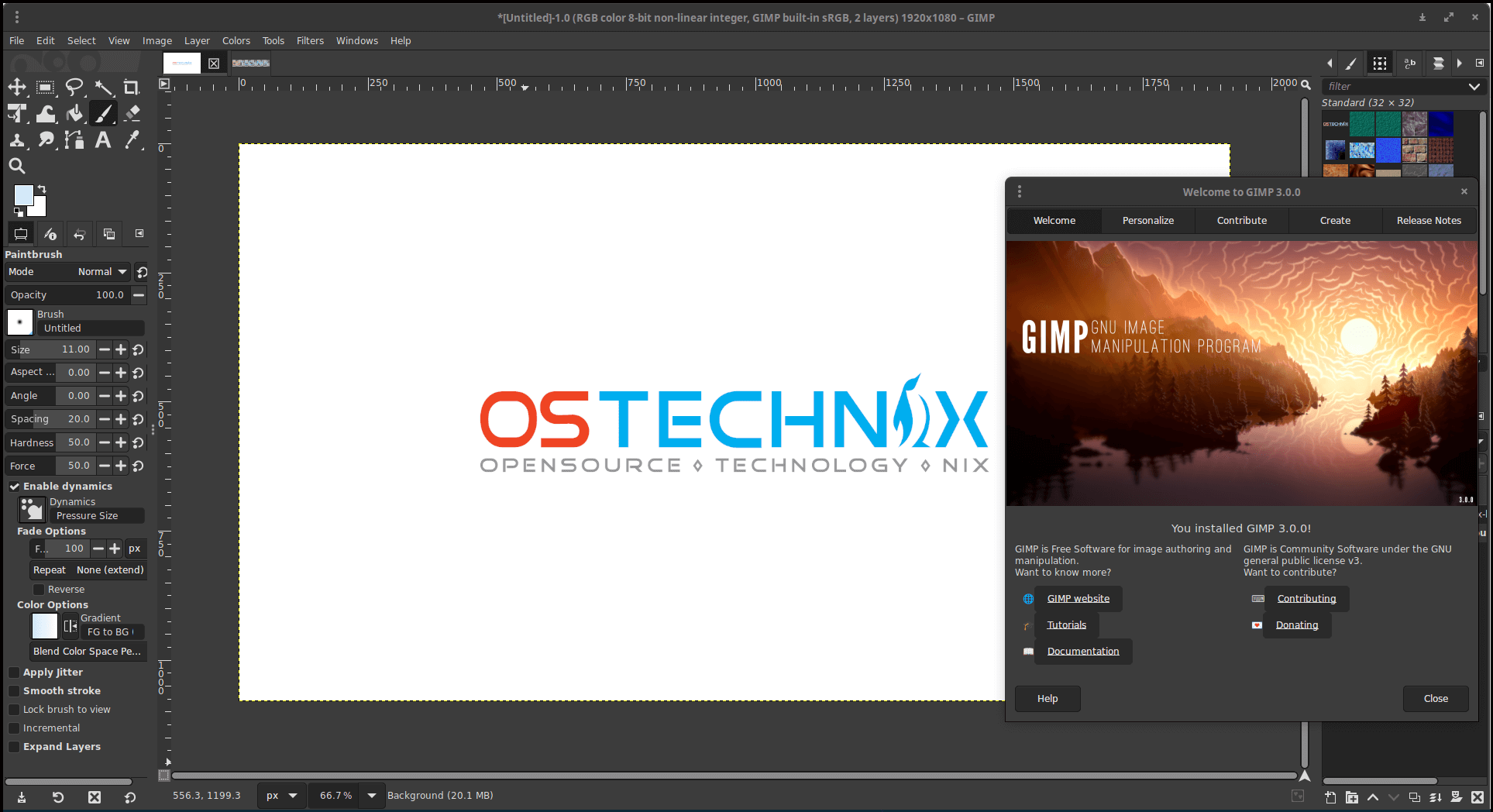
If you use a graphics tablet, you’ll be happy to know that tablet input is much better too. Also, GIMP now supports CSS themes, which means we might see some amazing custom designs soon.
And here’s another big update – GIMP 3.0 now runs natively on Wayland, but if you still prefer X11, you can use that too.
Non-Destructive Editing
In the old GIMP versions, if you applied a filter and wanted to change it later, you had to undo everything. But now, GIMP 3.0 has non-destructive layer effects!
This means filters stay active, and you can edit them later without starting over. You can also turn them on and off or delete them. But if you prefer the old way, you can still merge filters as before.
Improved Color Support
GIMP 3.0 now works with more color spaces beyond sRGB, so if you have an AdobeRGB image, GIMP will keep that color profile.
This update is also preparing for future CMYK support. The soft-proofing options have also been improved and are now easier to access in the status bar.
Usability Improvements
GIMP is now easier to use with these updates:
- Select multiple layers, channels, and paths at the same time – no more clicking one at a time!
- Layer locks are now in a pop-up menu next to the visibility icon.
- Organize layers with layer sets and even search for layers by name.
- Paint tools can now expand layers automatically as you draw.
Better File Format Support
GIMP 3.0 now supports more file types, including macOS ICNS icons, Windows CUR and ANI cursors, and old Amiga formats.
It also works better with PSD files and can now open JPEGs and TIFFs with Photoshop-specific features.
Text Tool Improvements
GIMP now displays fonts more accurately, making it easier to see the differences between styles in the same font family.
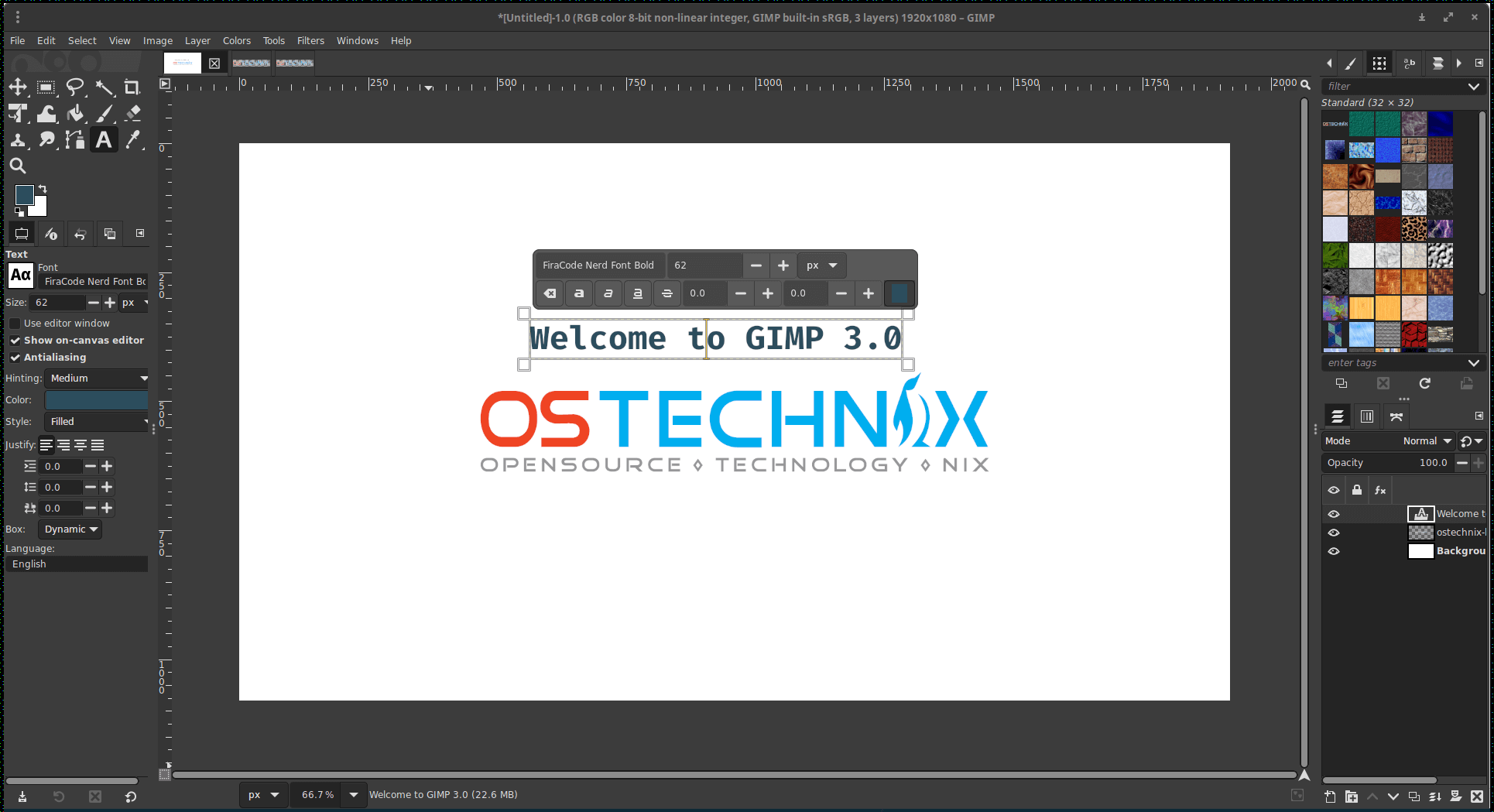
Also, the Text Tool now supports non-destructive text outlines, which means you can add outlines without permanently changing the text.
New Logo and Splash Screen
The GIMP mascot, Wilber, has a new look! But don’t worry – you can still find the old Wilber designs if you prefer them.

GIMP 3.0 also includes a new splash screen. It looks very elegant!
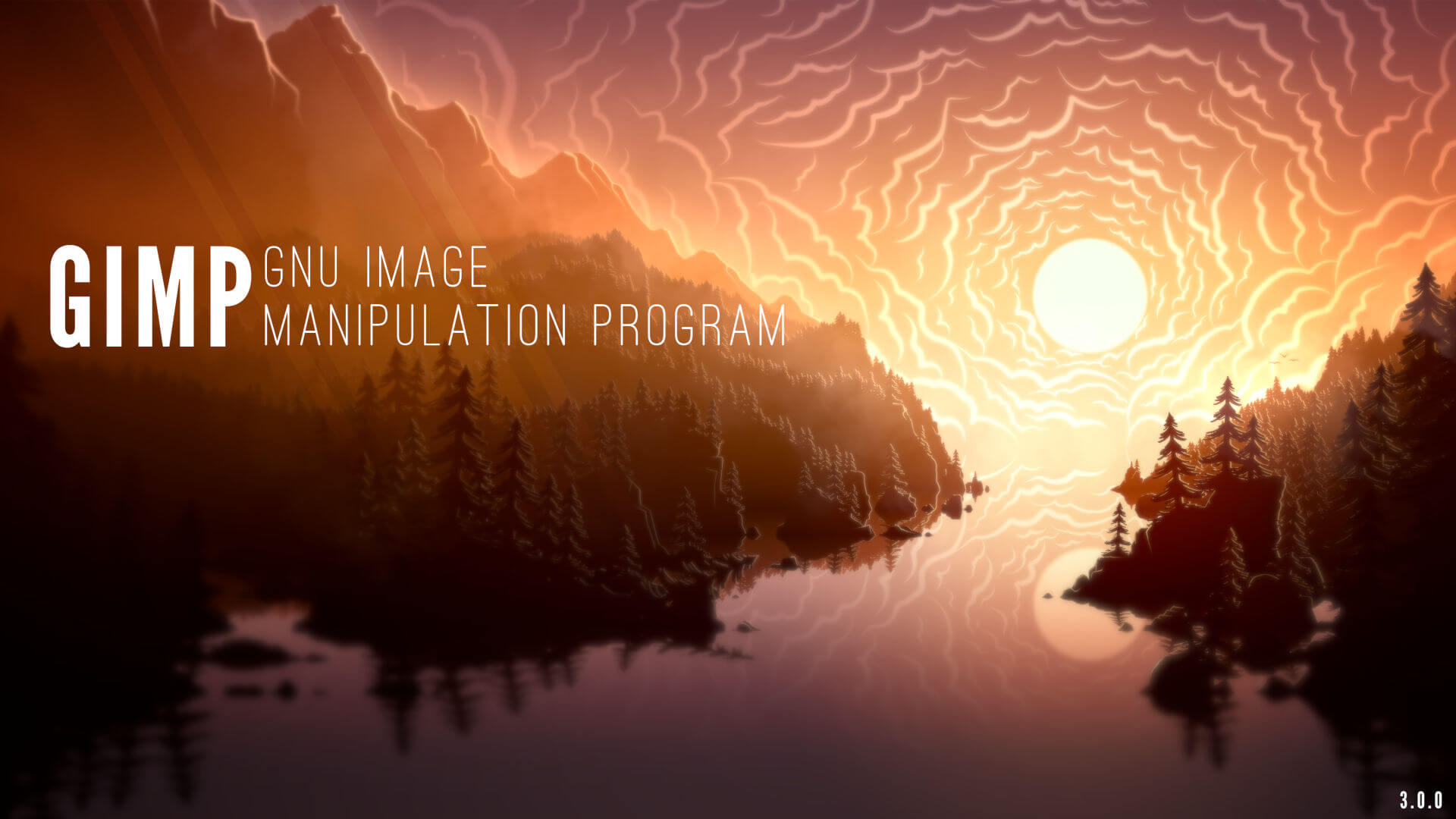
This new GIMP 3.0 Wilber logo was designed by the film director and designer Aryeom Han and the Splash screen was designed by Sevenix. Both are licensed under Creative Commons Attribution-ShareAlike 4.0 International.
Experimental Tool
GIMP 3.0 includes a new experimental selection tool called "Paint Select", which uses a brush for progressive selection.
It is not enabled by default and can be accessed via the "Playground" section in Preferences by running GIMP with the --show-playground flag.
Changes for Developers
For plugin developers, the API has been updated, allowing access to new features like multiple layers and GEGL filters. GIMP now uses Python 3, so older 2.10 plugins might not work immediately.
Under the hood, GIMP has switched to Meson for compiling, making it faster to build. Performance is also better due to improvements in multi-threading. Plus, many translations have been updated.
What’s Next?
The GIMP team plans to release new features in smaller updates (like 3.2) more often. Meanwhile, 3.0.x versions will focus on fixing bugs. So we can expect updates more frequently!
Try GIMP 3.0 Now!
You can try GIMP 3.0 now by downloading it from the official GIMP downloads page. It is available in flatpak and AppImage formats for Linux users. Check the following link to know the different ways to install the latest GIMP version on Linux:
If you find any issues, report them to the bug tracker. If you want to help, the GIMP team welcomes contributions in coding, design, documentation, translation, and tutorials.
