
KDE Plasma 6.4 has officially arrived, bringing a lot of improvements to your Linux desktop. Released on 17 June 2025, this fourth major update in the Plasma 6 series promises a "smoother, friendlier and more helpful desktop experience".
The latest Plasma 6.4 version builds upon previous enhancements and uses the latest Qt 6.9 and KDE Frameworks 6.14.
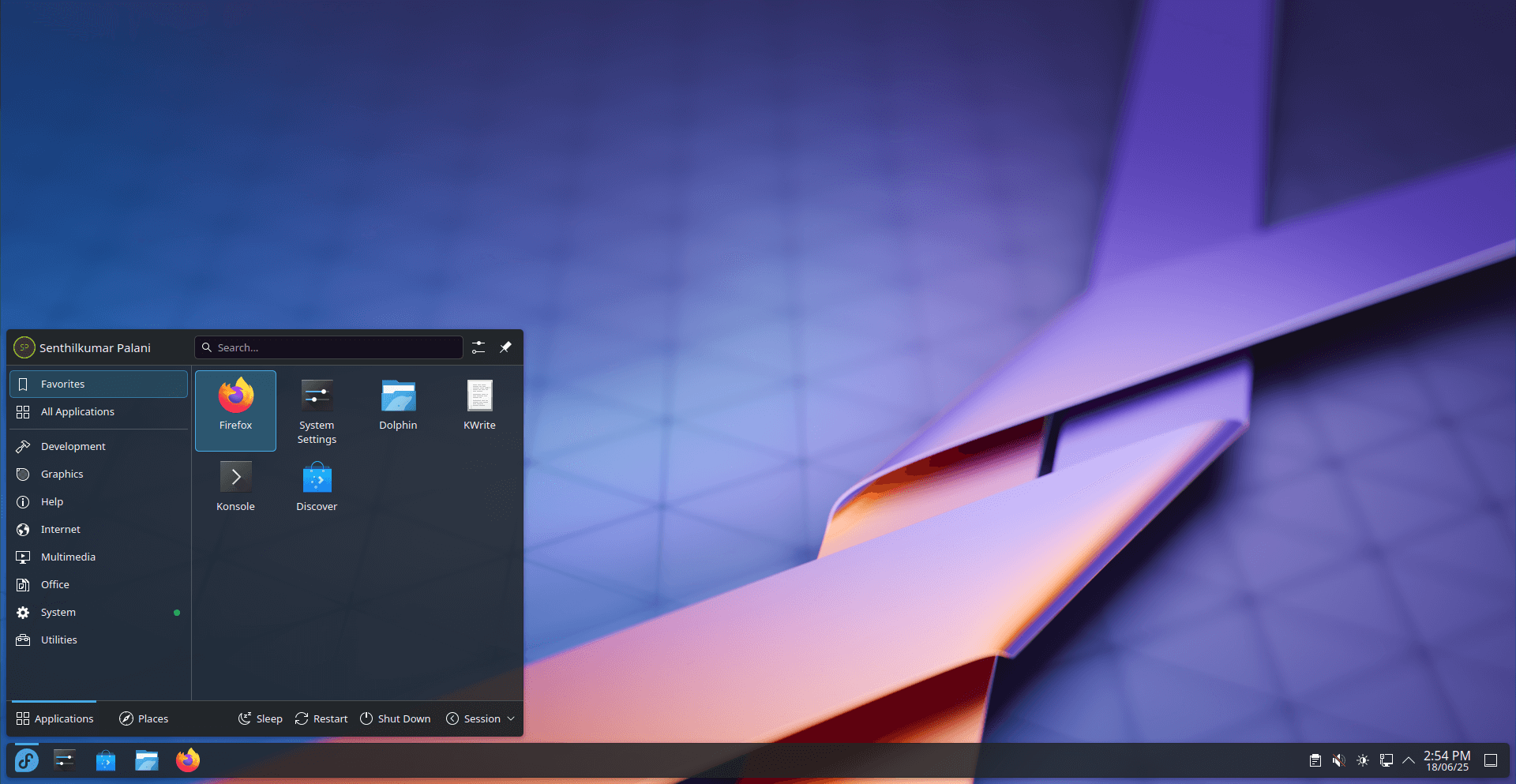
Let's explore some of the exciting new features in KDE Plasma 6.4.
Table of Contents
KDE Plasma 6.4 Key Improvements and Features
Smarter Colour and Display Tools
For graphic designers, video editors, and gamers, Plasma 6.4 offers expanded colour management.
The Display & Monitor section in System Settings now includes a new HDR calibration wizard. This helps you fine-tune high dynamic range content on compatible screens.
The update also adds support for Extended Dynamic Range (EDR) and the ability to limit colour depth. A new P010 video colour format improves power efficiency when playing HDR videos.
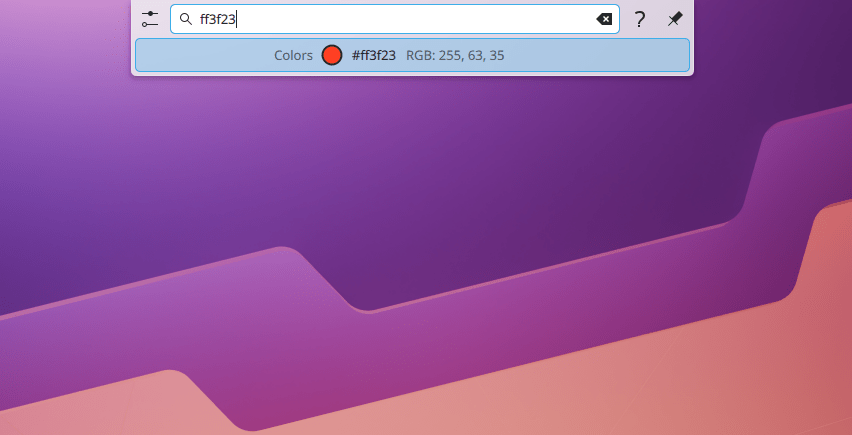
Need to quickly check a colour? KRunner can now show you visual previews by simply typing in colour codes or names.
Custom Tiling for Every Workspace
Are you a fan of virtual desktops (workspaces)? Plasma 6.4 enhances this feature significantly.
You can now set a different window tiling layout for each virtual desktop. This means your "coding" workspace can have a different window arrangement than your "browsing" workspace.
To create a custom tiling layout, just press Super + T on an empty part of the desktop. Then, hold Shift while moving a window to snap it into your chosen layout.
While powerful, some users have noted that finding these shortcuts and features could be clearer.
Dynamic Looks and Feel
Your desktop can now be more alive! KDE Plasma 6.4 supports dynamic wallpapers that change between light and dark versions based on the time of day.
These wallpapers are easy to spot in the background picker, marked with a special icon and split preview.
The default dark theme, Breeze Dark, has been made slightly darker. This increases contrast, making text and user interface elements easier to read and see.
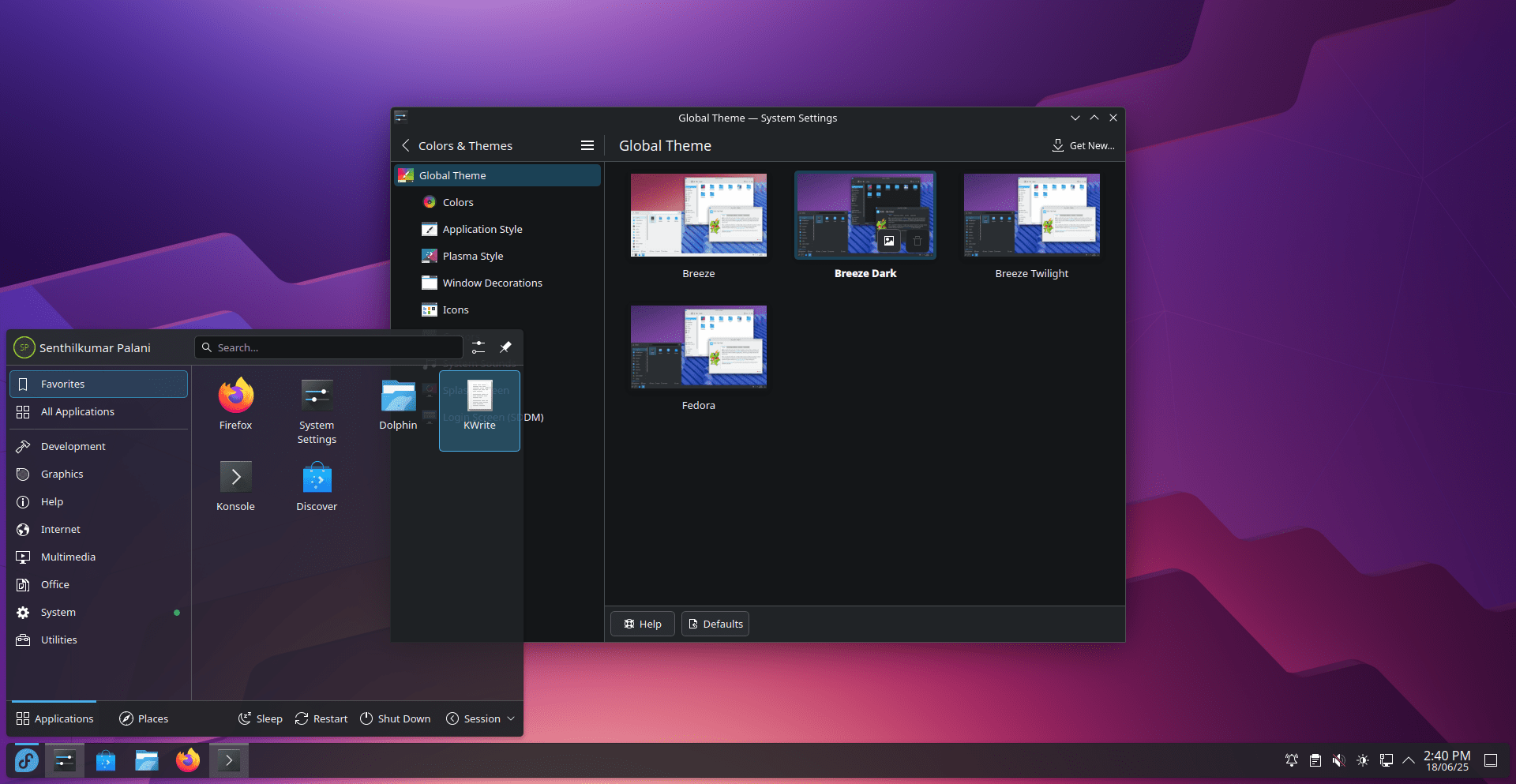
Plus, the desktop now darkens when an authentication dialog appears, helping you focus on entering your password.
Everyday Usability Boosts
Many small but impactful changes make Plasma 6.4 more user-friendly:
- Hide System Tray Icons: You can now hide system tray icons for applications that don't offer a native option to do so, like Discord. A warning appears, as some apps might rely on their tray icon.
- Smarter Notifications: When an app is full screen (like during a game or video), Plasma enters Do Not Disturb mode, silencing non-critical notifications. A summary of missed notifications appears when you exit full screen. The "Updates Available" notification now has a button to start updates directly.
- New App Indicators: Newly installed applications are marked with a green dot and "New!" label in the main menu, making them easy to find.
- Refined Context Menus: The desktop's right-click context menu has improved, with common file and folder actions now easier to reach.
- Spectacle Overhaul: The screenshot tool now opens directly in screenshot mode when you press
PrtSc. You can holdShiftto draw straight lines with annotation tools and use pinch-to-zoom in the viewer. These changes have been well-received by users. - 18-Year Request Answered: Dragging and dropping files to a new location on the same drive can now automatically move them, without constantly asking for confirmation. This fulfils an 18-year-old feature request!
Performance and Stability
KDE Plasma 6.4 continues to enhance Wayland support and overall performance.
I have been using Plasma 6.4 beta version for a few days. I noticed a "snappier" feel with Plasma 6 and Wayland, with applications launching and animations feeling very fast.
The font rendering is notably crisp and clear, appearing "beautiful" across the desktop and applications.
While largely stable, sometimes I encountered occasional Plasmashell crashes, especially on Wayland with specific Qt versions (like Qt 6.7.2) and NVIDIA graphics drivers.
These issues are often related to Qt and graphics drivers, rather than Plasma itself, and fixes are expected in future Qt updates.
Plasma 6.4 also seems optimized for battery life. I noticed longer usage times on my laptop.
Availability
KDE Plasma 6.4 offers a more polished, efficient, and enjoyable desktop experience for everyone.
You can try KDE Plasma 6.4 using live images booted from a USB drive or via Docker images. Distribution packages are also becoming available. But it will take a few days.
Plasma 6.4 is now available in the default repositories of Fedora 42 distribution. If you're eager to try the latest KDE Plasma on your Fedora system, check the following link:
For more details, please check the official release notes and the changelog.
