
Zorin OS 17.3 is officially released with faster performance, stronger privacy, and better touchscreen support. This update makes Zorin OS an even more appealing choice for those looking to replace Windows, especially as Windows 10 nears its end of life.
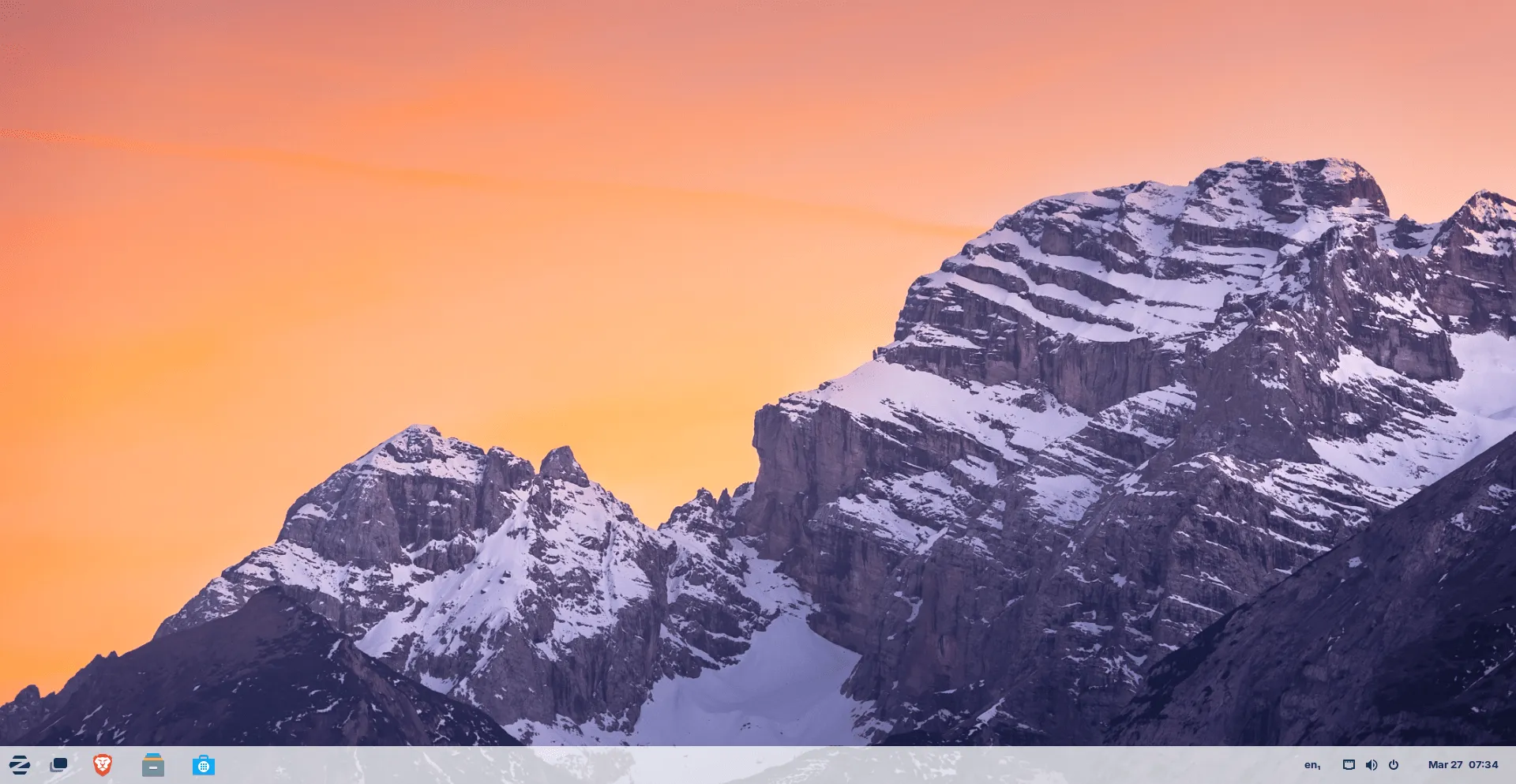
One of the biggest changes is the switch to Brave as the default browser. Zorin Connect has also been redesigned with new features, including the ability to use your Android phone as a gyroscope mouse.
Touchscreen users will benefit from on-screen keyboard improvements, and the OS now offers better out-of-the-box software support with Flatpak, Snap, and AppImage compatibility.
If you're thinking about switching to Linux, or you're already a Zorin OS user, this update delivers a smoother, more secure experience.
In this post, we’ll discuss what’s new in Zorin OS 17.3, how to upgrade, and why Zorin OS 17.3 is worth considering.
Table of Contents
New Default Browser: Brave
One of the biggest changes is the web browser. Zorin OS 17.3 drops Firefox for Brave! Yes, Zorin OS now uses Brave as the default instead of Firefox.
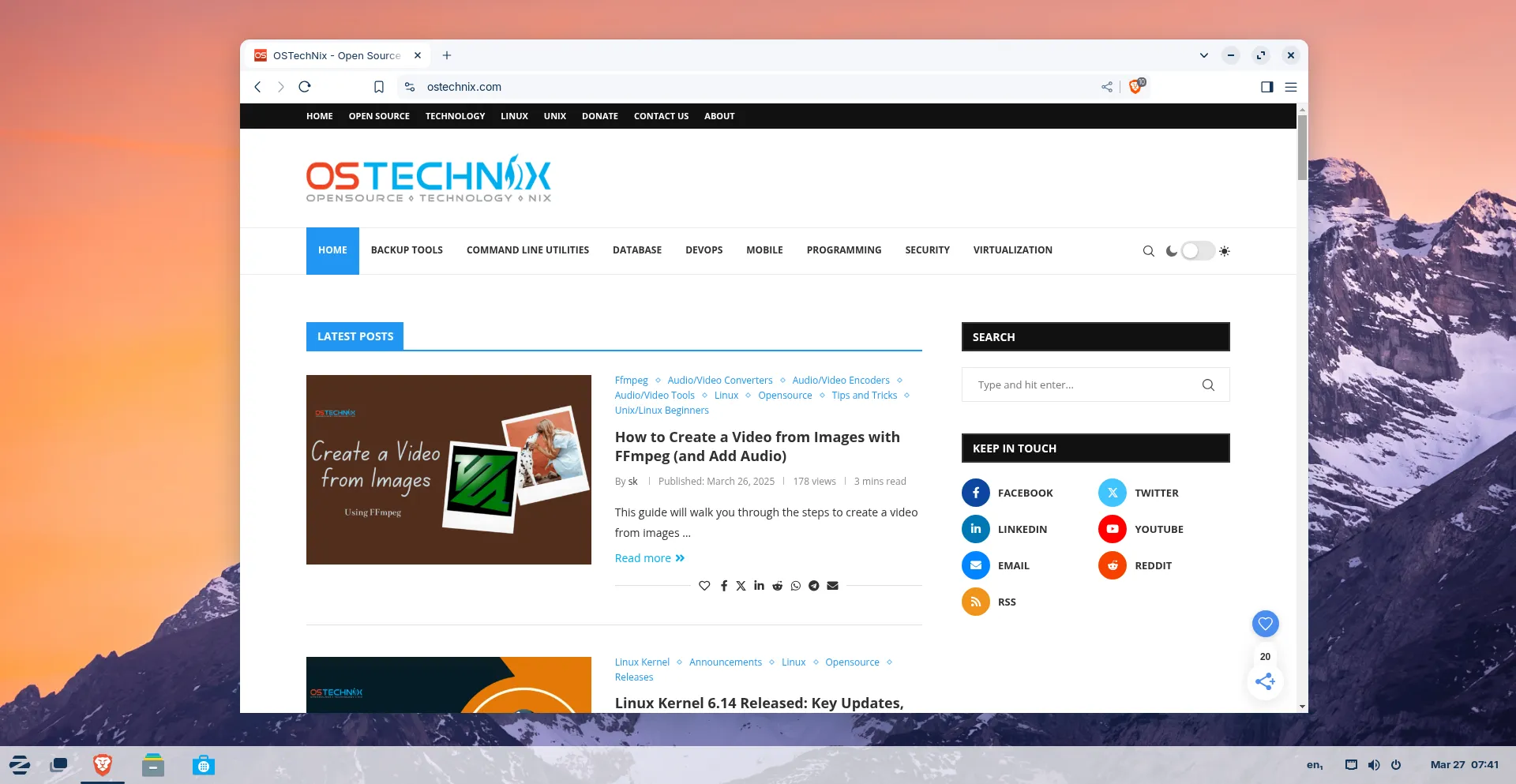
Some people might not like this change, but the reason is better privacy. The team at Zorin felt that recent changes in Firefox did not match their privacy goals. Brave has built-in ad blocking and tracker protection to keep your data safer.
If you prefer Firefox, don’t worry—you can still download it from the app store.
Improved Zorin Connect
Zorin Connect, the tool that links your Android phone to your computer, has been improved.
It now has a new design and new features, including the ability to use your phone as a gyroscope mouse (which lets you move the mouse by tilting your phone).
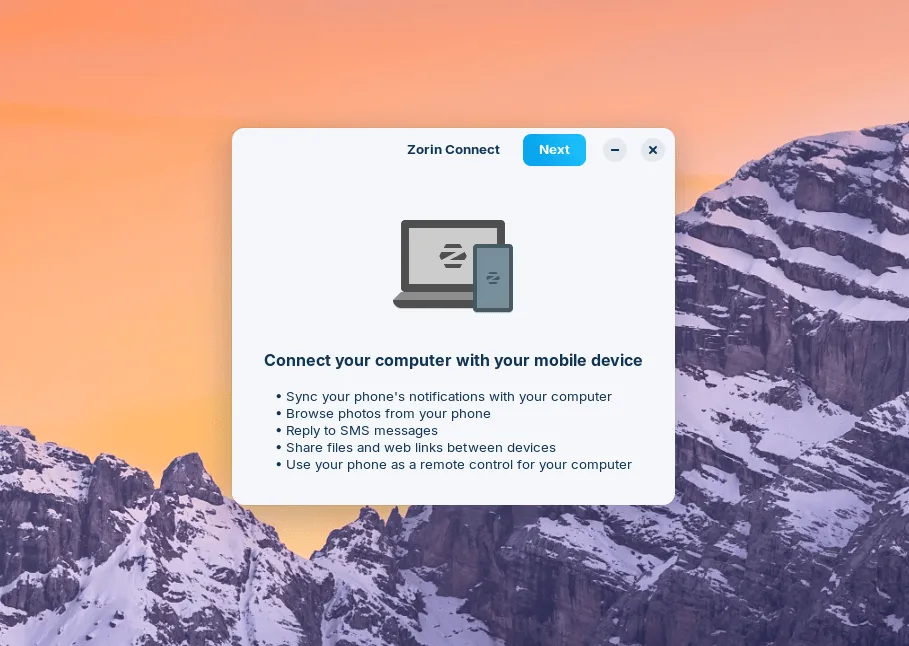
You can still sync notifications, send files, and control music between your phone and PC.
Related Read: Sync Android Phone With Linux Using KDE Connect
Better Touchscreen Support
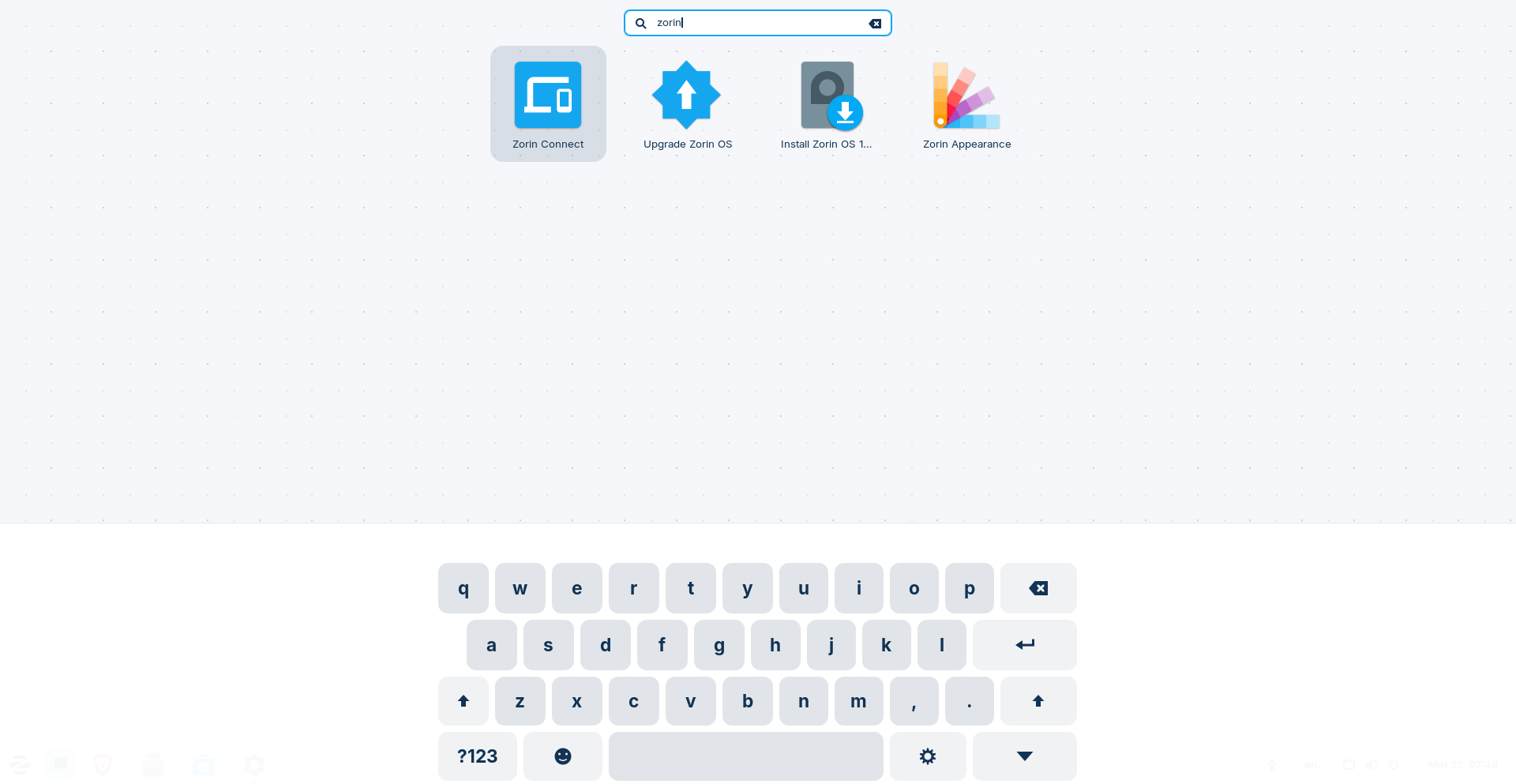
If you use a touchscreen device, there are improvements for you too. There is now a button to open the on-screen keyboard whenever you need it.
Many built-in apps have also been updated, so you get the latest features right away without needing extra updates.
Zorin OS supports Flatpak, AppImage, and Snap packages, making it easy to install your favorite apps.
Better Hardware Support
Zorin OS aims to make things as smooth as possible when it comes to hardware compatibility. You won't have to go hunting for too many drivers yourself, which is good news!
Specifically, Zorin OS 17.3 comes with several graphics drivers built-in. The latest update includes drivers for NVIDIA, AMD, and Intel graphics cards right out of the box. This is intended to help you get great performance without much fuss.
Furthermore, they've included the latest NVIDIA 570 drivers on the installation ISO files. This addition ensures support for the very newest NVIDIA RTX 5000 series graphics cards.
This focus on including these drivers suggests the Zorin team is aiming for good out-of-the-box compatibility with a range of computer hardware.
Different Versions of Zorin OS
Zorin OS comes in different versions:
- Zorin OS Pro (paid) – Includes extra desktop layouts (like macOS and Windows), professional apps, and support.
- Zorin OS Core (free) – Great for general use.
- Zorin OS Education (free) – Includes software for schools and students.
Upgrading to Zorin OS 17.3
If you already use Zorin OS 17, upgrading is simple—just install the latest updates. If you are using Zorin OS 16, you can upgrade directly too.
Before upgrading, remember to back up important files and install all system updates. For more details, check out the official Zorin OS upgrade guide.
Get Zorin OS 17.3
Zorin OS is made to run fast, even on older computers, and it does not slow down over time.
The latest Zorin OS 17.3 version is a great choice if you want an easy-to-use, fast, and privacy-friendly alternative to Windows. Whether you are new to Linux or looking for a change, it is worth trying.
Want to test it first? You can run it from a USB drive before installing. The Core edition is free to download from Zorin’s website.
Resource:
