
YouTube being a Google product, obviously has a full featured Android app. But there are a lot of third party clients that allow you to go beyond what the official app allows. One such app is NewPipe, a full featured, third party, open source YouTube client for Android.
Table of Contents
What is NewPipe?
NewPipe is a libre, lightweight Android streaming client designed to provide an ad-free, privacy-focused viewing experience without the need for a Google account or proprietary libraries
It has all the functionality of the official YouTube app, including support for things like subscriptions and playlists, without having to sign in to your Google account. NewPipe is open source software, licensed under the GPLv3 License.
Why NewPipe is Developed?
NewPipe is made to solve the problem of intrusive tracking and advertising on media platforms by providing a locally-managed, account-free interface that grants users "Premium" features—like background play and 4K downloads—at no cost
Google Play Services are Not Required
A common complaint among people who are privacy-conscious is the fact that most Google apps and products need Google Play Services.
Google Play Services is notorious for demanding access to virtually all data on the phone, including permission to access the microphone and camera.
Fortunately, NewPipe does not require Google Play Services.
Strengths
- Privacy-First Architecture: The app requires no Google account and uses no proprietary Google APIs, meaning it can run on "de-Googled" devices and custom ROMs while storing all user data strictly offline.
- Resource Efficiency: It is exceptionally lightweight, consuming less data by allowing for audio-only streams and saving battery by letting users close the app while the background player remains active.
- Aggregated Versatility: Beyond YouTube, it serves as a unified hub for various services including SoundCloud, Bandcamp, PeerTube, and media.ccc.de, allowing for cross-platform content consumption in one UI.
Weaknesses
- Technical Debt and Instability: The current codebase is in "maintenance mode" because it is outdated; the app is in permanent beta and prone to crashes, UI glitches, and "ghost notifications".
- No Seamless Synchronisation: Because it intentionally avoids cloud logins, users must manually export and import databases to move their subscriptions or history between devices.
- Maintenance Fragility: Since it often parses websites rather than using official APIs, the app frequently breaks when platforms change their code, requiring users to wait for community-driven fixes.
NewPipe Features
As stated already, the good thing about NewPipe is that it doesn’t need Google Play Services, and yet it lets you access all the features that the official YouTube app does such as:
- Support for higher resolutions like 2K and 4K (depending on whether your phone supports it)
- Suggestions for videos to play next.
- Increase or decrease the speed of the video.
- Captions (if available)
- Import subscriptions from the official YouTube app and/or from a file. Export your subscriptions to a file for backup.
- Support for playlists and bookmarks.
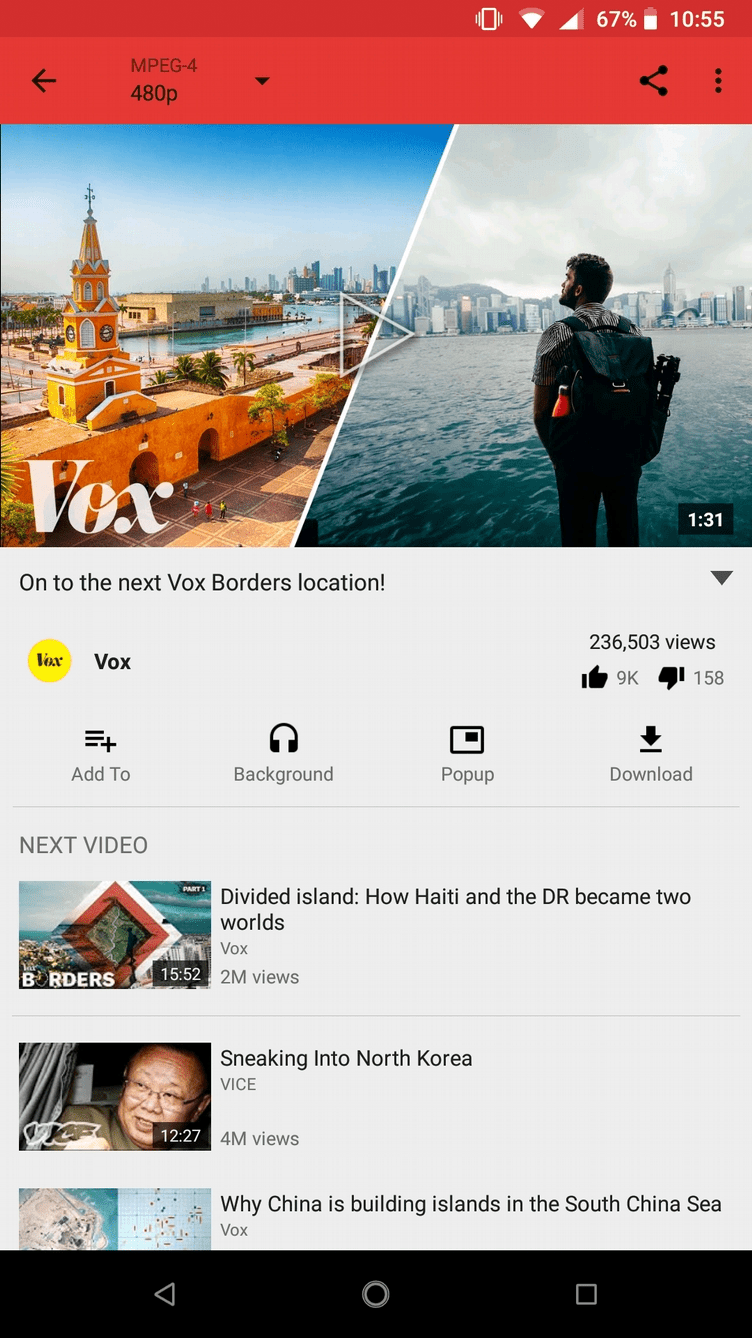
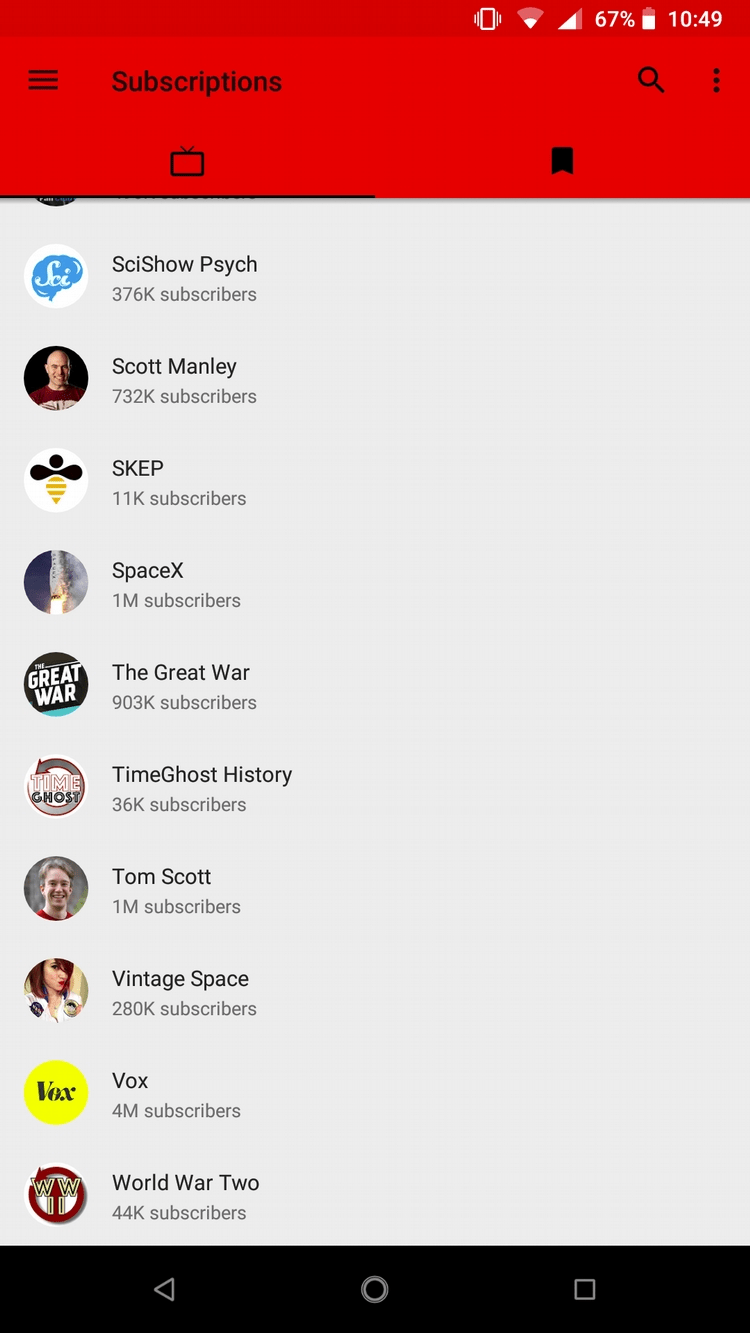
In addition to all that, NewPipe does a lot of things that the official YouTube app does not, like:
Popup player - The YouTube app has a Picture in Picture mode, but it’s only available in a few countries. Fortunately, NewPipe has that feature out of the box:

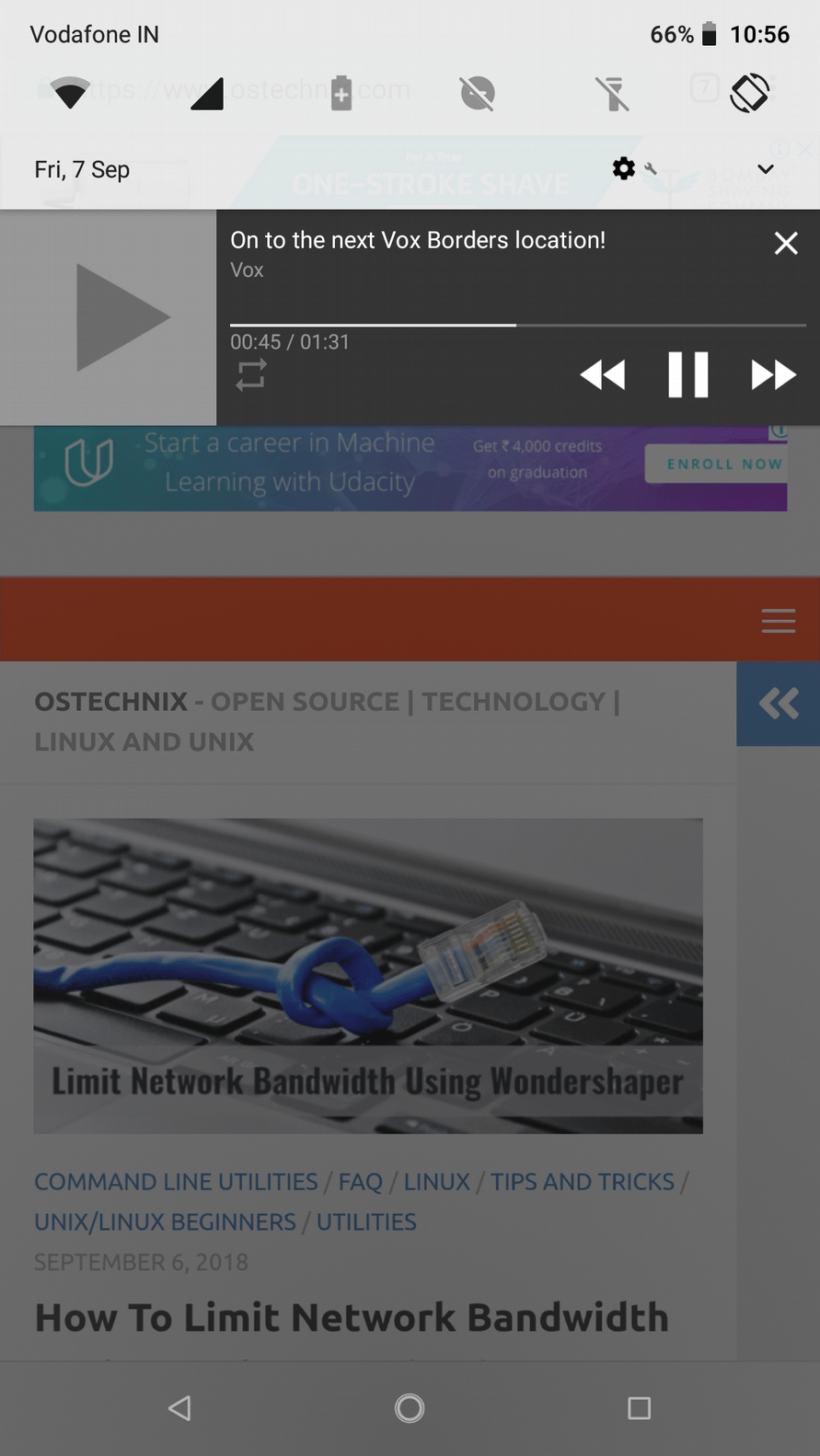
Play in the background(even when the screen is off) - Again, this is something that only YouTube Premium subscribers are allowed to do. But with NewPipe, you can play the video in the background, while using any other app, or when the phone is asleep.
Download videos, or even just the audio - This is actually not allowed at all by the YouTube ToS. But NewPipe allows you to save the video, or even just the audio to your device, so you can watch/listen to it when you’re offline.
Select the specific filetype that you want to stream - You can choose not only the resolution that you want to watch a video in, you can also choose a specific filetype (depending on whether the video is available in that filetype). Certain filetypes can stream better than others, so having that choice is good.
Update: NewPipe Comes to Linux Desktops: Enjoy YouTube Ad-Free
Ideal Users
Who should use NewPipe:
Privacy advocates, power users on custom Android ROMs, and those wanting to avoid the "subscription-model" for basic features like background playback.
Who should avoid it:
Users who demand seamless cross-device syncing (e.g., starting a video on a phone and finishing on a TV via an account) or those who are uncomfortable with "side-loading" apps outside the Google Play Store.
NewPipe vs. Official YouTube App
| Feature | NewPipe | Official YouTube App |
|---|---|---|
| Ads | None (Blocked by default) | Frequent (unless Paid) |
| Account Required | No | Yes (for most features) |
| Background Play | Free | Paid (Premium Subscription) |
| Data Storage | Local/Offline only | Cloud-based |
| Installation | F-Droid / GitHub APK | Google Play Store |
| Privacy | High (No tracking) | Low (Extensive tracking) |
Pricing and Licensing
NewPipe is 100% free and licensed under the GPL-3.0, meaning users are legally permitted to study, share, and improve the code.
There are no hidden costs or "freemium" tiers; the project is sustained entirely by community donations and volunteer labour.
Verdict
NewPipe is a great third party app, that allows you to do a lot more than the official YouTube app. If you watch a lot of YouTube, you should check it out, even if you’re satisfied with the official app.
NewPipe is exclusively available on F-droid. To download it from F-Droid, click here:
Suggested Read:
- Mps-youtube – A Commandline YouTube Player And Downloader
- ClipGrab – A Free multi-platform YouTube Downloader and Converter
- Streamlink – Watch Online Video Streams From Command Line
- Download YouTube Videos with Subtitles using Youtube-dl
- Youtube-dl Tutorial With Examples For Beginners
- 20+ FFmpeg Commands For Beginners
And, that's all for now. Have you tried NewPipe already? Great! Share your thoughts about this app in the comment section below.
Resources:
