
Table of Contents
Quick Summary
- SteamOS 3.8.10 is a major stable release that upgrades the desktop to KDE Plasma 6.4.3, switches to Wayland by default, and moves to a newer Arch Linux base with Kernel 6.16.
- This update focuses on expanded hardware support for third-party handhelds (like the ROG Ally and Legion Go) and prepares for upcoming Steam Machine hardware while adding performance features like HDMI VRR.
- Beyond standard software fixes, SteamOS Linux 3.8 includes a massive technical optimization that reduces handheld controller input latency from 5–8ms down to just 100–500 microseconds.
- Furthermore, the Steam Deck LCD BIOS has been updated to include preliminary support for hibernation, a feature rarely seen on Linux handhelds due to its technical complexity.
- Valve is intentionally moving away from a "bleeding edge" rolling release model in favour of a stable snapshot approach, where they freeze and test Arch packages for months before release.
- While this ensures a more reliable experience for the average user, it puts SteamOS behind "leading-edge" gaming distributions like Bazzite or CachyOS, which often implement upstream features like the LAVD CPU scheduler much sooner.
SteamOS 3.8 Released!
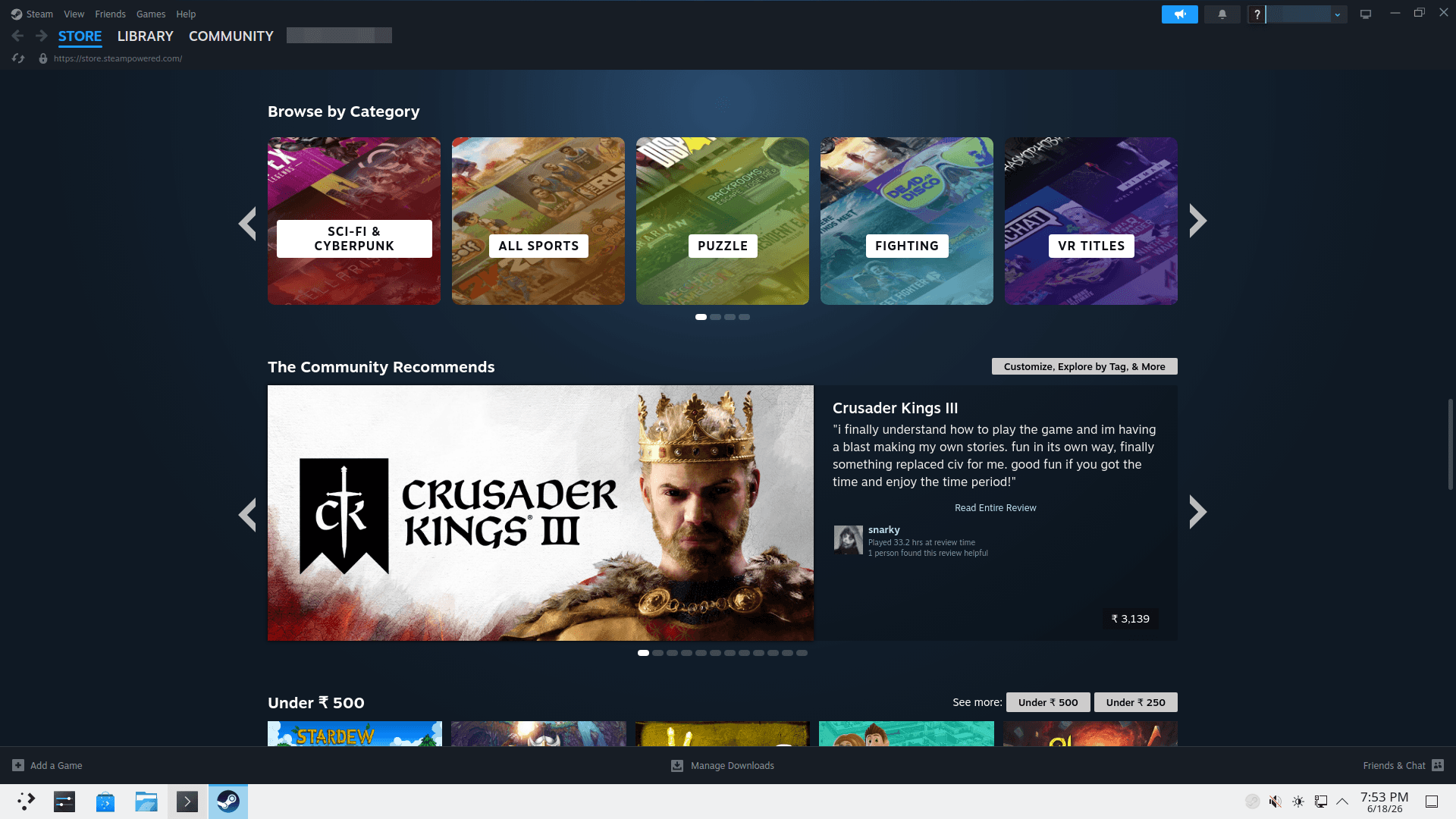
Valve just released SteamOS 3.8.10 for all users. This massive update brings major changes to the Steam Deck and other gaming handhelds. It refreshes the desktop experience, adds support for new hardware, and fixes many long-standing bugs.
If you own a Steam Deck or a similar handheld PC, here is everything you need to know about this stable release.
A Modern Desktop Experience
The biggest change in this version is the move to KDE Plasma 6.4.3 for Desktop Mode. Previously, SteamOS used an older version of this desktop environment.
Additionally, Valve now enables Wayland by default. This transition is a big deal for Linux users. Wayland helps the desktop run smoother and fixes performance issues. It also adds several features that fans have wanted for years:
- HDR Support: You can now use High Dynamic Range on external displays.
- Variable Refresh Rate (VRR): The desktop now supports VRR monitors for smoother visuals.
- Better Scaling: Each monitor can now have its own scale factor.
- Improved Rotation: The system handles rotated screens much better than before.
Support for More Than Just the Steam Deck
Valve is looking beyond the Steam Deck with this update. The SteamOS 3.8 release notes mention initial support for upcoming Steam Machine hardware. This suggests that new gaming PCs powered by SteamOS are on the way.
Furthermore, this update is a huge win for people who own other handhelds. Valve added or improved support for several popular devices, including:
- ASUS ROG Ally series: This includes better audio and TDP (power) controls.
- Lenovo Legion Go: Users now have better controller support and early "charge limiting" features.
- MSI Claw: This device now has full controller support.
- Other Handhelds: OneXPlayer, GPD, and Anbernic devices also received compatibility fixes.
Under the Hood: Speed and Stability
Valve updated the core of the operating system to a newer Arch Linux base. This means the system now runs on Linux Kernel 6.16.
Gamers will also notice that their controllers feel more responsive. Valve reduced handheld controller lag from about 5 milliseconds down to just 100-500 microseconds.
Other technical highlights include:
- Hibernation: The Steam Deck LCD now has preliminary support for hibernation.
- Faster Updates: If you have a fast internet connection, future OS updates will download and install much quicker.
- Bluetooth Improvements: You can now use the microphones on your Bluetooth headsets, though this might slightly lower audio quality while the mic is active.
Download and Test SteamOS on non-Deck Devices
Requirements:
- 8 GB or larger USB stick
- AMD-based PC is recommended
- Another computer to create the installer
SteamOS is essentially an immutable Arch Linux system with Valve's gaming stack on top. Valve provides recovery/install images and SteamOS support for selected non-Deck devices through the following page:
After downloading the OS, you can write it to an USB drive using Ventoy or Balena Etcher. Alternatively, you can do this from commandline:
bzcat steamdeck-recovery-4.img.bz2 | sudo dd if=/dev/stdin of=/dev/sdX oflag=sync status=progress bs=128M
Replace /dev/sdX with your USB drive.
Boot your system with the USB bootable drive, and follow the onscreen instructions.
Advice from the Community
While this is a stable release, the gaming community has some tips for a smooth transition. First, if you use Decky Loader for custom plugins, you should wait a week before you update. Major OS changes often break these third-party tools.
Second, remember that SteamOS is an immutable system. This means you cannot easily change system files. If you need to install special software for work or development, many users recommend using a tool called Distrobox. It allows you to run other versions of Linux, like Ubuntu, inside a safe container.
Conclusion
SteamOS 3.8.10 is a major step forward in the gaming environment. By moving to Wayland and supporting more hardware, Valve is making SteamOS Linux a better platform for everyone. Whether you are a casual gamer or a power user, this update offers a faster, more modern experience.
Related Read:
