
FreeBSD, an Unix-like operating system, is going to make it much easier for people to use it as a regular desktop computer. Yes, the upcoming FreeBSD 15's installer will offer an option to install the full KDE Plasma desktop environment directly.
Up until now, if you wanted to run FreeBSD with a graphical interface, you generally had to do a lot of manual setup after the initial installation. But that's changing!
Starting with FreeBSD 15 release, you won't have to go through complex manual configurations just to get a graphical interface running.
Table of Contents
KDE Plasma Desktop in the FreeBSD Installer
For years, setting up FreeBSD with a graphical interface has required a fair bit of manual configuration after the initial installation.
Users often had to dive into command lines to get their GPU drivers, login managers, and other important desktop components up and running.
But with FreeBSD 15, that's all changing!
FreeBSD Users will soon be able to select and install the KDE Plasma desktop straight from the installer itself, akin to how many popular Linux distributions operate.
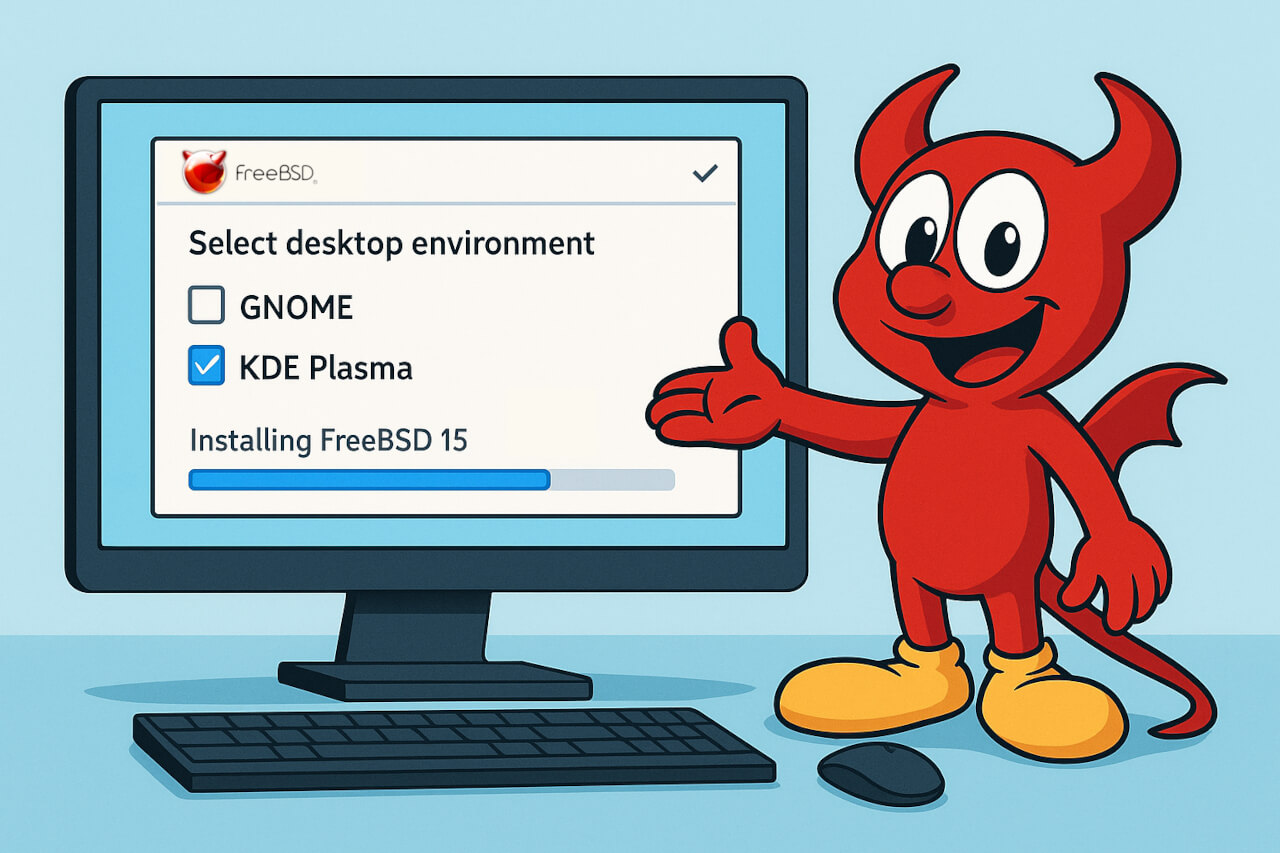
It's a big deal for users who might be coming from other operating systems like Linux, Windows, or macOS, as they won't have to figure out things like loading GPU drivers, setting up login managers, or dealing with D-Bus and video decoding manually.
In my opinion, this is a great change and good news that will significantly enhance user experience for desktop and laptop users!
Why KDE Plasma is the Perfect Choice
The decision to integrate KDE Plasma into the installer is a strategic one, aimed at providing the best possible out-of-the-box experience.
Here are a few reasons why it’s such a strong fit:
1. Familiar Workflow
KDE Plasma offers a desktop experience that is comfortably similar to Windows, making it an ideal choice for new users or those migrating from other operating systems.
2. Low Learning Curve
Its intuitive design means users won't face a steep learning curve.
3. Modern and Robust
Plasma is a "modern and well built desktop environment" and an "excellent default" for general-purpose use.
4. Cutting-Edge Development
KDE is well-funded compared to other open-source desktop environments and is often at the forefront of advancements in graphics drivers and Wayland support.
Initially, there was talk about a "bare minimum" desktop, which caused some concern among users who wanted a full-featured environment.
However, this phrase has since been revised, implying a more complete and useful experience is intended for the installer option.
Wayland, Wi-Fi, and More
There's an ongoing discussion about Wayland, which is seen as the future of graphics on open-source operating systems, potentially becoming the default instead of X11.
While Wayland has been working for some on FreeBSD 14.3, there are still some known issues, like Plasma Wayland crashing on start. X11, the current standard, is generally considered to be in "maintenance mode".
Despite these challenges, there's a strong desire within the community for a "stable Wayland and KDE 6" experience on FreeBSD.
This desktop integration is part of a broader "laptop initiative" for FreeBSD, demonstrating a concerted effort to improve its capabilities as a daily driver operating system.
This initiative also includes vital enhancements like:
- Modern suspend functionality.
- Improved Wi-Fi support, including AX and AC standards.
Historical Context and Comparisons
Historically, FreeBSD didn't offer a desktop environment out of the box.
In contrast, other BSDs like OpenBSD and NetBSD already provide options to install graphical environments or window managers during their installation processes.
Even earlier versions of FreeBSD (around 4.x or 5.x) had an X install option in the early 2000s, and PC-BSD once offered Plasma as its default.
Many people in the FreeBSD community feel that while FreeBSD is very capable for desktop use, its main hurdle has been the lack of development in this area, unlike Linux distributions.
Some even believe that with serious focus on desktop, FreeBSD could become as good as top Linux distributions.
This new installer option is a huge step in making FreeBSD truly shine on the desktop and laptop, making it more welcoming for new users and allowing existing users to get up and running much faster.
Conclusion
I strongly believe that the FreeBSD project team will make FreeBSD much more accessible and user-friendly for everyday desktop and laptop use by simplifying the installation of a popular and powerful desktop environment like KDE Plasma.
So, if you've been on the fence about trying FreeBSD on your personal computer, FreeBSD 15 looks set to make that leap much, much easier. It's an exciting time for the project!
Resource:
