
Installing Arch Linux just got a whole lot smoother. The team behind the official installer recently launched Archinstall 4.0 on March 30, 2026. This release focuses on making the tool look better and run faster.
Allow me to explain the biggest changes in version 4.0.
Table of Contents
A Fresh Look with the Textual TUI
The most obvious change is the new Textual User Interface (TUI). For a long time, the installer used an older toolkit called "curses". Now, the developers have switched to Textual to meet modern terminal expectations.
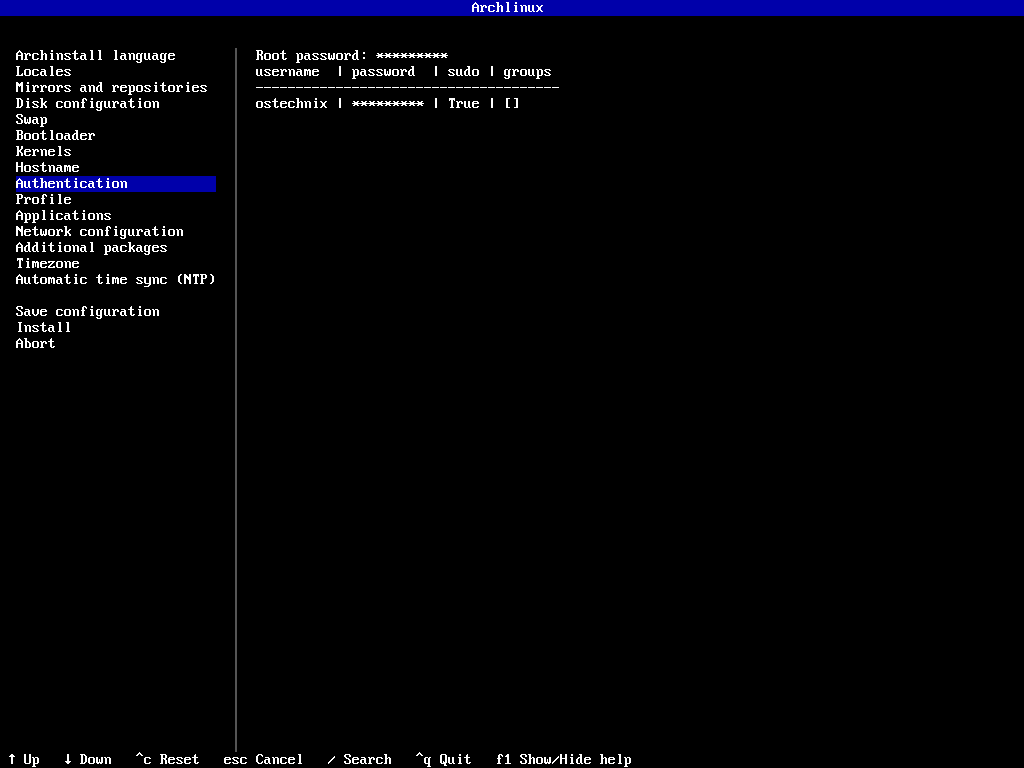
This change does more than just make the screen look pretty. It introduces asynchronous menus.
In the past, the installer might feel stuck while it worked on a task. Now, the menus stay responsive and smooth even when the app is busy in the background.
The developers also note that this new system is much easier for them to maintain.
Smarter Defaults for Your Desktop
If you love the KDE Plasma desktop, you will notice some smart improvements.
Lighter Installs:
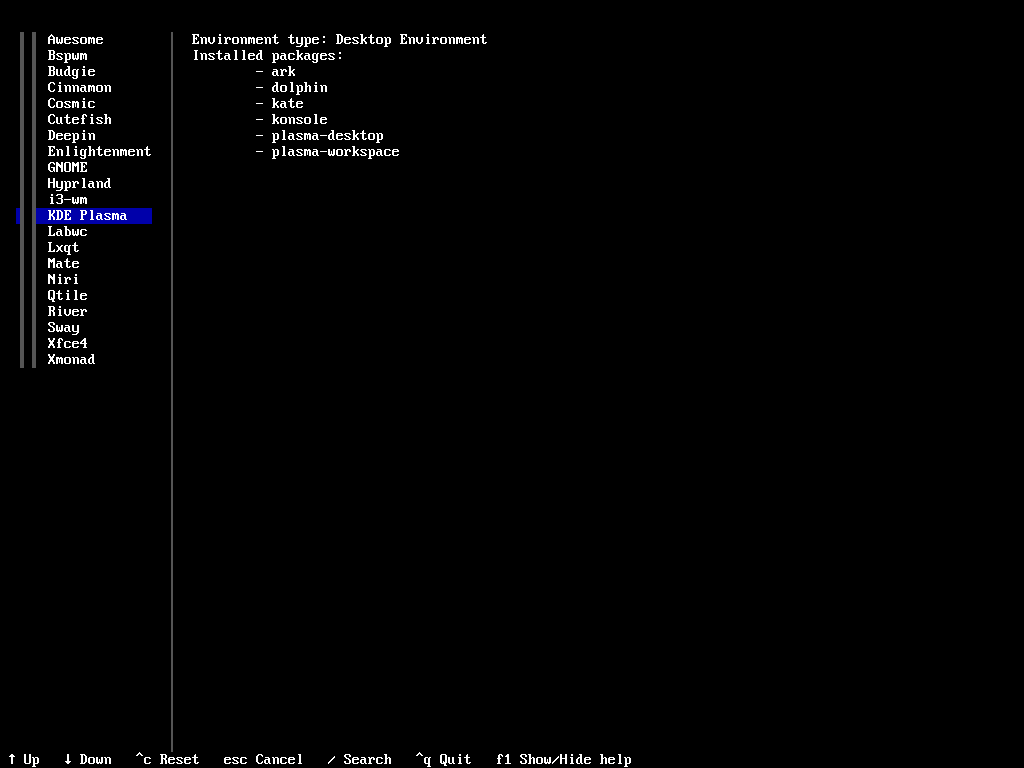
The installer now uses the plasma-desktop package instead of the larger plasma-meta package. This gives you a leaner system with less bloat.
Easy Login:
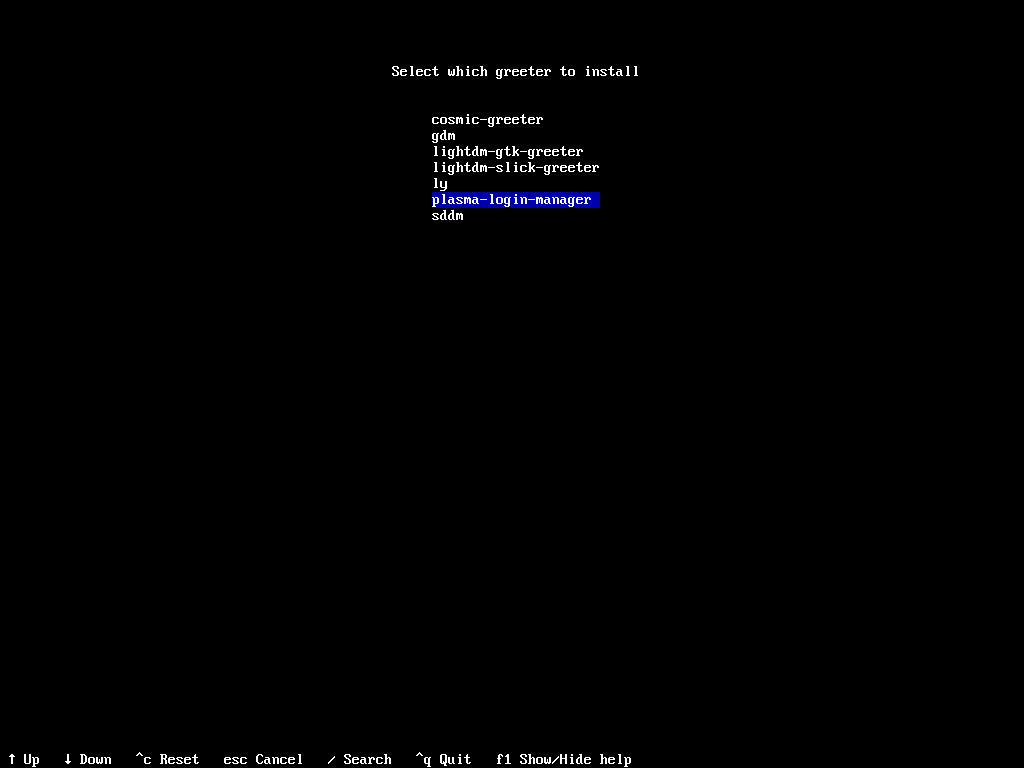
A new plasma-login-manager option is now the default. This ensures your login screen is ready to go right after you finish the install.
Better Security and Booting
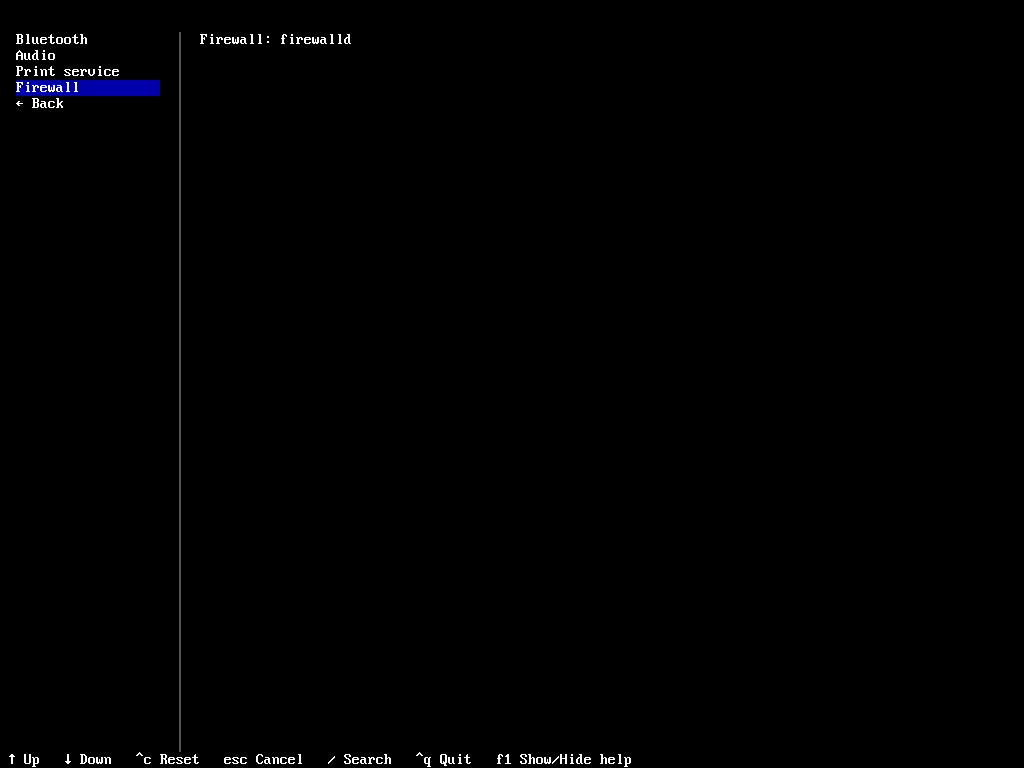
Security is now a core part of the guided process. The team added a dedicated firewall menu that lets you install firewalld with just a few clicks.
For users who want advanced boot setups, Archinstall 4.0 now supports GRUB UKI (Unified Kernel Image) menu entries.
In addition, the installer now measures its own performance using a monotonic clock. This gives you a more accurate reading of how long your installation actually took.
Reaching a Global Audience
The Arch community is worldwide, and version 4.0 reflects that. The update adds support for two new languages:
- Nepali
- Galician
The team also updated translations for many other languages, including:
- Italian, Turkish, and Japanese
- Hungarian, Ukrainian, and Spanish
- Hindi, Finnish, and Urdu
Under the Hood: Cleaner and Stronger
The developers spent a lot of time cleaning up the "boring" parts of the code so the app runs better. They used a technique called dependency injection to refactor how the app handles Wi-Fi, mirrors, and user accounts.
They also made some tough choices to keep the project modern. For example, they removed support for NTFS root filesystems. This helps keep the installer focused on the best filesystems for Linux.
Should You Try It?
If you are planning to install Arch Linux soon, version 4.0 is a great choice. It is stable and offers a much better user experience than older versions.
Please note that the developers are still working on accessibility features. If you use a screen reader, they are asking for your feedback to help make the new TUI work perfectly for everyone.
You can find more details about the latest release on the official Archinstall GitHub.
Ready to start? Just boot your Arch ISO and type archinstall to see the new look for yourself!.
