
If you want to get updates from the stock market from command line, Stonkfetch is a tool you should try. It combines real-time stock data with colorful ASCII art logos, making financial tracking both useful and fun. Inspired by neofetch, this Python-based utility shows key stock details right inside your terminal with a creative twist.
In this guide, we will discuss what Stonkfetch is, its features, how to install it in Linux, and how to use it to track stocks. All from the Terminal itself!
Table of Contents
What is Stonkfetch?
Stonkfetch is an open source, command-line stack tracker program written in Python. It pulls real-time stock information from Yahoo Finance and displays it in a clean, well-structured format.
The interface of Stonkfetch is very similar to Neofetch, a good-old CLI to display Linux system information in Terminal. On the left, you’ll see a company’s logo rendered in ASCII art. On the right, you’ll get the stock’s details like price, volume, market cap, and more.
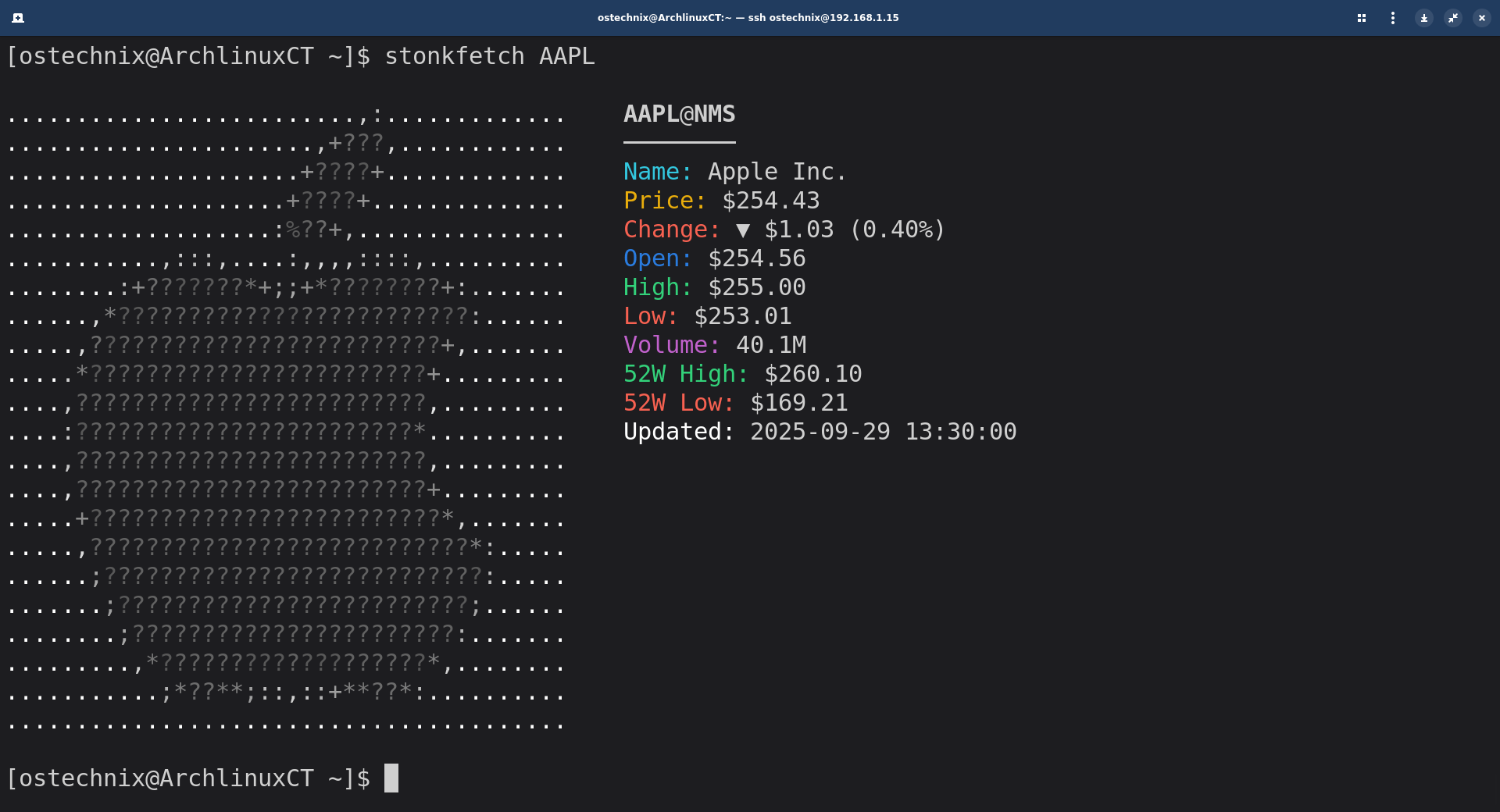
With the optional Pillow (PIL) library, the ASCII logos appear in color. Without it, the tool falls back to grayscale ASCII art, so you’ll still get a clear output.
Stonkfetch is perfect if you:
- Spend a lot of time in the terminal.
- Want quick access to stock data without opening a browser.
- Appreciate ASCII art and want a fun way to view financial information.
Key Features of Stonkfetch
Stonkfetch is more than a basic stock tracker. Here are its standout features:
- Real-time stock data powered by the Yahoo Finance API.
- Colored ASCII art logos (if Pillow is installed).
- Automatic logo fetching from Clearbit and UpLead APIs.
- Detailed stock insights, including:
- Current price and change percentage
- Daily open, high, and low prices
- Trading volume
- Market capitalization
- 52-week high and low
- Last update timestamp
- Custom display options to adjust ASCII width and colors.
- Fallback ASCII art when logos aren’t available.
- Built-in mappings for 50+ popular stock symbols.
Install Stonkfetch in Linux
Before you install Stonkfetch, make sure your system has the following:
- Python 3.6 or later
- pip (Python package manager)
- Pillow (optional, for colored ASCII art logos)
Install Dependencies
On Debian/Ubuntu:
sudo apt update
sudo apt install python3 python3-pip python3-pil -y
On Fedora/RHEL:
sudo dnf install python3 python3-pip python3-pillow -y
On Arch Linux/Manjaro:
sudo pacman -S python python-pip python-pillow
If you prefer isolating dependencies, you can also use a virtual environment to add the optional Pillow library:
python -m venv ~/venvs/stonkfetch
source ~/venvs/stonkfetch/bin/activate
pip install Pillow
After installing the necessary dependencies, follow these steps to install and run Stonkfetch in Linux:
Download or clone the script from Stonkfetch GitHub.
git clone https://github.com/deechtejoao/stonkfetch.git
Make the script executable:
cd stonkfetch
chmod +x stonkfetch
Move the script to a directory in your PATH (Optional):
sudo mv stonkfetch /usr/local/bin/
How to Use Stonkfetch to Display Stock Information
Stonkfetch usage is very simple! Just enter a stock ticker symbol, and it will display the data with ASCII art.
Basic Usage
stonkfetch AAPL
This will show Apple’s stock with its logo.
.........................,:.............    AAPL@NMS
......................,+???,............    ────────
.....................+????+.............    Name: Apple Inc.
....................+????+..............    Price: $254.43
...................:%??+,...............    Change: ▼ $1.03 (0.40%)
...........,:::,....:,,,,::::,..........    Open: $254.56
........:+???????*+;;+*????????+:.......    High: $255.00
......,*?????????????????????????:......    Low: $253.01
.....,?????????????????????????+,.......    Volume: 40.1M
.....*????????????????????????+.........    52W High: $260.10
....,?????????????????????????,.........    52W Low: $169.21
....:????????????????????????*..........    Updated: 2025-09-29 13:30:00
....,?????????????????????????,.........
....,?????????????????????????+.........
.....+?????????????????????????*,.......
.....,???????????????????????????*:.....
......;???????????????????????????:.....
.......;?????????????????????????;......
........;???????????????????????:.......
.........,*???????????????????*,........
...........;*??**;::,::+**??*:..........
........................................
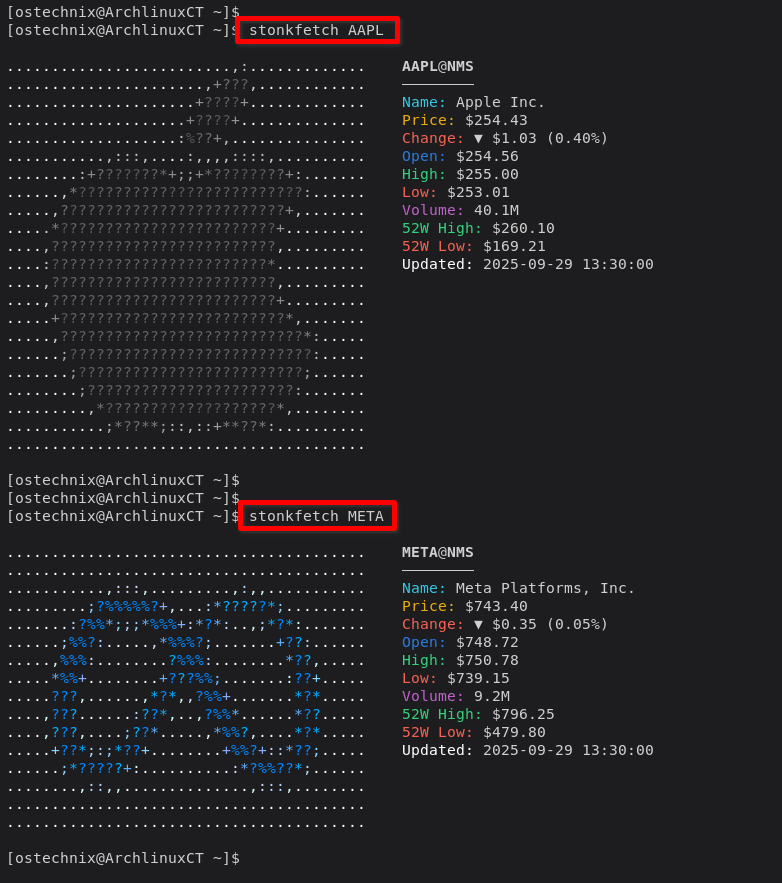
Similarly, you can display META's stock details using command:
stonkfetch META
Sample Output:
More Examples
Microsoft with grayscale ASCII art:
stonkfetch MSFT --no-color-ascii
TESLA without a logo:
stonkfetch TSLA --no-logo
AMD with no colors at all:
stonkfetch AMD --no-color
Google with a custom ASCII width:
stonkfetch GOOGL --ascii-width 80
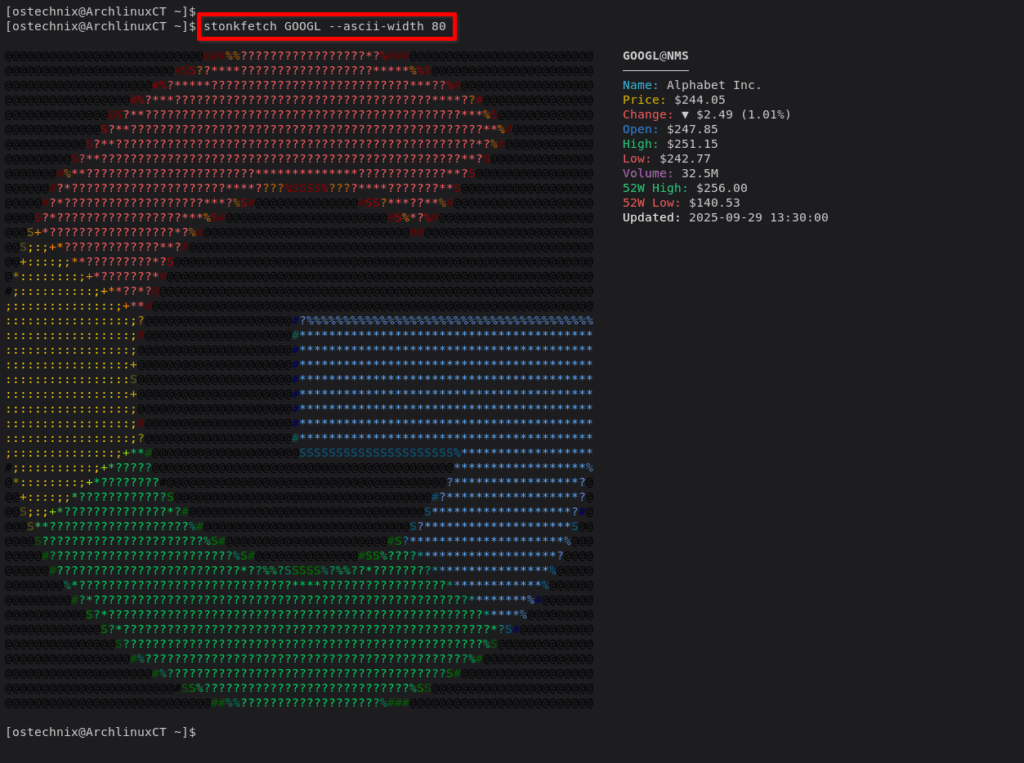
The default ASCII width is 40.
Supported Stock Categories
Stonkfetch includes built-in mappings for many well-known companies across industries:
- Tech: AAPL, MSFT, GOOGL, AMZN, META, TSLA, NVDA, AMD, INTC
- Finance: JPM, V, MA, PYPL, COIN
- Consumer: WMT, DIS, NKE, SBUX, MCD
- Cloud/SaaS: CRM, NOW, SNOW, DDOG, NET
If the symbol isn't mapped, Stonkfetch tries to derive the company domain automatically.
Frequently Asked Questions
A: Yes. Stonkfetch is a Python-based tool, so it runs on any system that supports Python 3.6 or newer. Linux and macOS users can run it directly from the terminal. Windows users may need Git Bash or Windows Subsystem for Linux (WSL) for the best experience.
A: You can track most public companies listed on major exchanges. Stonkfetch comes with built-in mappings for over 50 popular stocks like Apple, Microsoft, Tesla, and Amazon. If a company isn’t mapped, the tool tries to fetch its logo automatically.
A: No. Stonkfetch fetches data directly from the Yahoo Finance API without requiring any API keys. That means you can start using it right after installation.
A: If Stonkfetch can’t fetch the logo, it will use fallback ASCII art. This ensures the tool still works, even without an image source.
A: Yes. You can change the width of the ASCII logo, remove colors, or even disable logos completely using command-line options like --ascii-width, --no-color, or --no-logo.
Conclusion
Stonkfetch brings a unique mix of finance and fun to your terminal. With its real-time stock data, ASCII logos, and customization options, it’s both practical and entertaining. Whether you’re a trader, developer, or just someone who enjoys command-line tools, Stonkfetch is worth exploring.
For more details, refer the project's GitHub:
