
Ubuntu 25.10, codenamed "Questing Quokka", is officially released! This new stable version of Ubuntu brings some exciting and bold changes. Canonical has focused on speed, security, and reliability to make this release one of the best so far.
The biggest change is that Ubuntu now uses Wayland as the only desktop session for GNOME. This means the old Xorg session is gone. With this switch, users can expect smoother graphics, better battery life, and improved performance, especially on laptops.
Ubuntu 25.10 also moves deeper into Rust-based system tools. The new sudo-rs and rust-coreutils bring extra safety by reducing memory bugs and crashes. Plus, Ubuntu now uses Dracut for booting, which makes the startup process more predictable and easier to maintain.
Another highlight is the new experimental TPM-backed Full Disk Encryption (FDE), which improves data security on modern computers.
And, of course, it ships with the latest Linux kernel 6.17, giving better hardware support and performance out of the box.
Altogether, Ubuntu 25.10 offers a clean, secure, and modern Linux experience for everyone! It will be supported for nine months until July 2026.
Table of Contents
Notable Features in Ubuntu 25.10
Ubuntu 25.10 ships with many foundational changes, security enhancements, and desktop modernization.
Here are some notable features and changes in Ubuntu 25.10:
1. Core System and Foundational Changes
A major focus of this release is improving security and reliability through significant changes to core utilities and the boot process:
1.1. Linux Kernel 6.17
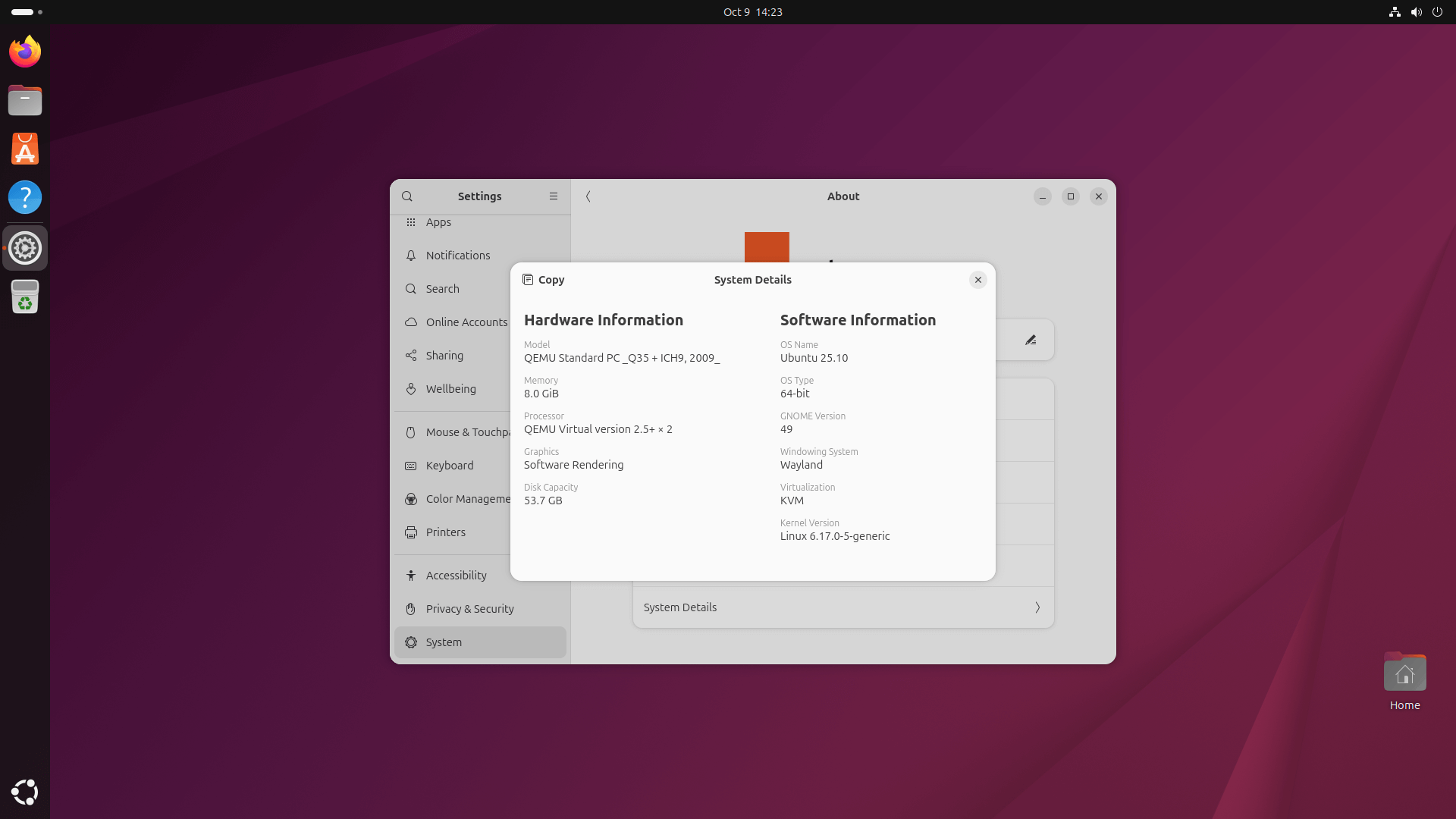
Ubuntu 25.10 ships with the latest Linux 6.17 kernel. This aligns with Canonical’s policy of integrating the most recent upstream Linux kernel available by the Feature Freeze date.
1.2. Adoption of Dracut
Dracut replaces initramfs-tools as the default initial RAM filesystem (initramfs) generator. This change aims to make the boot process safer and more predictable.
1.3. Rust Implementations
Ubuntu continues its initiative to oxidise core components for improved memory safety:
sudo-rsby Default: The defaultsudocommand is now provided by sudo-rs, a Rust-based implementation, enhancing memory safety for this critical command. The originalsudoremains available for niche features not supported bysudo-rs.rust-coreutils: Fundamental command-line tools likels,cp,mv, andcatare now provided byrust-coreutils(version 0.2.2) by default, offering memory safety benefits.
1.4. Default Time Daemon
Chrony (upgraded to v4.7) is the new default time synchronization daemon, replacing systemd-timesyncd.
Chrony is configured to use Ubuntu's Network Time Security (NTS) servers by default to address the lack of authentication in the traditional Network Time Protocol (NTP).
1.5. Kernel Module Simplification
The separate linux-modules-extra-* packages have been deprecated, with all kernel modules now shipped via the linux-modules package. This simplifies infrastructure and removes the need for users to install an extra package for full kernel support.
1.6. Package Manager Update
APT 3.1 is included, featuring a new package solver and enabling the apt history feature as an "easter egg".
2. Desktop Experience
The desktop focuses on adopting upstream GNOME changes and modernizing default applications:
2.1. GNOME 49
The release features GNOME 49, with the GNOME Shell stack updated to include GNOME 49 alpha.
2.2. Wayland Only for GNOME
The Ubuntu Desktop session is now provided by Wayland exclusively. The "Ubuntu on Xorg" session is no longer available, aligning with GNOME's roadmap to remove Xorg support from GNOME Shell. X11 applications are still supported via XWayland.
2.3. New Default Applications
- Ptyxis replaces GNOME Terminal as the default terminal emulator. Ptyxis offers GPU-accelerated rendering, tab overview, and a visual indicator (red header bar) when running commands with
sudo. - Loupe replaces Eye of GNOME as the default image viewer. This modern GTK4/libadwaita application is designed to show more of the image and fewer buttons.
3. UI/UX Improvements
- Lock Screen Media Control: Media playback can be controlled directly from the Lock Screen if the media player is MPRIS-compatible.
- Display Settings: The Settings > Display panel now fits on smaller resolution screens.
- Autostart Applications: The Startup Applications GUI has been removed, and autostart functionality is moved to a toggle within the Settings > Applications panel.
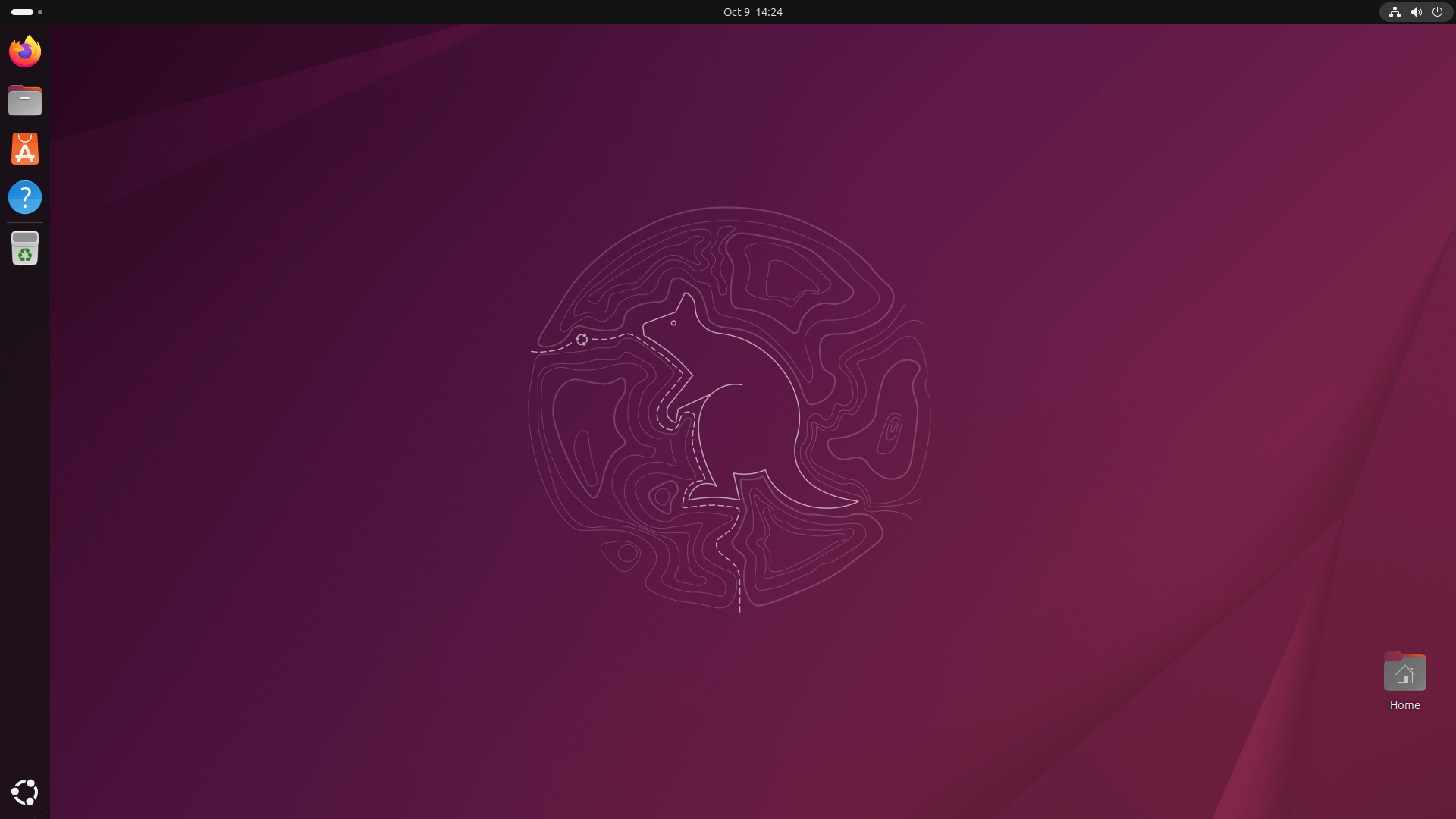
- Updated Wallpaper: Includes a new default wallpaper and a collection of wallpapers created by the community featuring the Questing Quokka mascot.
4. Gaming and Graphics
Work is underway to finalize Variable Refresh Rate (VRR) support in Mutter. The release also ships with Mesa 25.2.3 for open source graphics drivers and includes improvements for NVIDIA Dynamic Boost and new Intel integrated and discrete GPUs.
5. Security and Data Protection
5.1. Experimental TPM-backed Full Disk Encryption (FDE)
The TPM-backed FDE feature is now a first-class option in the installer, although it is still considered experimental.
- Key management is improved, allowing users to view, save, or print their recovery key during installation.
- The Security Center desktop application allows for the post-installation regeneration of the recovery key.
- The FDE implementation includes checks for system readiness and warns users if firmware updates might affect the TPM state.
- Support for TPM-backed FDE in conjunction with proprietary drivers, such as Nvidia, is planned.
6. Platform Specific Updates
6.1. Raspberry Pi Improvements
- A new A/B booting process is introduced to enhance boot reliability by maintaining two bootable system images.
- Desktop images for Raspberry Pi are now based on the "desktop-minimal" seed instead of "desktop", which significantly reduces the default set of installed applications (saving approximately 777MB of space).
6.2. RISC-V Profile Requirements
Ubuntu 25.10 raises the RISC-V profile requirement to RVA23S64 ISA profile.
6.3. Ubuntu Server Meta Package Changes
Several packages have been removed from the default ubuntu-server seed and metapackage, including screen, wget, byobu, cloud-guest-utils, and dirmngr.
Users needing simple download functionality can use wcurl, which is part of the included curl package, as a drop-in replacement for simple wget calls.
6.4. Updated Server Components
Includes updates for numerous server packages, such as Chrony v4.7, cloud-init v25.3, Dovecot 2.4 (which ends support for building on 32-bit architectures like i386 and armhf), Valkey 8.1, Samba 4.22, and Strongswan v6.0.1 (which drops the NTRU post-quantum encryption algorithm).
For more details, read the Ubuntu 25.10 official release notes.
Download Ubuntu 25.10 Questing Quokka
You can download the images for Ubuntu 25.10 (Questing Quokka) from the official Ubuntu release server. The ISO images are available for Desktop, Server, Netboot and WSL.
As I already mentioned, Ubuntu 25.10 is an interim release and will be supported for nine months until July 2026.
If you want long-term support, I recommend you to stick with the current LTS release Ubuntu 24.04 or wait for the next major LTS version Ubuntu 26.04, which is scheduled to arrive in April 2026.
Related Read:
