
Update: The final, stable version of Linux Mint 22.2, code named "Zara", is released. The official upgrade path is open for users of previous versions.
The Linux Mint team has officially released the BETA version of Linux Mint 22.2, codenamed Zara. Built upon the solid foundation of Ubuntu 24.04 with a Linux kernel 6.14, Linux Mint 22.2 'Zara' is meticulously crafted to deliver an even more comfortable and refined desktop experience.
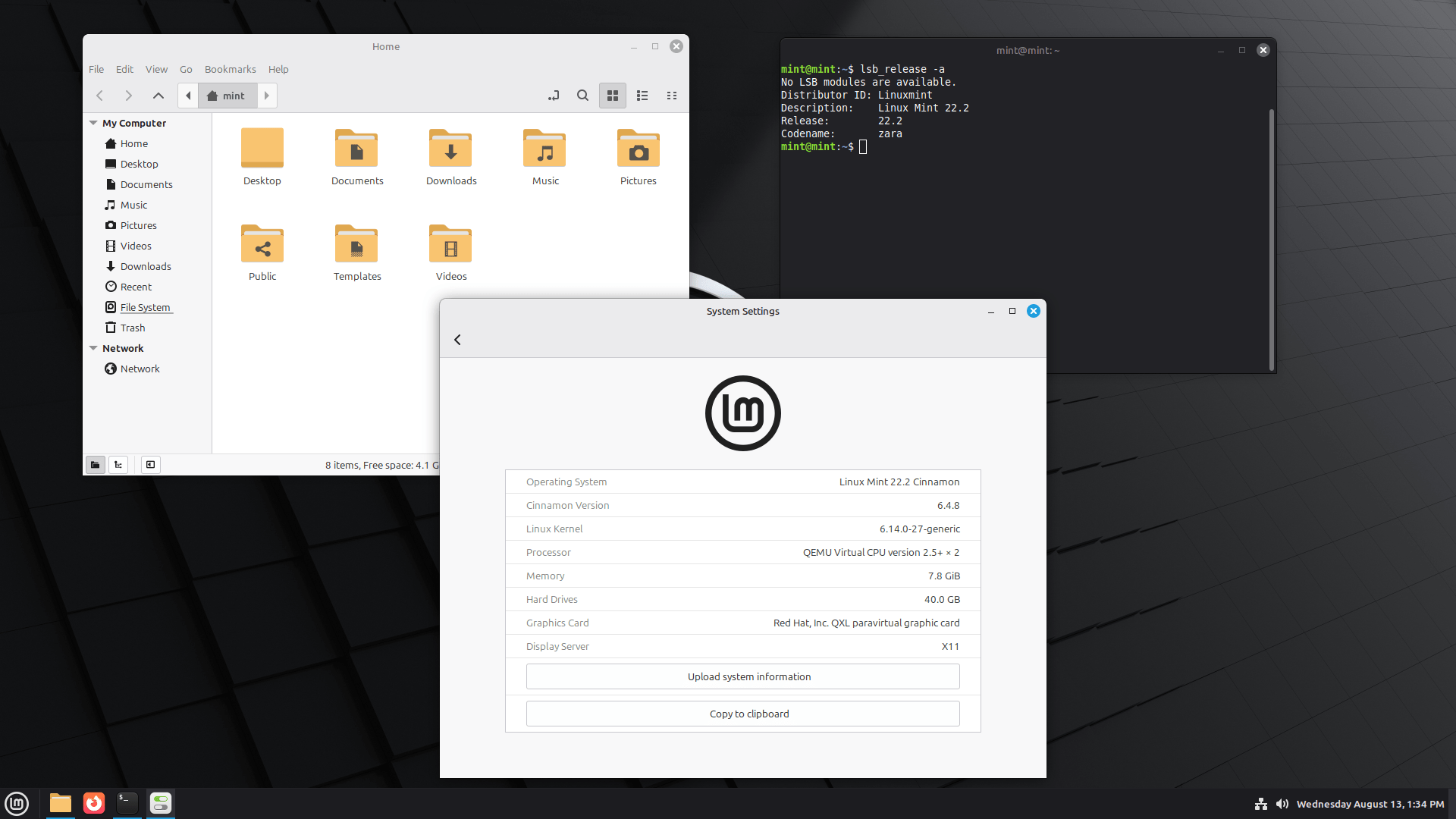
This iteration introduces a number of updated software and exciting new features, designed to enhance your daily productivity and enjoyment.
Key highlights include improved Sticky Notes with Wayland compatibility and Android syncing, a visually enhanced Login Screen, new viewing modes in Hypnotix, and the brand-new Fingwit application for seamless fingerprint authentication.
Furthermore, users will benefit from enhanced libAdwaita compatibility with accent colour support, and subtle yet impactful artwork improvements that lend a modern touch to the interface.
Linux Mint 22.2 Zara is an LTS (Long Term Support) release, meaning it will receive support and updates all the way until April 2029.
What's New in Linux Mint 22.2?
The developers have truly been busy, bringing some lovely refinements and features to make our desktop experience even more comfortable.
Let's discuss some of the cool new things you'll discover in "Zara"!
1. Sticky Notes Get a Makeover
I'm happy to see my beloved sticky notes now have rounded corners, making them look super sleek.
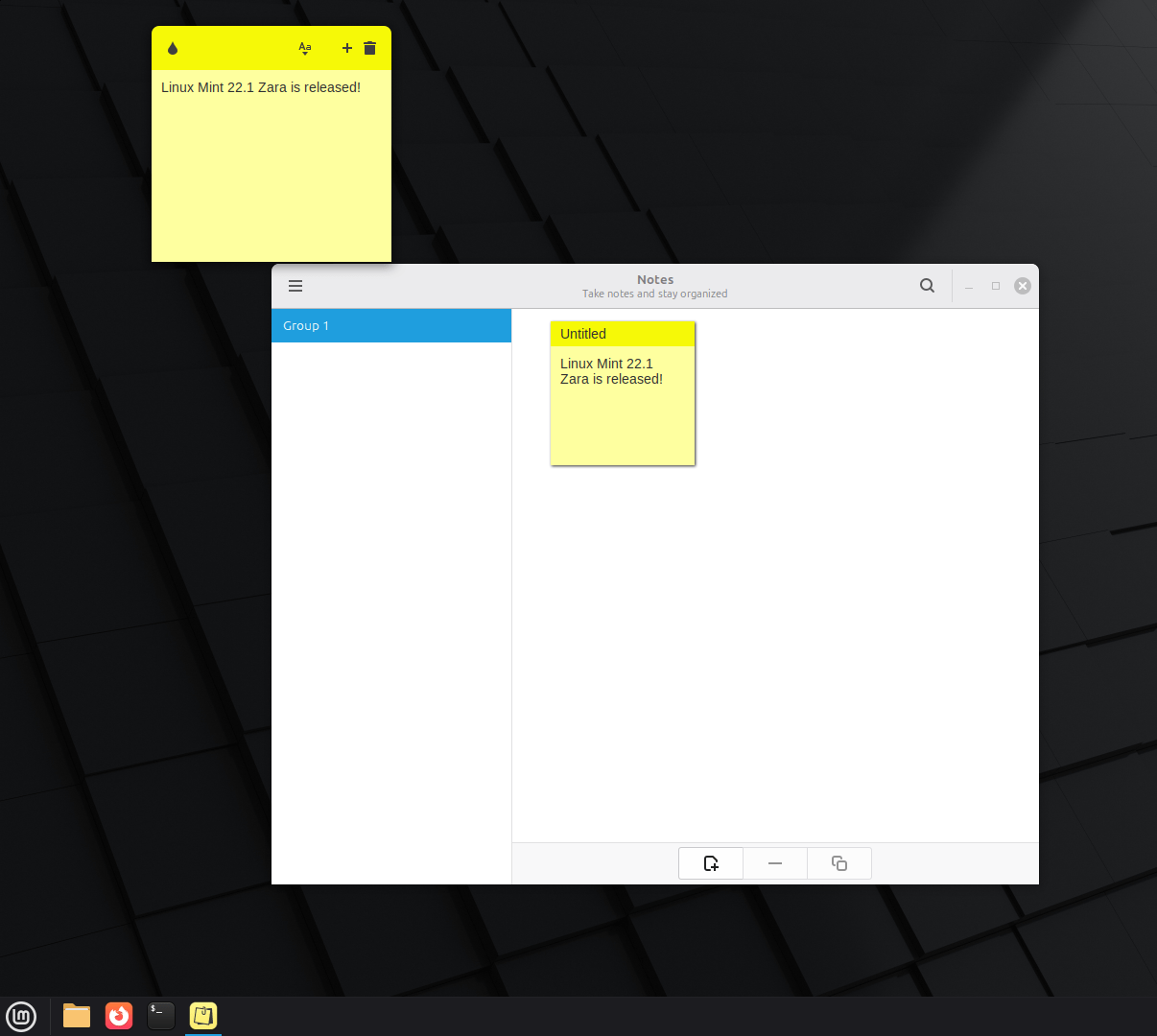
What's more, they now play nicely with Wayland, and there's even a new way to refresh your notes.
Plus, if you're an Android user, you can now sync your notes between Linux and your phone with a companion app called StyncyNotes!
2. A Prettier Login Screen
You'll immediately notice the login screen looks much better. It features a stylish blur effect on the panel and the login box, which really adds a touch of elegance.
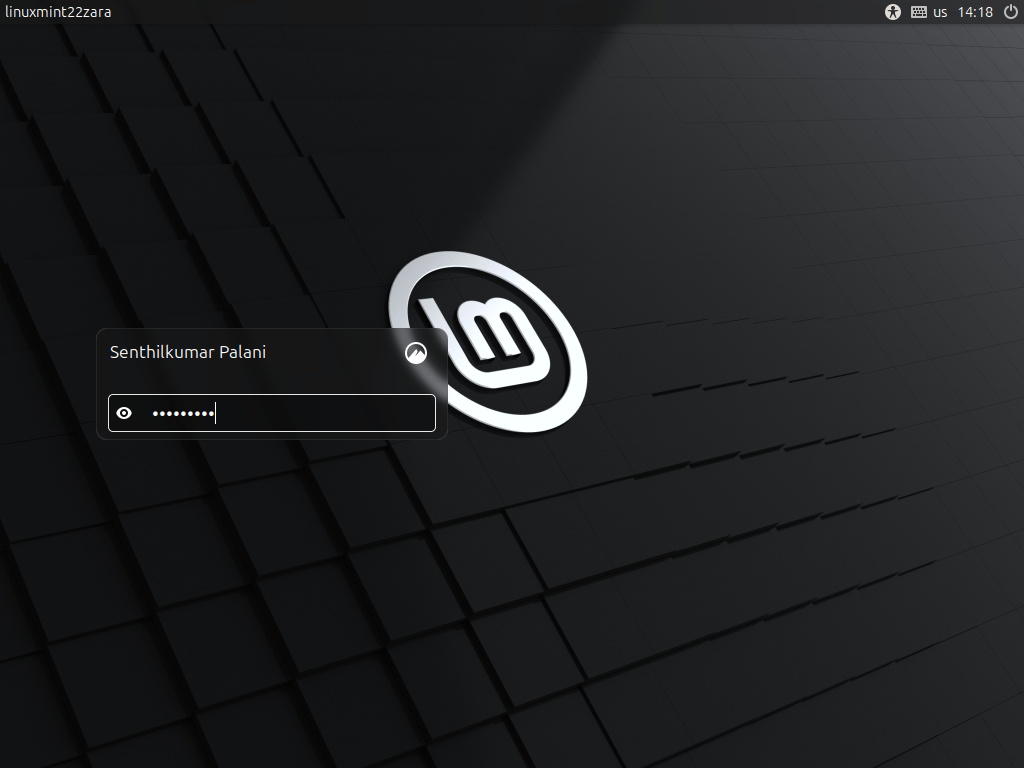
They've also added support for user avatars, so you can truly personalise your login experience.
3. Hypnotix Enhancements
If you enjoy watching TV through Hypnotix, you're in for a treat! It now offers "Theater Mode" which hides all controls for a full-screen feel, and "Borderless Mode" which even removes the window borders and titlebar.
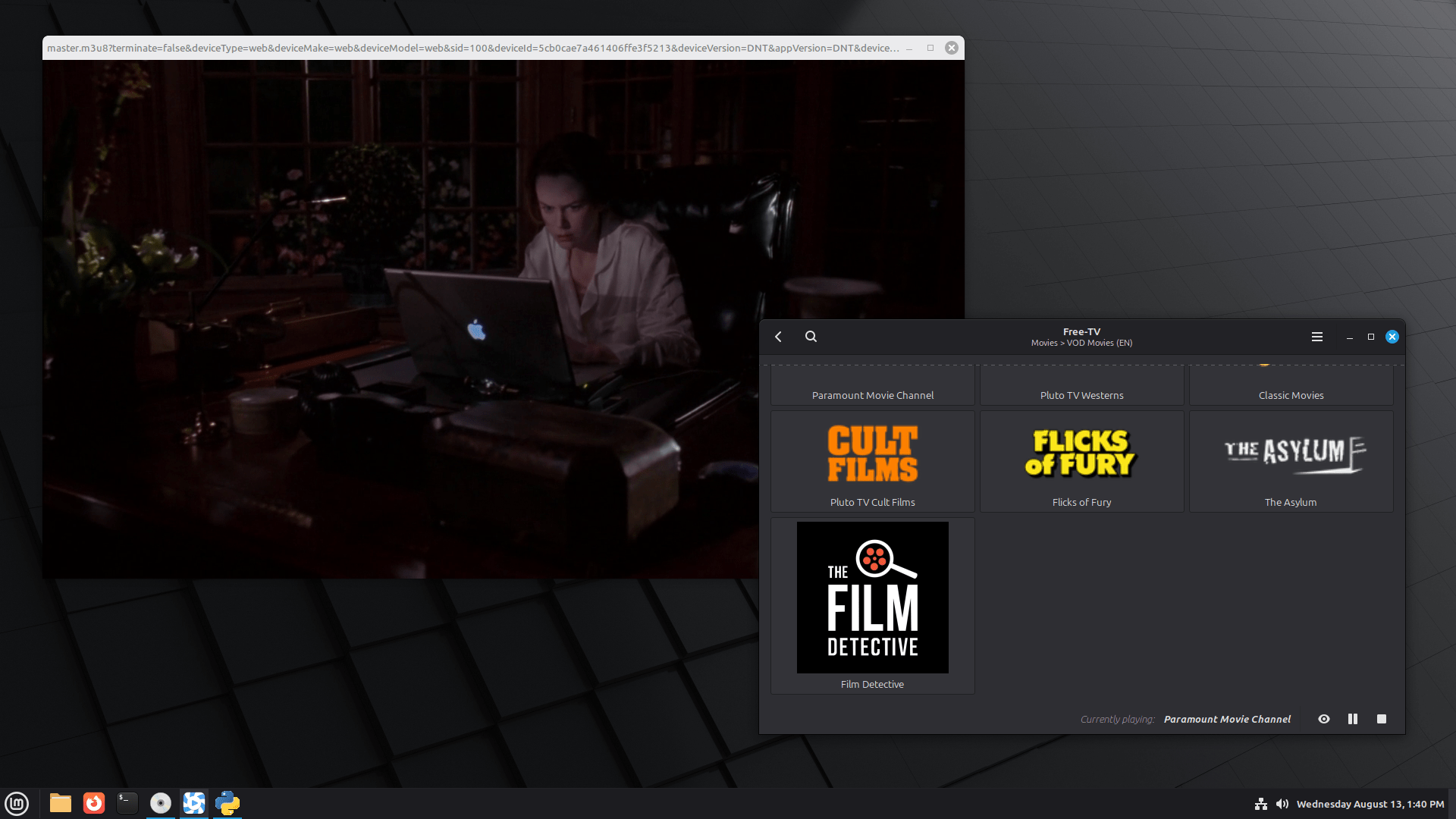
I find "Borderless Mode" perfect for tiling the window to the side of my screen. On top of that, it starts faster, searches more quickly, and the sound volume no longer resets when you switch channels.
4. Introducing Fingwit for Fingerprint Authentication
This is a big one! Linux Mint 22.2 brings a brand new application called Fingwit, designed specifically for fingerprint authentication. It can detect if your computer has a fingerprint reader and lets you easily record your fingerprints.
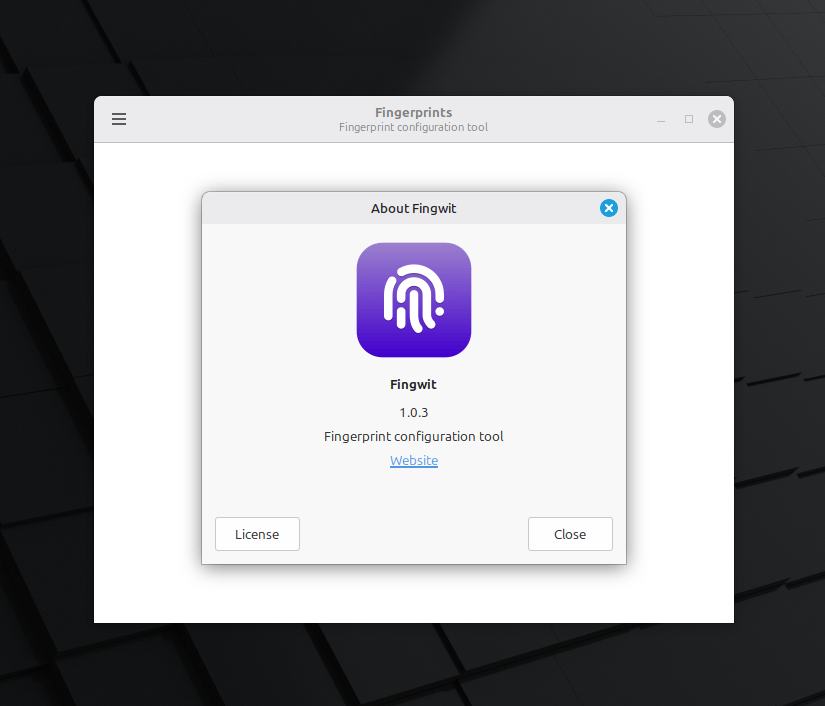
Once set up, you can use your fingerprint for the screensaver, sudo commands, and admin applications.
Just a quick note: if you use home directory encryption, you'll still need your password for the login screen.
5. Improved LibAdwaita Compatibility
The modern applications will now look much more consistent with your chosen Mint-Y, Mint-X, or Mint-L theme.
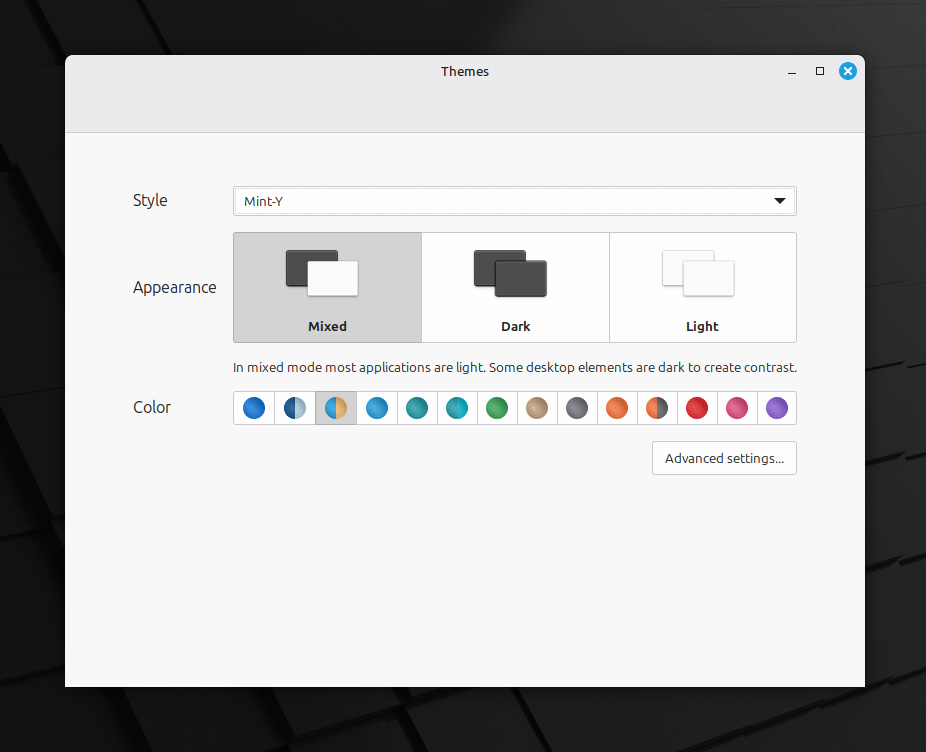
They've also ensured that Flatpak applications will now follow your accent colours. It all contributes to a more seamless and polished desktop experience.
6. XApps and Artwork Updates
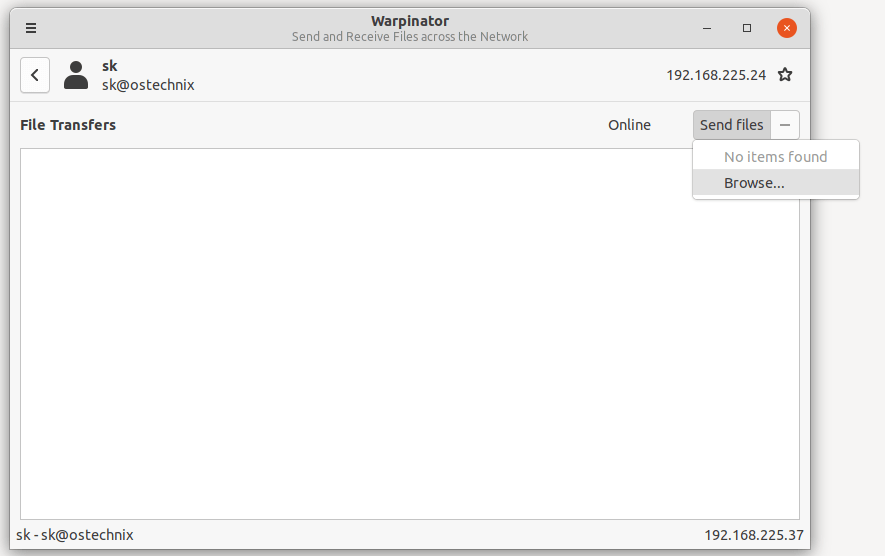
They've made lots of smaller improvements, including a new way to rename multiple files with enumerations, and an iOS version of Warpinator is now available.
Also, you might notice a subtle but lovely change in the theme colours – they've added a hint of blue to the grey tones. This makes the themes look more modern and the dark theme, especially, feels much softer and nicer.
7. Software Manager and Update Manager
The Software Manager's welcome screen looks better. Plus, it now helps explain the difference between Flatpak and system packages.
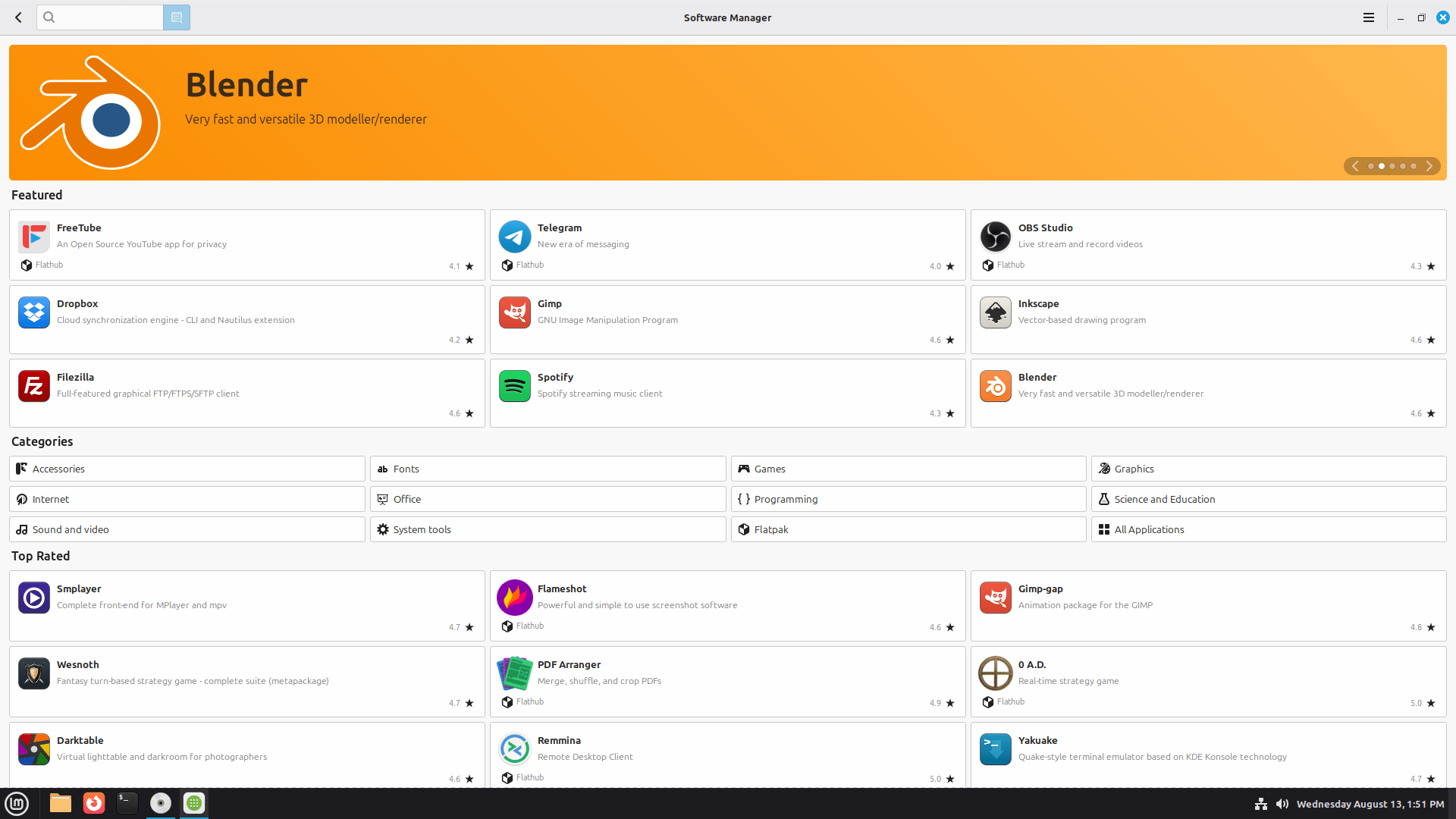
And when an update needs a restart, the Update Manager will clearly show a reboot button.
Download Linux Mint 22.2 BETA
You can find the download links for the Cinnamon, Xfce, and MATE editions of the Linux Mint 22.2 "Zara" beta on the Linux Mint 22.2 release announcement link.
Once you've downloaded an image, please remember to verify its integrity and authenticity to make sure it's the official version.
Linux Mint System Requirements
Make sure your computer meets these basic requirements:
- 2GB of RAM (though 4GB is recommended for a really comfortable experience).
- 20GB of disk space (100GB is recommended for more room).
- A screen resolution of 1024x768 (if it's lower, you can press the
Altkey to drag windows around if they don't quite fit).
Important Notes for Testing in VirtualBox
Remember, this is a beta release! This means it might contain some critical bugs. Therefore, I strongly recommend you only use it for testing purposes and not on your main computer.
You can install Linux Mint 22.2 "Zara" in a virtual machine like VirtualBox to test it safely. If you do, make sure to adjust your display settings in VirtualBox: change the graphics controller to "VMSVGA", increase video memory to 128MB, and disable 3D acceleration to prevent rendering issues.
Also, enable "Nested Paging" for a smoother live session. If you encounter any issues with freezing during boot, try using the "Compatibility Mode" boot option.
Report Issues
You can report any issues you find on Github at https://github.com/linuxmint/mint22.2-beta. Please be as accurate as possible and include details that might help the developers reproduce the problem.
