
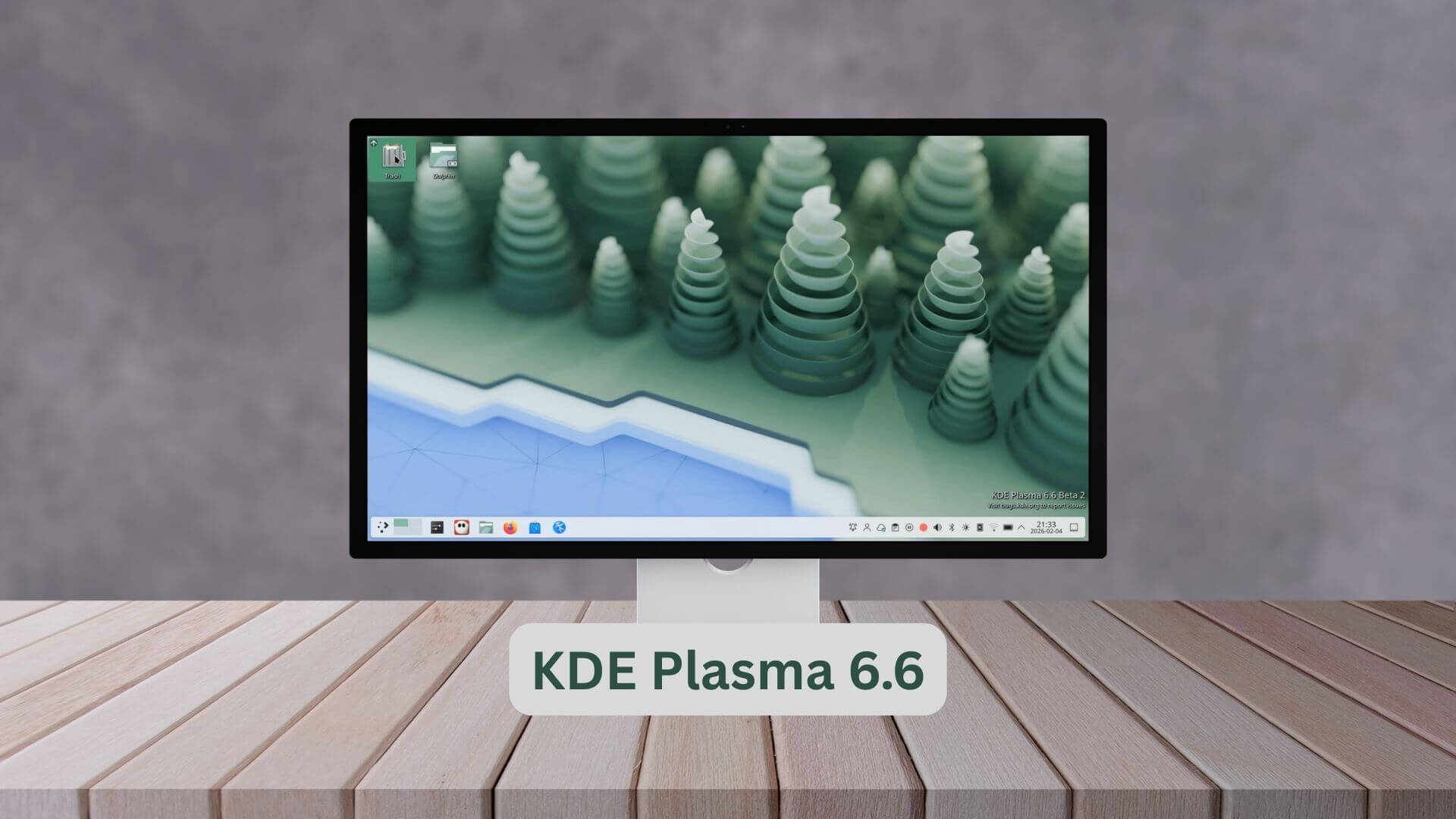
The KDE community has officially released Plasma 6.6, a major update focusing on system maturity, enhanced privacy controls, and improved accessibility for the Wayland session.
This release also introduces essential tools for content creators, advanced hardware integration, and technical refinements to the KWin compositing pipeline.
What's New in KDE Plasma 6.6 Release
Plasma 6.6 advances the desktop environment's transition to Wayland while prioritizing user privacy and ergonomic controls.
Key updates include a selective window exclusion tool for screen recording, automatic brightness support for devices with ambient light sensors, and significant performance optimizations for high-refresh-rate displays.
1. Privacy and Media Controls
Window Exclusion from Capture:
Users can now selectively exclude specific windows from screen recordings. This feature recursively hides all transient windows (popups and menus) to ensure sensitive information remains private during screencasts.
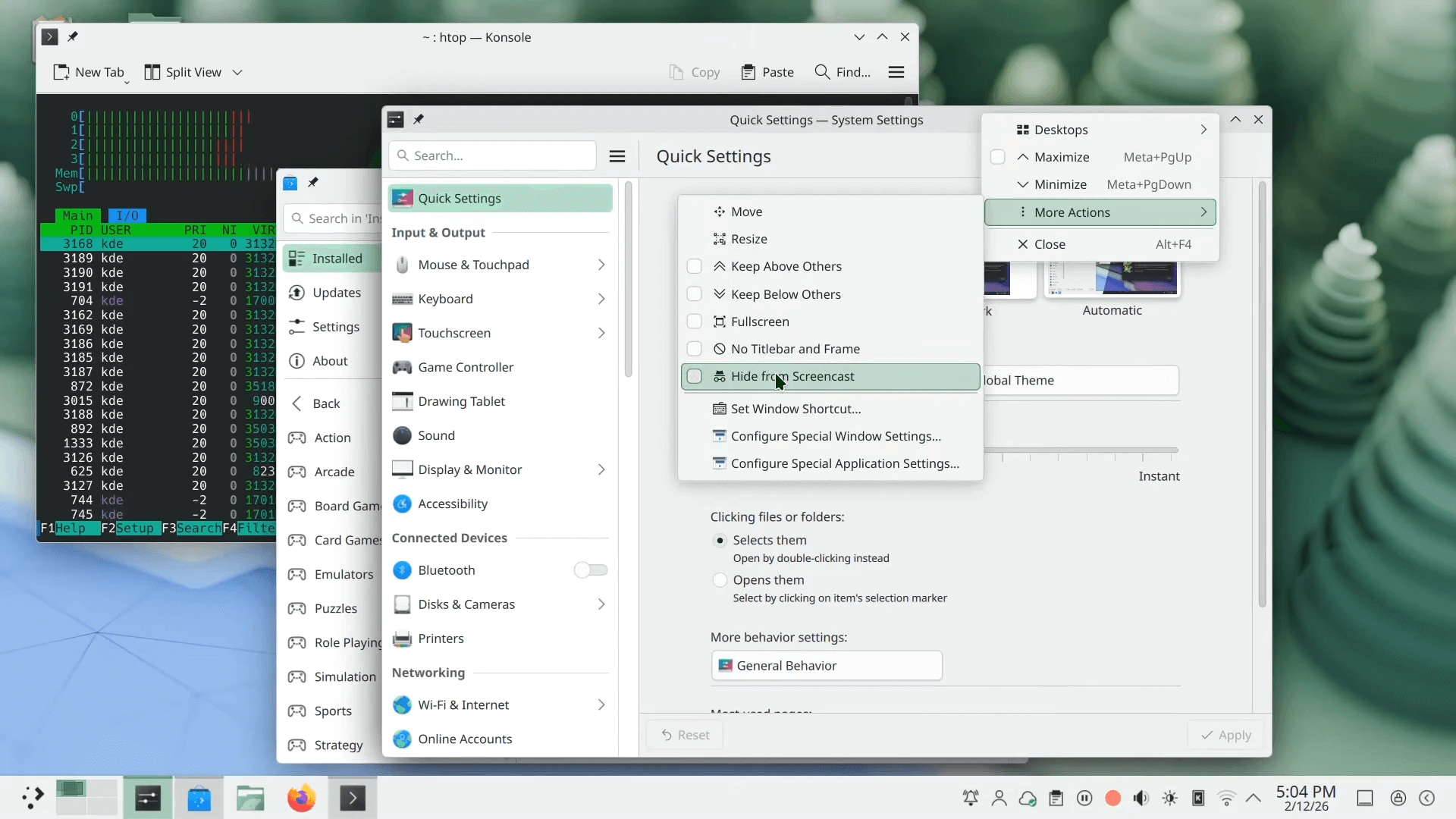
It is accessible via the titlebar, Task Manager, or through dedicated window rules.
Global Push-to-Talk:
A new system-wide feature allows users to mute all microphones until a specified hotkey is held.
Audio Volume Scrolling:
Users can now hover over an app's icon in the Task Manager and use the scroll wheel to adjust that specific app's volume.
2. Hardware Integration and Display
Automatic Brightness:
Plasma now supports automatic screen brightness adjustments on hardware equipped with ambient light sensors.
HDR Gaming Workaround:
To improve compatibility for Windows games with HDR support running through WINE or Proton, KWin now includes specific color representation workarounds to ensure accurate color rendering.
Custom Screen Modes:
Technical support for setting custom modes on virtual screens has been added to KWin.
3. Accessibility and Ergonomics
Spectacle OCR:
The Spectacle screenshot utility now includes Optical Character Recognition (OCR), allowing users to extract text directly from images. For more details, check our blog post below:
Wayland "Slow Keys":
The "Slow Keys" accessibility feature is now fully implemented for the Wayland session.
Advanced Zoom Modes:
The desktop zoom feature gained a new tracking mode that keeps the pointer strictly centered on the screen.
Accessibility Filters:
A new grayscale filter for colorblindness has been added, and the system now supports the standardized "Reduced Motion" setting.
Emoji Customization:
The Emoji Selector (Meta + .) now supports skin tone preferences for human-centric emojis.
4. System Productivity
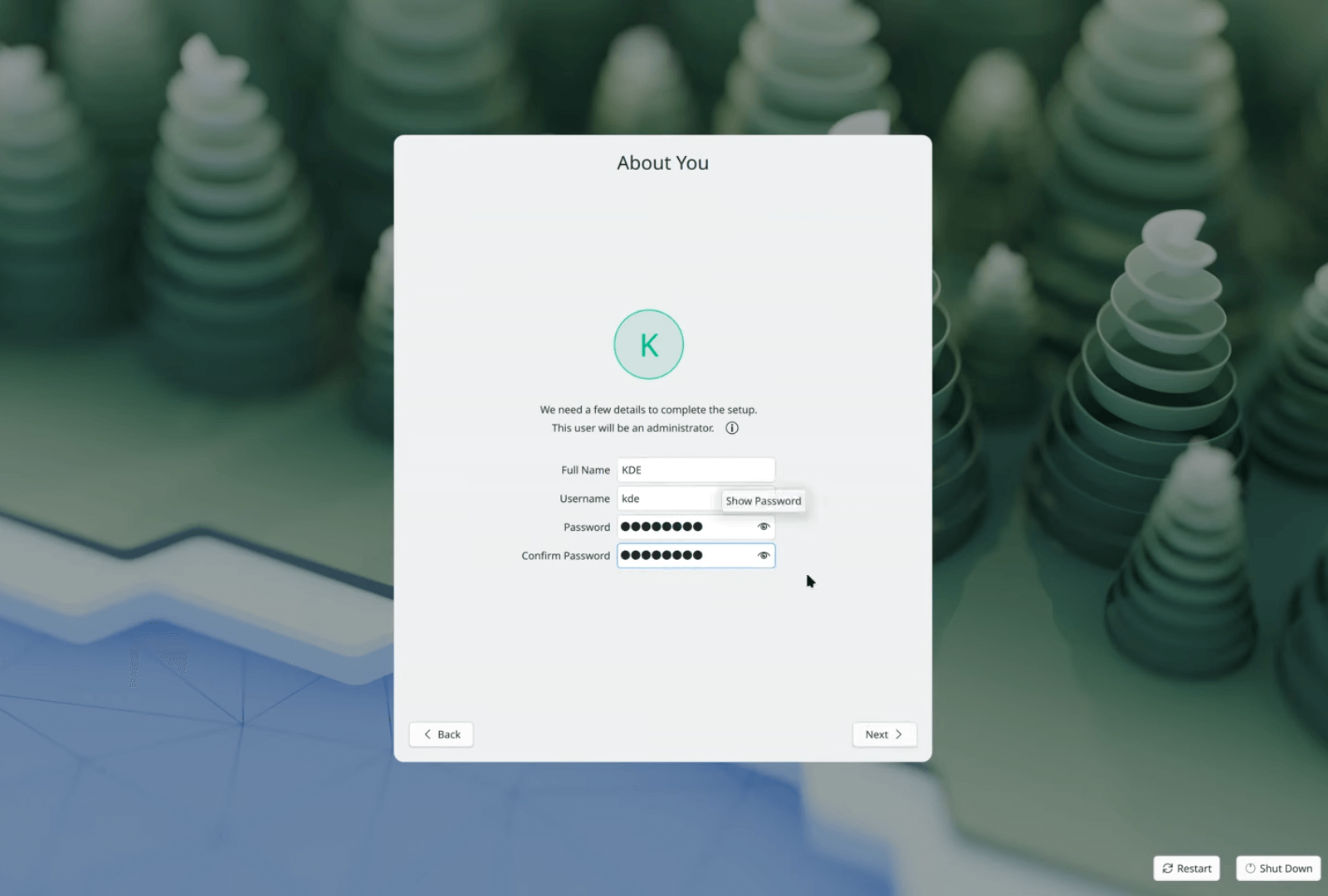
Plasma Setup:
A new first-run wizard facilitates account creation and network connection independently of the OS installation process.
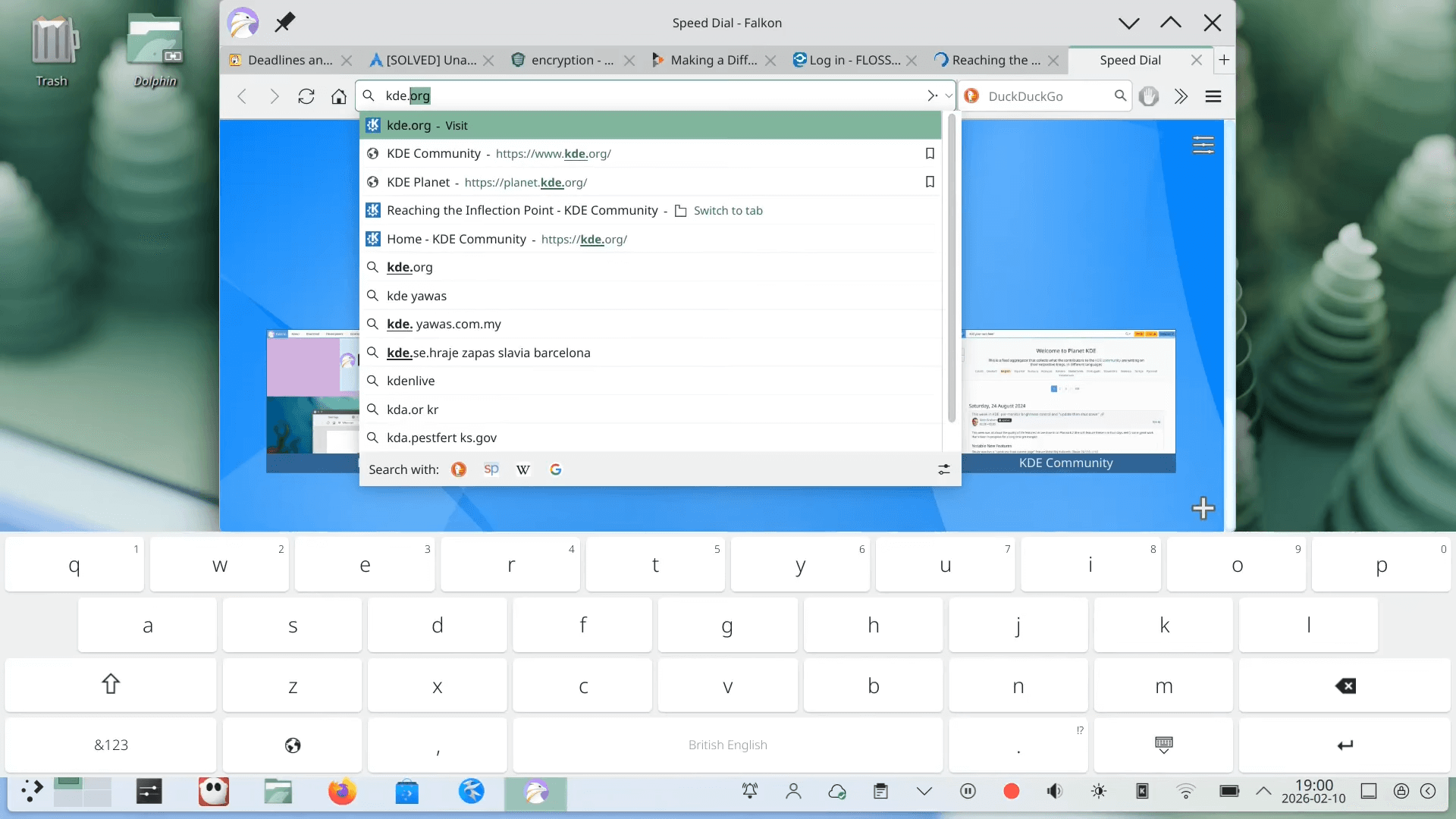
Plasma Keyboard:
KDE Plasma 6.6 release introduces a brand-new on-screen keyboard designed for better usability.
System Monitor Enhancements:
Users can now set process priorities and schedulers graphically, restoring functionality previously found in KSysGuard.
Wi-Fi QR Scanning:
If the system has a camera, users can quickly connect to Wi-Fi networks by scanning a QR code.
Breaking Changes & Deprecations
- X11 Session Deprecation: Developers have announced a formal end to the Plasma X11 session in early 2027. Consequently, X11 session components are now disabled by default and marked as deprecated.
- QR Code Handling: The separate QR code dialog has been removed; QR codes are now displayed inline within the clipboard widget to streamline the UI and reduce legacy code.
Improvements & Fixes
- Task Manager Logic: When cycling through grouped windows, the system no longer prioritizes full-screen windows; instead, they are raised based on the order of their last use.
- KMenuEdit Productivity: Support for multi-item selection has been added, allowing for faster deletion and reorganization.
- Spectacle Persistence: Screenshot notifications now include an "Open Containing Folder" button and persist in the notification history until manually dismissed.
- Kicker Refinements: The Application Menu now supports non-square icons, and search results have been stabilized to prevent flickering while typing.
Performance Impact
- Animation Smoothness: A significant overhaul of animation timing provides a much smoother experience on monitors with refresh rates exceeding 60 Hz.
- Reduced Frame Drops: KWin has been optimized to reduce frame drops on extremely high-refresh-rate displays.
- Streamed Configuration:
KConfignow parses configuration files as a stream rather than loading them entirely into memory, which prevents system freezes caused by corrupted config files. - Efficient File Operations: Moving files to the trash is now up to 50 times faster due to efficiency improvements in
KIO.
How to Try KDE Plasma 6.6
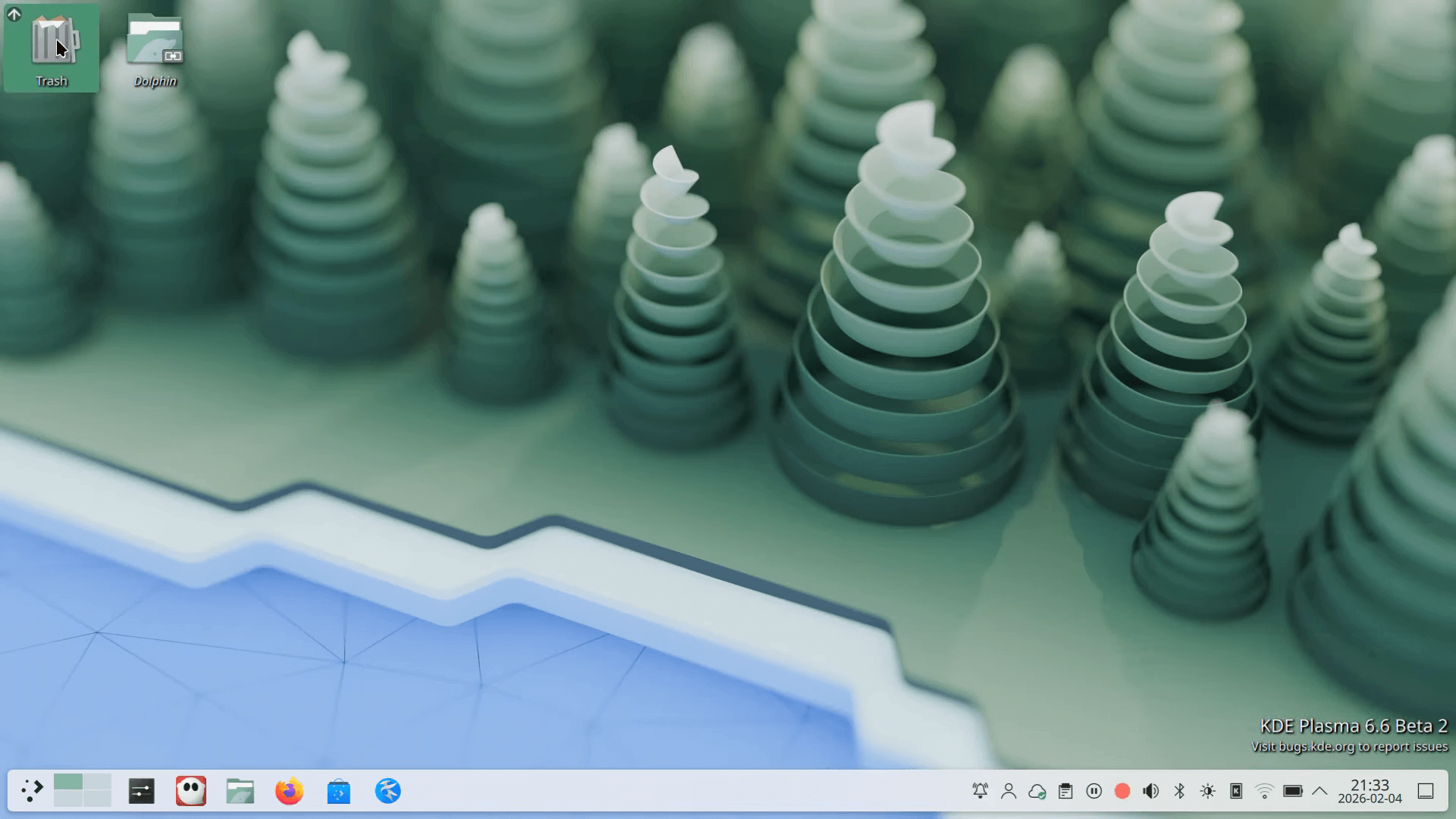
Users can evaluate Plasma 6.6 through several methods:
- Live Images: Community-provided live USB images allow for testing without installation.
- Docker: Docker images provide a quick, sandboxed environment for evaluation.
- Distribution Packages: Packages are being prepared by major distributions, including Arch Linux, Fedora KDE, and Debian.
Should You Upgrade to Plasma 6.6?
Plasma 6.6 is a recommended upgrade for users prioritizing Wayland stability and privacy. It is particularly beneficial for:
- Content Creators: Who require the new screen capture exclusion tools.
- Accessibility Users: Who need "Slow Keys" on Wayland or enhanced zoom modes.
- Laptop Users: Who will benefit from automatic brightness and the new first-run setup wizard.
Conclusion
Plasma 6.6 represents a dedicated effort to finalize Wayland session parity while introducing modern features like OCR and ambient light sensing.
This release is dedicated to the memory of Björn Balazs, a passionate KDE contributor who advocated for user privacy and control.
For more details, read the official Plasma 6.6 release notes and Plasma 6.6 complete changelog.
