
We've got a good news to the Fedora community! The latest stable update, Linux Kernel 7.1, is now landing in Fedora repositories. I updated my Fedora 44 system today and noticed that kernel version 7.1.3 is being pulled from the repositories.
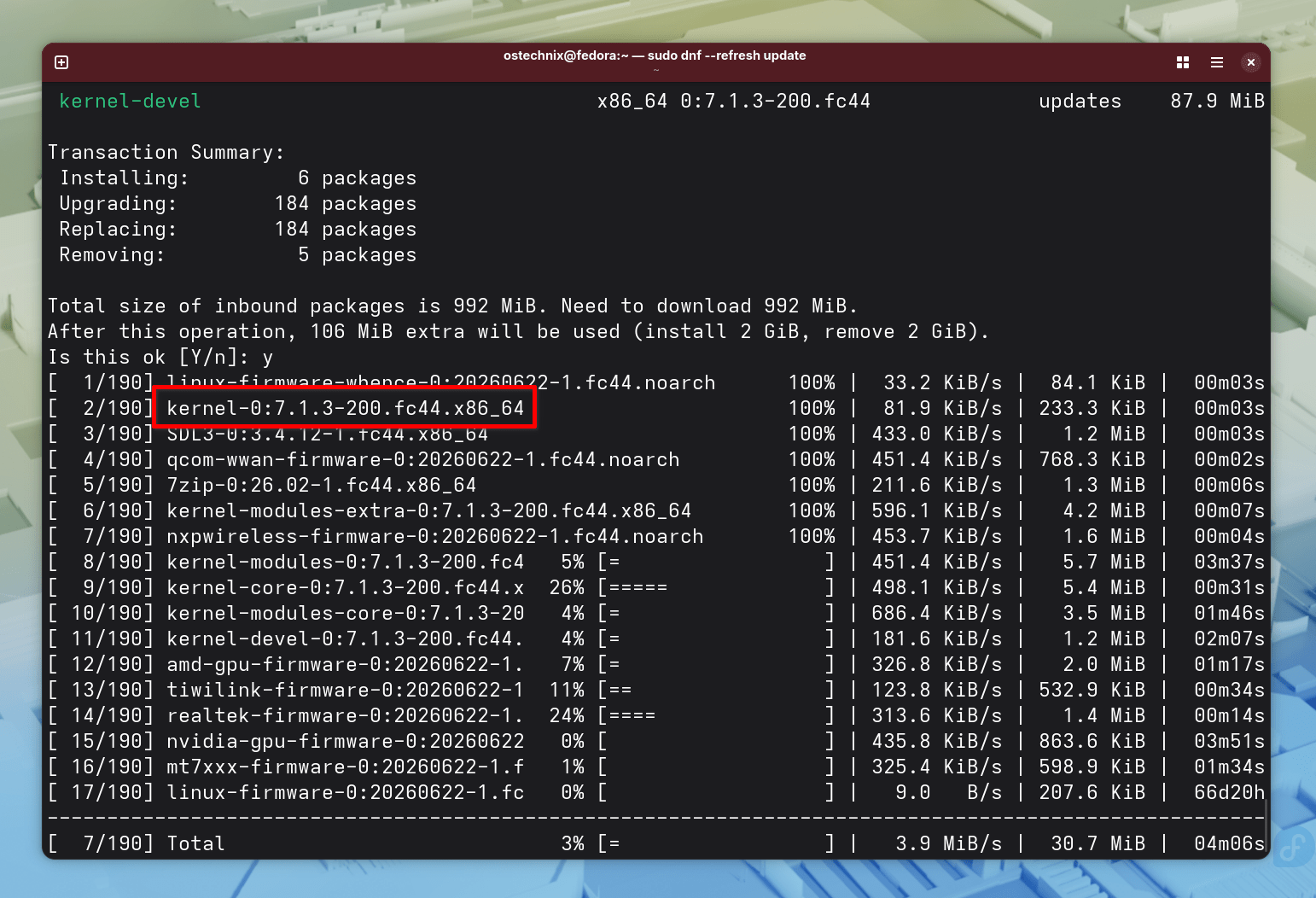
Table of Contents
What Is New for Your Hardware?
Linux 7.1 update focuses heavily on making your hardware run smoother and faster. For example, Intel users now have a feature called "FRED" enabled by default. This change helps the kernel handle system tasks more efficiently.
Meanwhile, AMD users can enjoy a smarter way to save power. Your system can now automatically adjust its performance settings depending on whether you are using a battery or a wall outlet.
Additionally, developers completely rewrote the high-resolution timer core. This improvement allows your computer to handle complex timing tasks without slowing down your overall speed.
Better Storage and Filesystems
If you often work with Windows-formatted drives, you will appreciate this release. The community completely rewrote the NTFS driver to provide full write support and much better reliability.
Furthermore, the Btrfs "shutdown" feature is now stable and ready for everyone to use. This tool allows you to stop all work on a disk instantly so you can unmount it safely.
Community Warnings to Keep in Mind
While these new features are great, early adopters have shared a few warnings. Some users on modern Intel laptops reported that version 7.1 might break "sleep mode" or suspend to RAM. Additionally, a few people noticed ongoing trouble with mt7902 WiFi and Bluetooth modules.
However, if you use a Dell Latitude 7390, we have excellent news. The annoying screen backlight bug that developers tracked for weeks is finally fixed in this release.
How to Get the Update
You can check for the update right now through your Fedora software center or by using your terminal.
sudo dnf --refresh update
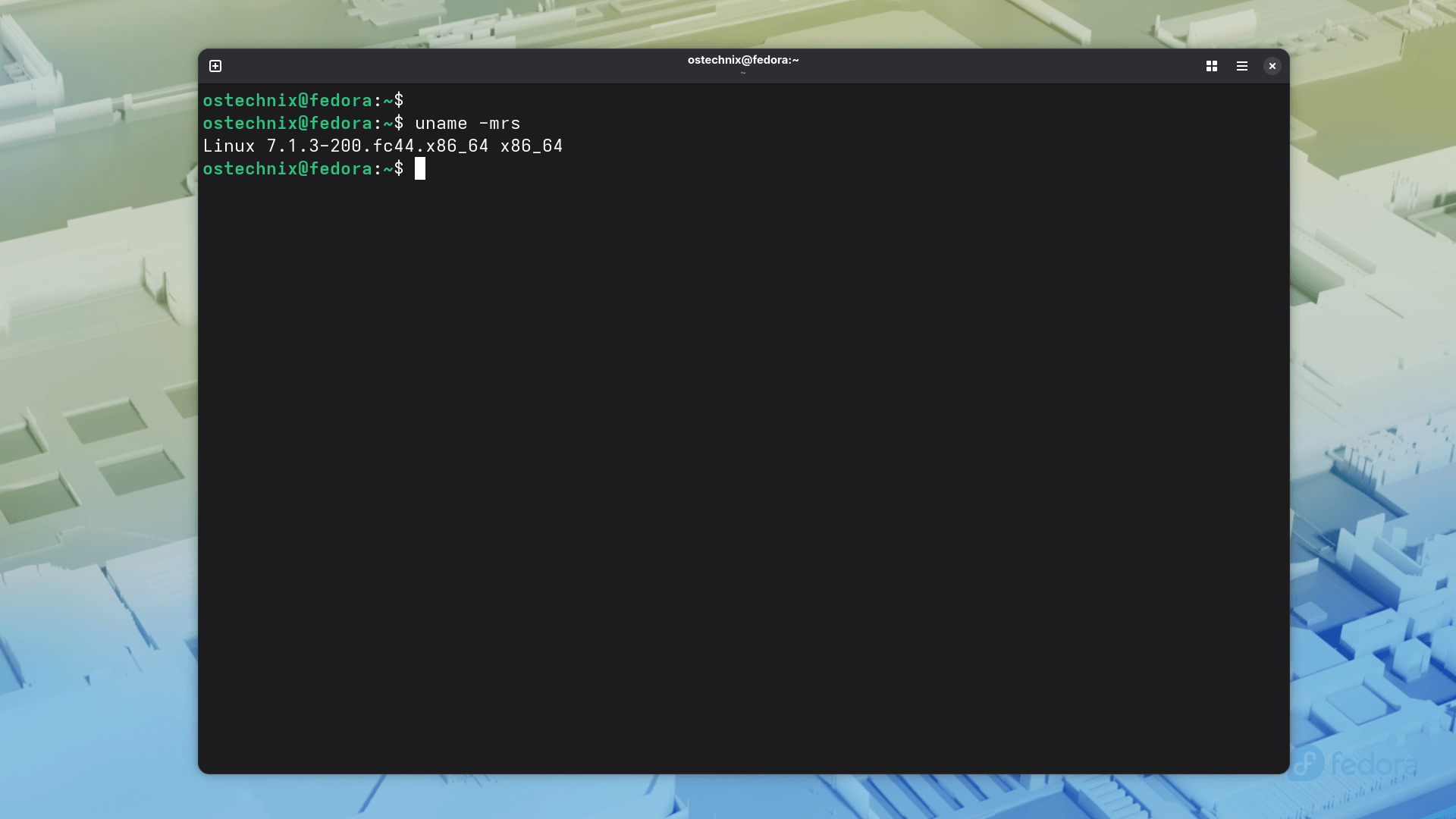
Once the update is complete, reboot your system into the new kernel.
$ uname -mrs
Linux 7.1.3-200.fc44.x86_64 x86_64
Because this is a major kernel jump, you should always back up your important files before hitting the update button. If you use a production machine for work, you might want to wait a few extra days to see if the community finds any other small bugs.
