
Table of Contents
Quick Summary
- Fedora Linux 44 Beta has been officially released with better software and hardware support among other improvements.
- Fedora 44 focuses on Wayland-native modernisations, technical reliability, and developer empowerment.
- Key updates include the migration of the Budgie desktop to Wayland, a shift for the Games Lab to KDE Plasma, the introduction of the Nix package manager, and a project-wide goal to achieve 99% reproducible builds.
- If you're already using Fedora 43, you can directly upgrade to Fedora Linux 44 Beta without re-installation.
- For those who prefer fresh installation, the Fedora 44 Beta ISO images are also available for the Workstation, Server, IoT, and Cloud editions.
Fedora Linux 44 Beta is Here!
The Fedora Project just announced the availability of Fedora Linux 44 Beta. This release is more than just a routine update.
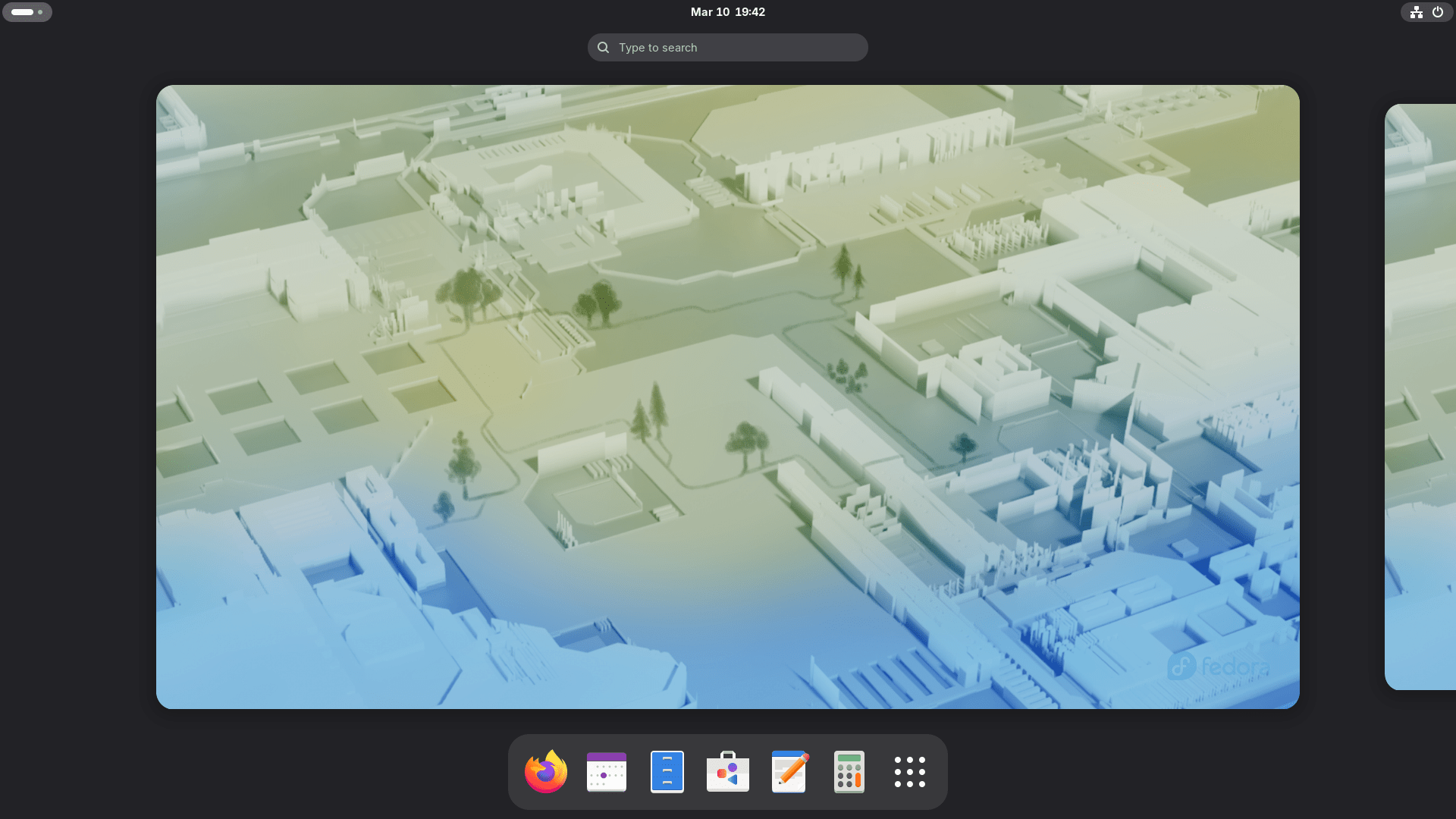
It marks a major step forward in how the distribution handles system integrity, hardware compatibility, and the desktop experience.
Whether you are a developer, a gamer, or a casual user, there is something here for you.
What's New in Fedora 44 Beta?
The Fedora community uses beta releases to refine the final product. This version focuses on "under the hood" improvements that make the system faster and more reliable.
A Reliable Technical Core
Updated GNU Toolchain
The developers have updated the core engine of the OS. Fedora 44 includes the latest GNU Toolchain, featuring gcc 16.1 and glibc 2.43. These updates ensure that developers have the most modern tools for building secure software.
99% reproducible builds
One of the most impressive goals for this release is achieving 99% reproducible builds. This means you can verify that the software you install exactly matches the original source code.
To help with this, Fedora now automatically hardlinks identical files under /usr by default. This saves disk space and fixes technical race conditions during package validation.
The Nix Package Manager
Fedora 44 introduces the Nix functional package manager as a new developer tool.
A Smarter Desktop Experience
Fedora 44 Beta continues the push toward Wayland, the modern standard for Linux displays.
Fedora Spins are Moving to Wayland
Several popular "Spins" are making big moves:
- Budgie 10.10: This desktop environment has officially migrated from X11 to Wayland. This move lays the groundwork for the next generation of the Budgie desktop.
- The Games Lab: Fedora has rebuilt its Games Lab deliverable. It swapped Xfce for KDE Plasma to use its superior Wayland stack. This provides a much better experience for modern gaming and game development.
New Plasma Setup Application for KDE Plasma DE
If you use the KDE variant, you will notice a smoother setup. The Plasma Setup application now handles your initial configuration.
For those unaware, In Fedora 44, the Plasma Setup application is a new post-install tool introduced for all Fedora KDE variants. Its purpose is to provide a unified "out of the box" experience by handling system configuration after the initial installation is complete.
To avoid duplication, the Anaconda installer has been adjusted to disable redundant configuration stages that are now handled by this setup application.
Fedora also replaced the old SDDM login screen with the new Plasma Login Manager (PLM).
Hardware and Installation Improvements
Installing Linux can sometimes be tricky with specific hardware, but Fedora 44 Beta makes it easier.
- Windows on ARM (WoA) Support: For those using ARM-based laptops, Fedora now offers automatic DTB selection. This allows the Live ISO to work "out of the box" on these modern devices.
- Cleaner Networking: In the past, the Anaconda installer created network profiles for every device it found. Now, it only creates profiles for the devices you actually configure during setup. This solves long-standing headaches when trying to change your network settings later.
- DNF5 Backend: The installer has transitioned its backend to DNF5, making the installation process more modern and efficient.
- Sunsetting 32-bit Host Support: Inline with upstream QEMU decisions, Fedora 44 has dropped QEMU 32-bit host builds for the i686 architecture. This shift is due to QEMU's transition toward assuming 64-bit atomic operations in all builds.
Download and Test Fedora 44 Beta Today
Ready to test the new features in Fedora 44? You can download the Fedora 44 Beta for Workstation, Server, and IoT from the links below.
- Fedora Workstation 44 Beta
- Fedora KDE Plasma Desktop 44 Beta
- Fedora Server 44 Beta
- Fedora IoT 44 Beta
- Fedora Cloud 44 Beta
Download Fedora 44 variants (spins), including Xfce, LXDE, COSMIC, i3,
and other desktop environments from the links below:
Install your preferred beta version in your test machine or a VM and report back any issues Testing this beta is a vital way to help the project refine the final experience for everyone.
See the list of commonly encountered issues for Fedora 44 in the following link:
Upgrade Fedora Linux 43 to 44
If you want to upgrade your current system to Fedora 44 Beta, follow these steps:
Step 1: Back up your data.
Every upgrade carries some risk. So we strongly recommend you to backup all important data.
Step 2: Update your current Fedora 43 system.
If you're already running Fedora Linux 43, update it using command:
sudo dnf upgrade --refresh
You can also do via Software center.
Once update is done, reboot your system to apply all updates.
Step 3: Download the new Fedora 44 release.
Run the following command to download the Fedora 44:
sudo dnf system-upgrade download --releasever=44
Wait for the download to finish. It will take a while depending upon the number of installed packages and the Internet speed.
Step 4: Upgrade to Fedora 44 Beta from Fedora 43.
Now start the actual Upgrade using command:
sudo dnf5 offline reboot
On older systems (prior to Fedora 41), use this command instead:
sudo dnf system-upgrade reboot
Once the process finishes, your system will boot into the fresh Fedora 44 environment.
If the system is only partly upgraded or faces dependency issues, you need to run sudo dnf distro-sync to manually align installed packages with the enabled repositories.
After successful upgrade, users should run rpmconf -a to handle configuration file changes (like .rpmnew files) and use remove-retired-packages to delete software no longer distributed by Fedora. For more details, check Fedora 44 upgrade guide below:
Resources:
